Best AI Courses for UI and UX Designers: Boost Your Career

This article includes affiliate links, which help support this website at no extra cost to you. Learn more
AI tools are now standard in design workflows. The challenge isn't whether to learn AI, but which course fits your skill level, budget, and goals. Most courses teach generic prompting or focus on tools that change every few months. The best ones teach workflow integration: how to use AI for research, ideation, prototyping, and testing in ways that stick.
This guide compares 6 essential AI courses for UX, UI, Visual and Product Designers, from free Coursera trials to $799 bootcamps. Use the comparison table to find your fit, then dive into detailed breakdowns below.
Best AI Courses for UI and UX Designers in 2026
The distinction between UX and UI continues to blur as designers increasingly work across both disciplines. Most AI courses reflect this reality: they cover skills relevant to research, ideation, visual design, and prototyping. The table below compares all courses at a glance, followed by detailed breakdowns.
1. Interaction Design Foundation:
AI for Designers
FOCUS: UX | LEVEL: Beginner to Intermediate

This comprehensive course from the Interaction Design Foundation covers everything designers need to know about AI: from understanding what AI is and mastering prompt engineering to using AI throughout the design process and creating human-centered products.
Key Features
- 14 hours of content spread over 5 weeks covering AI fundamentals, research, ideation, prototyping, testing, and designing products
- Taught by industry experts including Ioana Teleanu (former Lead Product Designer AI at Miro), Jarvis Moore (Microsoft), Niwal Sheikh (Netflix), and Vitaly Friedman (Smashing Magazine)
- Hands-on portfolio-building exercises with downloadable templates and step-by-step guides
- Covers both using AI as a design tool and designing human-centered AI-powered products
- Graded by experts, not machines, with an industry-recognized certificate
Pros
- Comprehensive curriculum covering the full spectrum from AI basics to advanced AI product design
- Beginner-friendly with no prior AI or coding knowledge required
- Expert instruction from designers at top companies like Miro, Microsoft, and Netflix
- Practical focus with templates you can use immediately in real projects
Cons
- Requires IxDF membership to access
- Self-paced format requires self-discipline to complete
Ideal For
This course suits designers of all levels who want a complete AI education: from understanding fundamentals and mastering prompts to integrating AI into workflows and designing ethical products. Ideal starting point for anyone new to AI in design.
Tip
With this link, you get the IxDF membership for $198/year (regularly $264), including masterclasses for just $5 each (normally $50).
Available masterclasses include:
Get Ahead in Product Design with AI
The AI Playbook: How to Capitalize on Machine Learning
How to Break into UI Design: Design Skills That Make You Irreplaceable by AI
AI for Design Systems: How to Stay Ahead and Lead
How to Use AI Ethically in UX Research: A Practical Guide
How to Create AI Images: On-Brand and Inclusive Photography
Adobe Firefly and Generative AI: Deep Dive
2. Coursera:
Generative AI for UI UX Design Specialization
FOCUS: UI & UX | LEVEL: Beginner to Intermediate | Free Trial Available
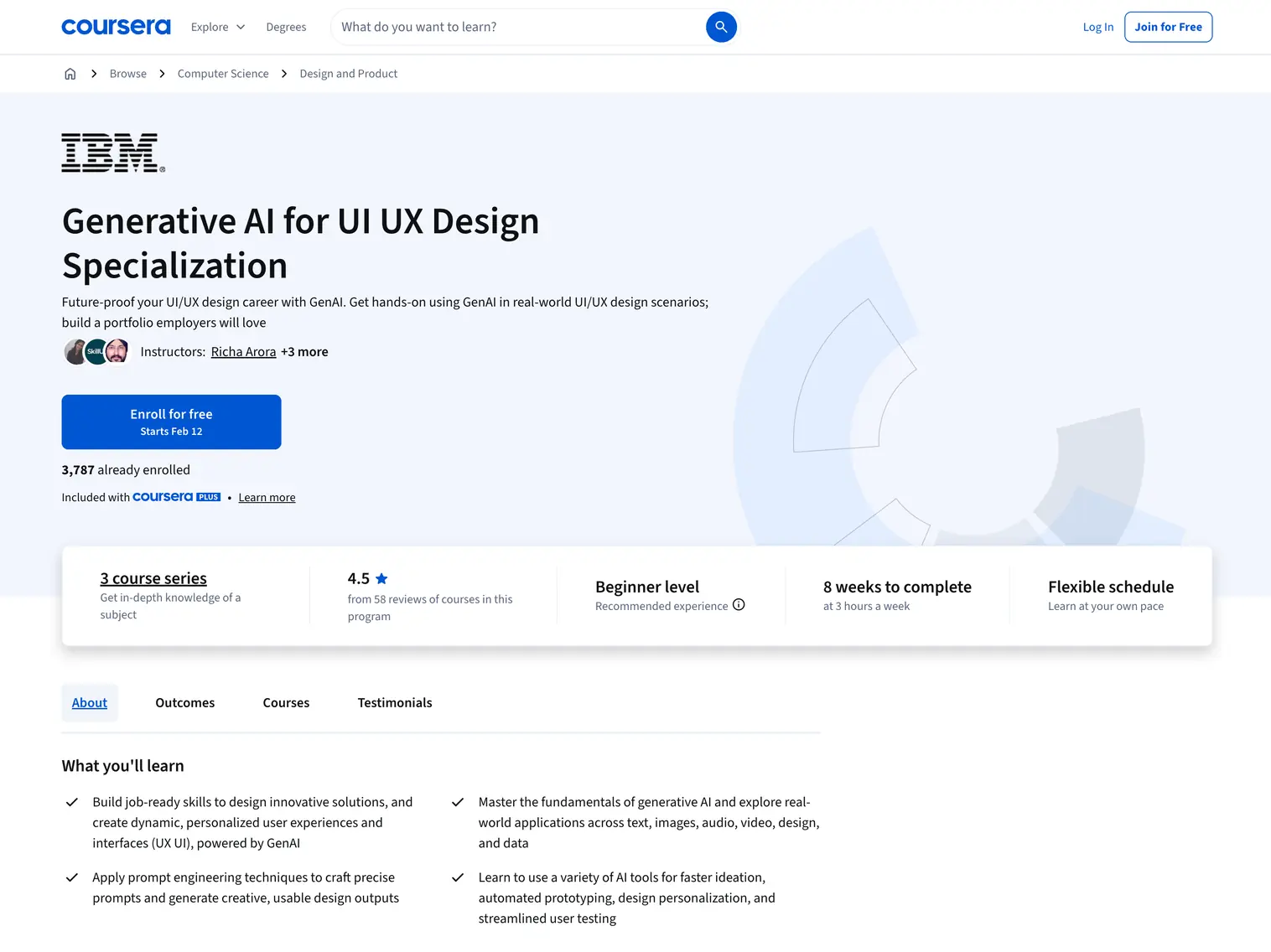
This three-course specialization from IBM teaches designers how to integrate generative AI into every stage of the product design workflow. You start with AI fundamentals, progress through prompt engineering, and finish with hands-on UI and UX applications using tools like ChatGPT, Gemini, Visily, UXPilot, Miro, Uizard, and Figma.
Key Features
- Three-course series totaling ~25 hours over 8 weeks at 2-3 hours per week
- Course 1: Generative AI Introduction and Applications covers AI fundamentals, capabilities, and real-world use cases across text, images, code, audio, and video
- Course 2: Prompt Engineering Basics teaches best practices for crafting effective prompts using naive, persona-based, and multimodal approaches
- Course 3: The Future of UX UI Design applies AI to personas, journey maps, wireframes, prototypes, and conversational interfaces
- Hands-on labs and projects throughout; shareable IBM certificate upon completion
Pros
- Comprehensive curriculum progresses from AI basics to advanced UX applications
- No prior AI experience required; accessible for designers new to generative AI
- IBM-backed certification adds credibility to your professional profile
- Free audit option available; only pay if you want the certificate
Cons
- Longer time commitment (~8 weeks) compared to shorter standalone courses
- Broad coverage means less depth on any single tool or technique
Ideal For
This specialization suits beginner to intermediate designers, product managers, and front-end developers who want a structured path from AI fundamentals to practical UX applications. Best for those new to generative AI who prefer a comprehensive curriculum over learning individual tools separately.
3. Designlab:
AI for UX Design
FOCUS: UX | LEVEL: Intermediate
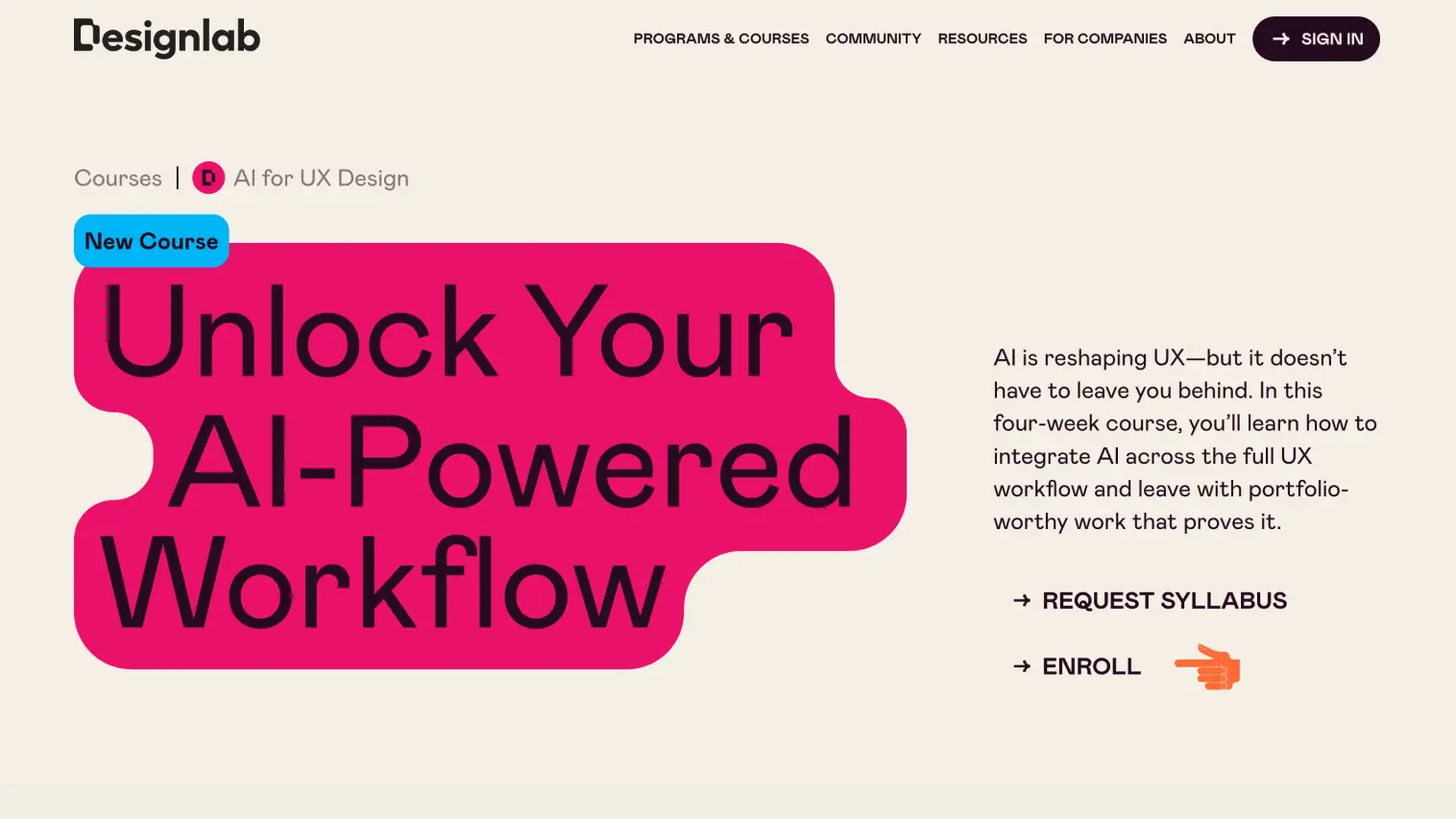
This four-week course from Designlab teaches UX and product designers how to integrate AI across the full UX workflow. Course creator Chrissy Welsh used these techniques as Design Director at ING to cut design task time by 50-80%, and the course equips you with the same practical strategies.
Key Features
- Four-week intensive format with 4-6 hours per week including live video lectures, peer group sessions, and hands-on project work
- Structured curriculum covering AI foundations and tools (Week 1), research and ideation (Week 2), prototyping and testing (Week 3), and workflow integration (Week 4)
- Hands-on project work that builds into a portfolio-worthy case study with personalized mentor feedback
- Covers practical AI tools: ChatGPT, Midjourney, DALL-E, Perplexity, Uizard, Galileo, and Figma AI plugins
- Certificate of completion for LinkedIn and professional profiles
Pros
- Taught by Chrissy Welsh, VP Experience at KPN with 20+ years experience and previous roles as UX Director at ING and Global UX Director at Deloitte and Philips
- Practical and actionable with emphasis on real-world workflows, not just theory
- Live mentor-led peer group sessions provide accountability and structured feedback
- Backed by Designlab Happiness Promise: money back if not satisfied after full participation
Cons
- Not for beginners: requires 2-5+ years UX experience and proficiency with Figma or Adobe Suite
- Fixed cohort schedule with weekly deadlines requires consistent engagement
- Price ($799) may require employer sponsorship depending on your budget
Ideal For
This course suits mid-senior UX and product designers, design team leads, and independent consultants who want to integrate AI into their daily workflow. Best for those with solid UX foundations who want to work faster, generate stronger ideas, and build portfolio work demonstrating AI skills.
4. Uxcel:
Enhancing UX Workflow with AI
FOCUS: UX | LEVEL: Beginner
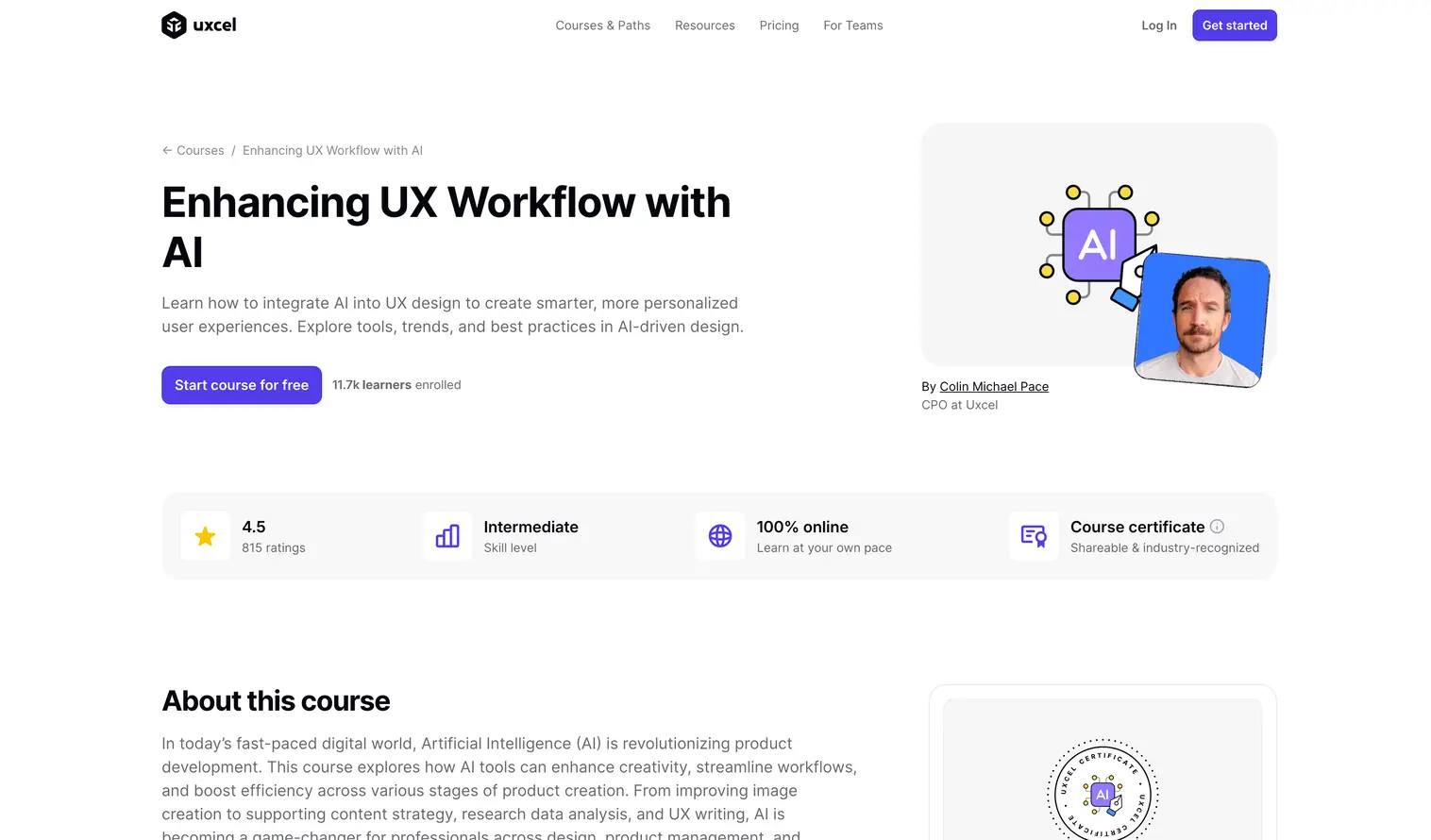
This course from Uxcel teaches designers how to integrate AI tools into real-world UX workflows. It covers practical applications including image generation, AI-assisted UX writing, and workflow optimization. The course uses Uxcel's signature bite-sized format with 5-minute interactive lessons designed for busy professionals.
Key Features
- Bite-sized, interactive lessons you can complete in 5 minutes each with gamified progress tracking
- Covers image enhancement, text generation, content summarization, brainstorming techniques, and workflow automation
- Part of Uxcel's broader AI track alongside courses on AI Fundamentals for UX, AI Prompts Foundations, and Human-Centered AI
- Skill Graph visualization tracks your progress and benchmarks against other learners
- Shareable certificate upon completion for LinkedIn profiles
Pros
- Free tier available: first level of every course accessible without payment
- Practical focus on real design workflows rather than abstract AI theory
- Mobile app access (iOS and Android) enables learning anywhere
- Updated content reflects current AI tools and capabilities
Cons
- Full course access requires Pro membership ($15/month billed yearly)
- Bite-sized format covers breadth over depth on individual topics
- Best as part of multiple Uxcel AI courses rather than standalone comprehensive training
Ideal For
This course suits designers and product managers who prefer micro-learning and want to build AI skills incrementally. Best for those with limited time who can commit to daily 5-minute sessions, or as a complement to more intensive courses from other providers.
5. Designlab:
AI for Visual Design
FOCUS: UI & Visual Design | LEVEL: Intermediate
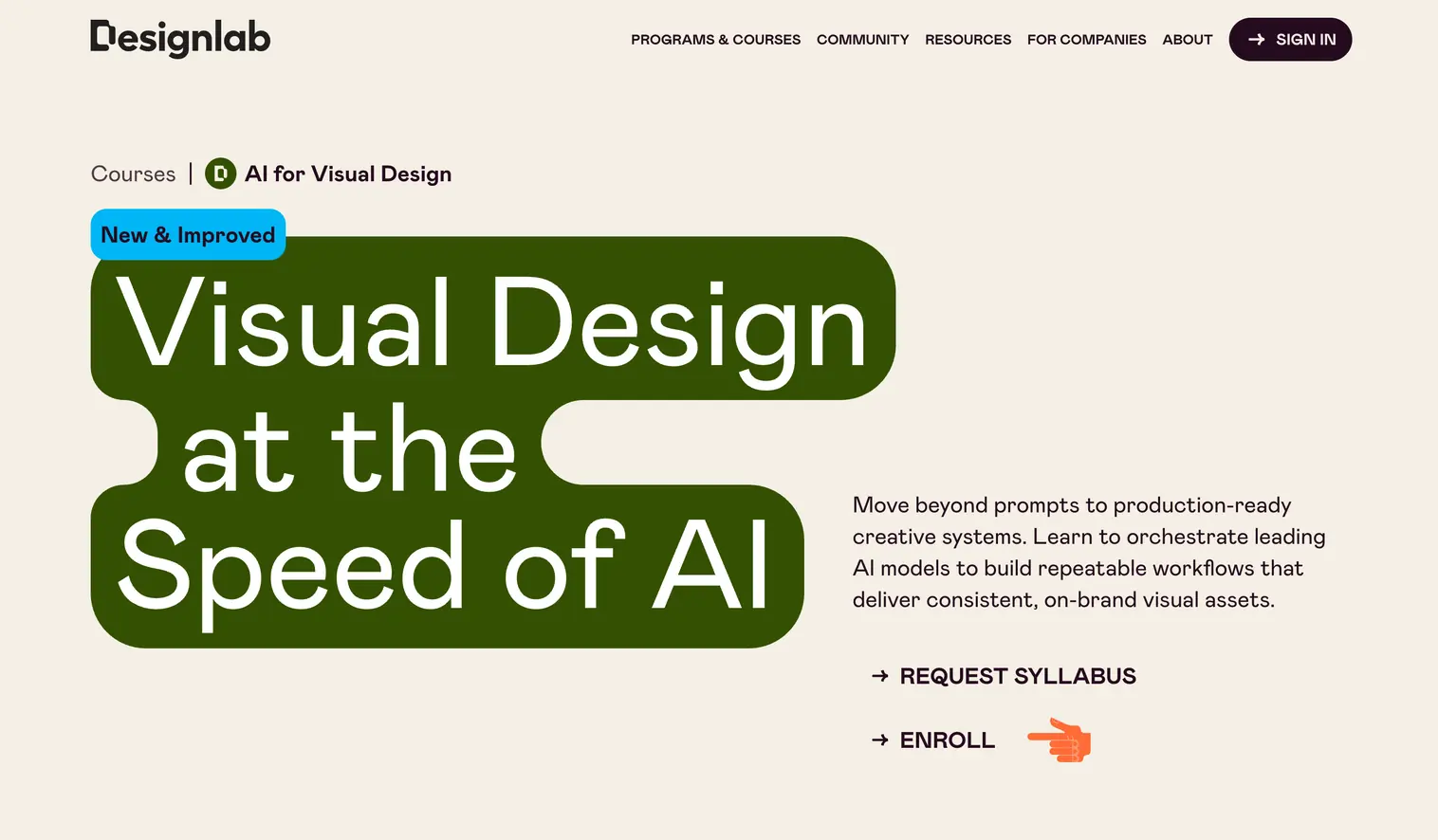
This four-week course from Designlab teaches creative professionals how to build AI-powered creative systems rather than generate one-off images. Through live lectures, hands-on projects, and mentor-led peer sessions, you learn to orchestrate multiple AI models into repeatable, production-ready workflows for still imagery, brand systems, and video content.
Key Features
- Four-week format with 4-6 hours per week including 90-minute live video lectures, peer group sessions, and hands-on projects
- Week 1: The Modern AI Creative Stack (orchestration, model selection). Week 2: Visual Direction and Control (reference images, style guides). Week 3: Motion and Video Production. Week 4: Production Workflows and Delivery
- Uses FLORA as orchestration platform connecting to Seedream (photorealistic imagery), Nano Banana Pro (identity-consistent characters), Runway (video), and VEO (video with sound)
- FLORA Pro account ($20/month value) included free for one month
- Weekly mentor-led peer group sessions with personalized written feedback from expert practitioners
Pros
- Taught by DJ Kim, digital artist and creative technologist with the FLORA team specializing in AI-powered creative production
- Focus on production-ready workflows rather than isolated outputs; build systems you can reuse, adapt, and share with teams
- Live demonstrations show real model orchestration with failures and fixes, not polished slides
- Backed by Designlab Happiness Promise: money back if not satisfied after full participation
Cons
- Fixed cohort schedule with weekly deadlines requires consistent engagement
- Price ($799) may require employer sponsorship depending on your budget
- Best suited for creatives already shipping visual work professionally who want to scale their AI capabilities
Ideal For
This course suits visual designers, art directors, brand designers, and marketers who have experimented with AI tools but want to build repeatable production pipelines. Best for those who regularly ship creative work professionally and want to move beyond one-off experiments to scalable workflows.
6. Coursera:
Generative AI Content Creation
FOCUS: UI & Visual Design | LEVEL: Beginner to Intermediate | Free Trial Available
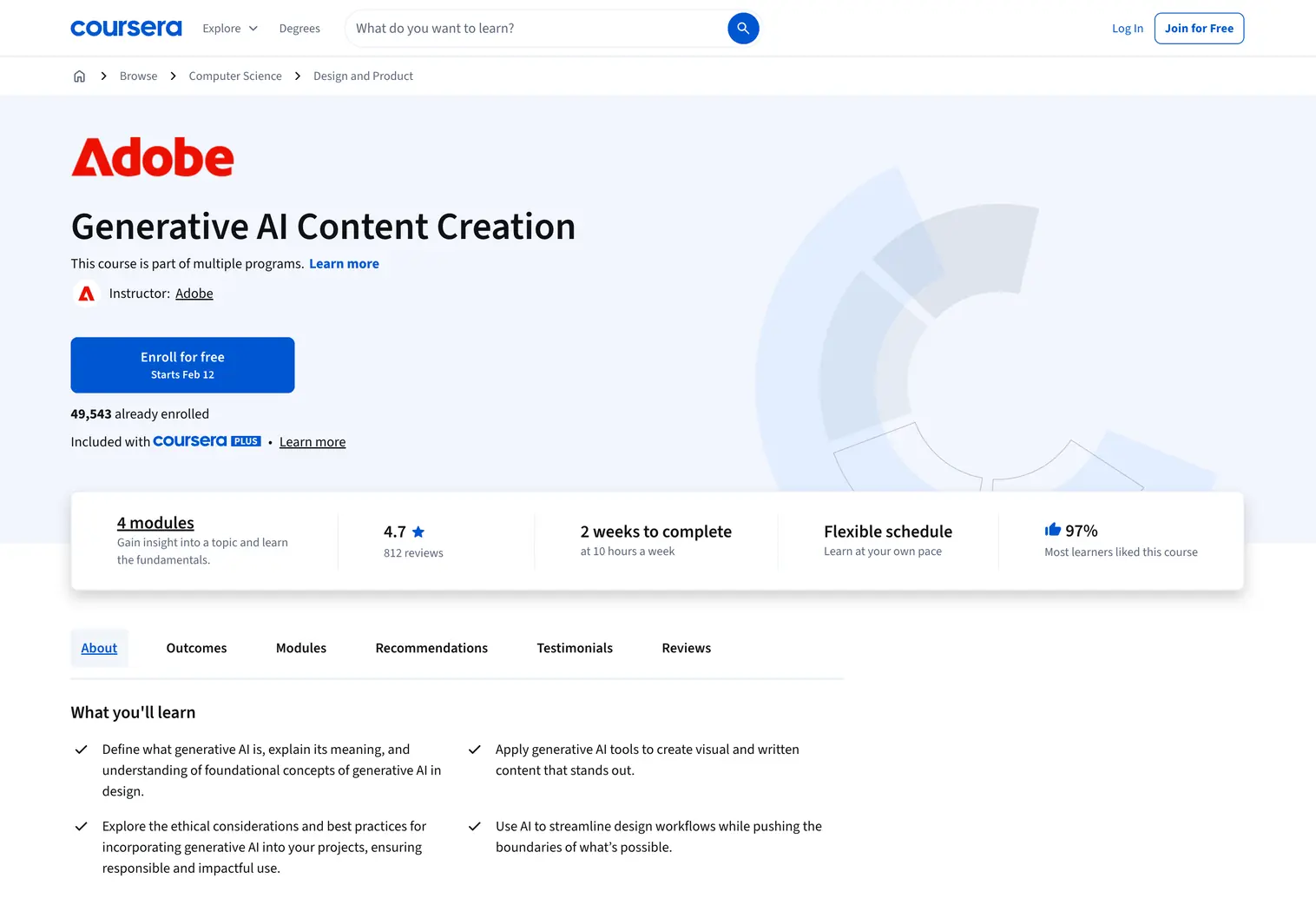
This course from Adobe on Coursera teaches designers and content creators how to use generative AI for visual and written content production. With over 44,000 enrolled learners and a 4.7 rating from 709 reviews, it provides hands-on practice with Adobe Firefly and Adobe Express while covering ethical considerations and responsible AI use.
Key Features
- Four modules totaling ~20 hours over 2 weeks at 10 hours per week
- Module 1: Introduction to Generative AI covers Adobe Firefly features, AI terminology, and benefits for creatives
- Module 2: Generative AI in Adobe Express teaches image generation, prompt writing, and reference image workflows
- Module 3: Content Creation with Generative AI covers text effects, generative templates, and industry applications
- Module 4: Using AI Responsibly addresses content authenticity, ownership, bias, and ethical content creation
- 13 hands-on assignments plus a final project for your portfolio
Pros
- Part of multiple Adobe Professional Certificates (Content Creator, Marketing Specialist, Graphic Designer) for career pathways
- Free audit option available; only pay if you want the certificate
- Practical focus with immediate application using Adobe's native AI tools
- Strong emphasis on responsible AI use and content authenticity
Cons
- Focused on Adobe ecosystem; less applicable if you primarily use other design tools
- Foundational level may feel basic for designers already experienced with AI tools
Ideal For
This course suits beginner designers, content creators, and marketers who want to learn generative AI within Adobe's ecosystem. Best for those interested in visual content production and who want a credential that stacks toward Adobe Professional Certificates.
Free AI Courses for Designers
Budget constraints shouldn't prevent you from learning AI skills. Several high-quality options exist at no cost:
Coursera's free trial options allow you to access course content for IBM's Generative AI for UI UX Design and Adobe's Generative AI Content Creation without paying. You only pay after 7 days.
Platform trials from Uxcel include free access to the first level of each course, allowing you to explore before committing to a membership.
Free learning resources like Shape of AI , Design Systems Repo AI and The People + AI Guidebook by Google provide foundational knowledge on designing for AI without any cost. Explore more Best Practices on Designing With and for AI on TOOOLS.design.
For designers just starting their AI learning journey, combining free resources with one paid certification course often provides the best balance of foundational knowledge and credentialed proof of skills.
What's Next
Pick a course that matches your level: IxDF or Coursera for foundations, Designlab for workflow integration, IxDF masterclasses for senior designers and leadership. If budget is tight, start with Coursera's free trial options or Uxcel's bite-sized lessons. Then practice with real projects. Explore AI assistants, UI generation tools, and generative AI tools on TOOOLS.design to complement your learning.