9 Best AI Tools for UI+UX Designers in 2026: Deep Dive

This article includes affiliate links, which help support this website at no extra cost to you. Learn more
AI is Transforming UI, UX and Product Design Workflows
The UI/UX design landscape changed fundamentally between 2025 and 2026. What once took designers 3-4 hours to wireframe now happens in minutes. AI tools aren't replacing designers. They're eliminating the grunt work that kept talented professionals stuck pushing pixels instead of solving actual user problems.
The current generation of AI UI generation tools goes beyond simple template generators. Tools like Flowstep and UX Pilot generate UI from prompts, creating complete user journeys from text descriptions. Figma Make integrates AI directly into your existing workflow. The difference between 2024 and 2026 tools? Context awareness. Modern AI understands design systems, maintains visual hierarchy, and outputs production-ready code, not static mockups that require hours of cleanup.
This creates a measurable productivity gap. Teams using AI UI tools ship features 40-60% faster than those still wireframing manually. For product designers handling 5-10 projects simultaneously, that's the difference between meeting deadlines and drowning in backlogs. The following 9 tools represent the current state of the art.
Comparison Table
Best AI UI/UX Design Tools – Detailed Analysis
1. Figma Make
What It Does
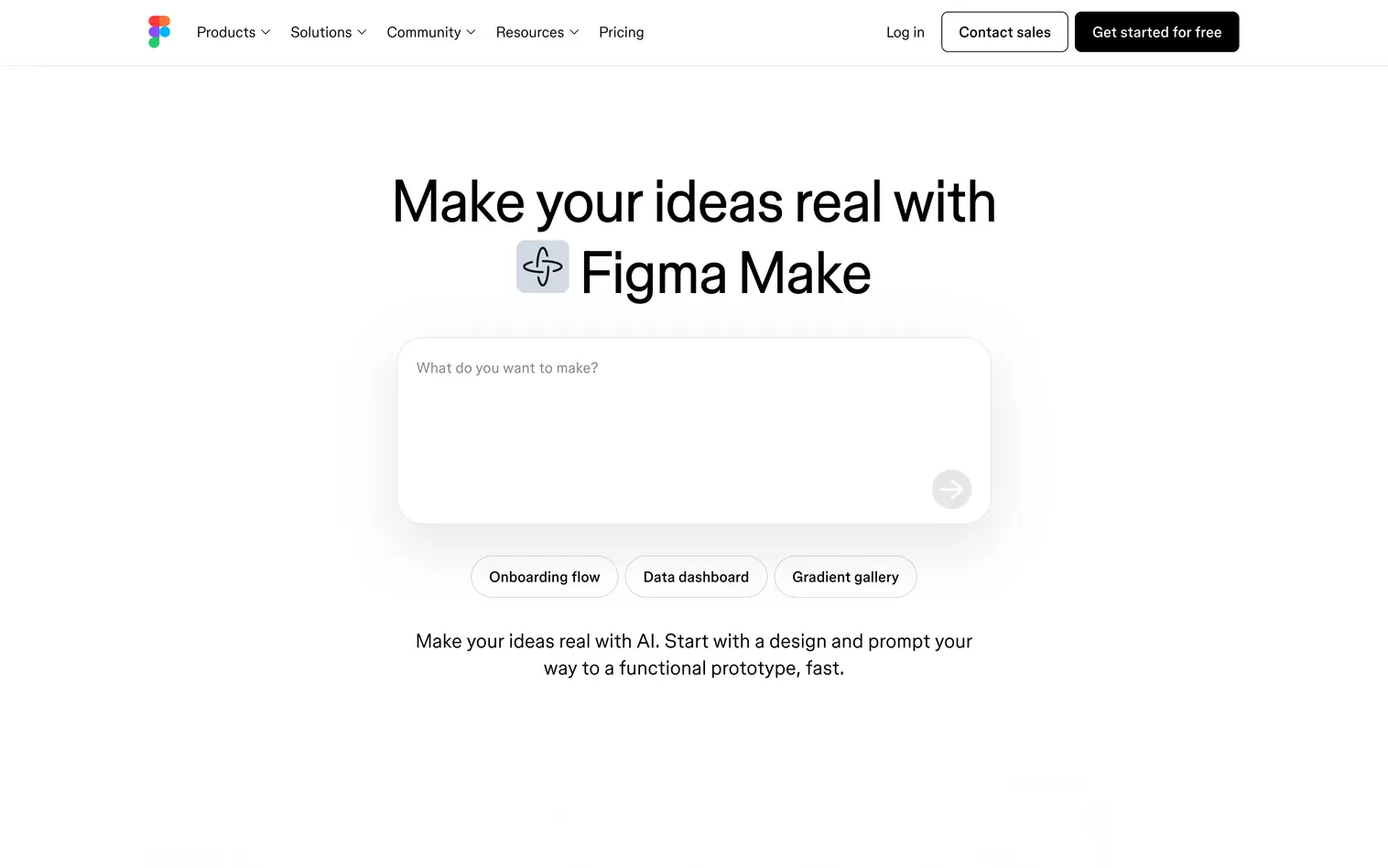
Figma Make is Figma's native AI feature that generates UI designs directly inside your Figma files. Describe what you need ("create a dashboard with user stats and activity feed") and Figma Make builds it using your existing components and design system. The AI learns from your past work to match your style and component patterns. No export workflows, no context switching.
Key Features
- Native Figma integration — Works directly in your Figma workspace without plugins or exports
- Design system awareness — Pulls from your existing components, styles, and variables automatically
- Multi-screen generation — Creates complete flows, not just individual screens
- AI credits system — Included in Figma plans, usage scales with generation complexity
Best For
Teams already invested in Figma who want AI capabilities without changing their workflow. Figma Make works particularly well for iterating quickly on existing projects rather than starting from scratch. If your design system lives in Figma, this is the most integrated option available.
Pricing
Figma Make is included in Figma's Professional plan ($16/user/month billed annually). AI credits are bundled with your subscription. Complex generations consume more credits. The Starter (free) plan includes limited AI credits for testing. Organization ($55/month) and Enterprise ($90/month) plans scale AI credits with team size.
Verdict
If you're already paying for Figma Professional, Figma Make is the obvious addition. The AI understands your design language better than standalone tools because it trains on your actual files. For teams starting from scratch or needing more powerful generation capabilities, dedicated tools like Flowstep or UX Pilot offer greater flexibility.
2. Banani
What It Does
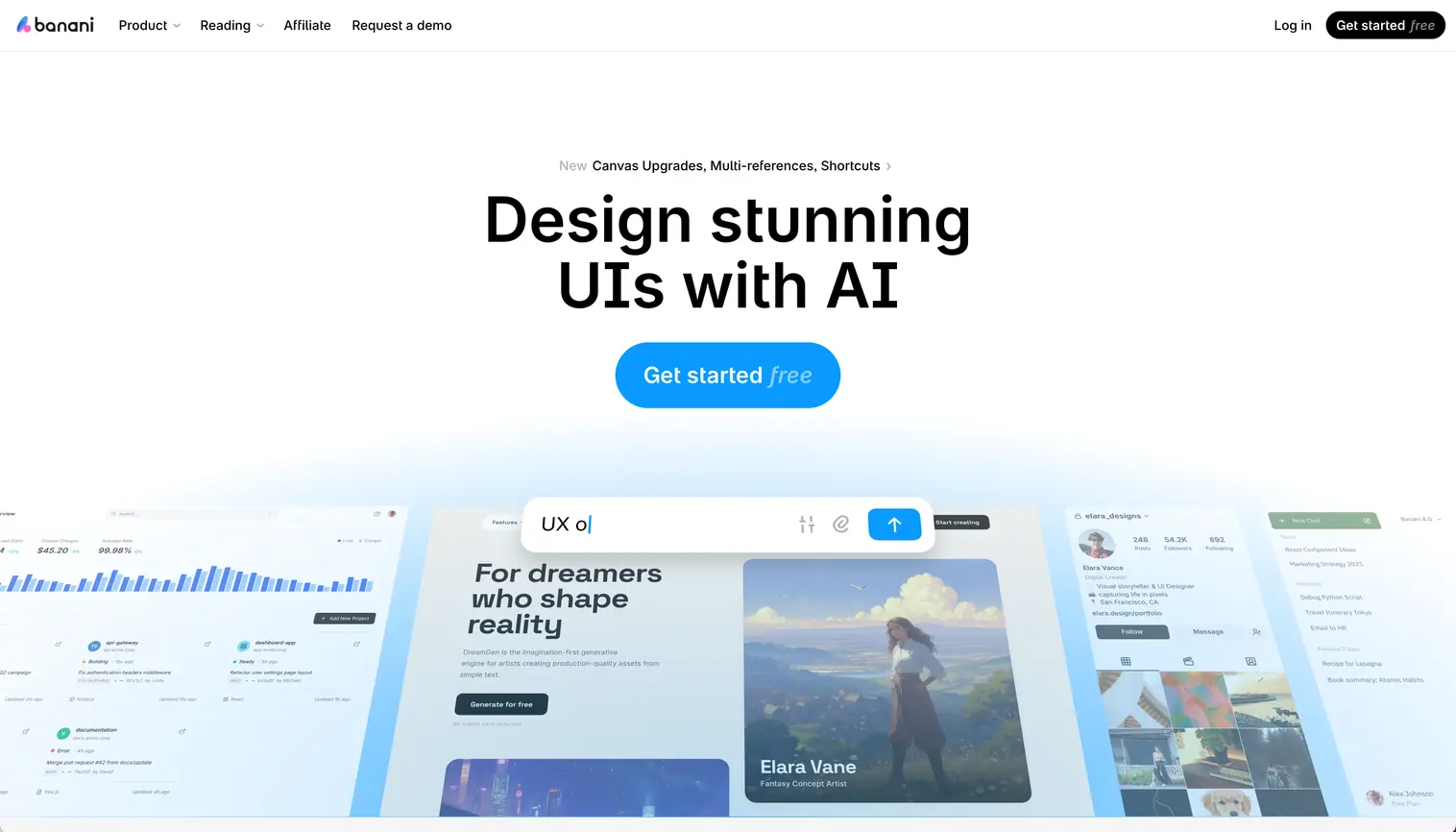
Banani converts text descriptions into multi-screen prototypes with editable UI designs. Describe your product concept, and Banani generates complete user flows with screen-to-screen navigation. Upload reference images, paste Figma links, or provide screenshots to guide visual style. The platform supports style customization through AI prompts or manual adjustments, then exports to Figma or as code for developer handoff.
Key Features
- Text-to-prototype generation — Full multi-screen flows from product descriptions with up to 5 design variants per prompt
- Reference-based styling — Upload images or Figma links; AI applies visual style to generations
- MCP/code export — Connect designs directly to AI coding agents like Claude Code, Cursor, and Codex for developer handoff
- Export flexibility — Figma integration with layers intact, HTML/CSS code export, or high-res image downloads
Best For
Product teams who need to visualize ideas quickly and iterate through feedback cycles. Multi-screen generation accelerates early-stage product exploration when testing multiple concepts. Teams appreciate Figma integration for polishing AI outputs and real-time collaboration for stakeholder alignment during design reviews.
Pricing
Free tier includes 20 monthly credits, 5 daily credit refills, 3 Figma exports per day, and private projects. Plus ($20/month, or $12/month billed annually) upgrades to 100 monthly credits with 10 daily refills, unlimited Figma export, 3x generation speed, and MCP/code export. Pro ($50/month, or $30/month annually) provides unlimited credits, highest generation speed, and priority support. Annual billing saves 40% across all paid plans.
Verdict
Banani is amazing for variations and exploration. Within your design system or in freeform. The free tier is the most generous among dedicated AI UI tools: 20 monthly credits plus daily refills add up to roughly 170 usable credits per month, enough for real evaluation and light project work. The Plus plan at $20/month matches Uizard and Motiff, but includes MCP/code export for connecting designs directly to AI coding agents, a feature most competitors charge extra for or don't offer at all. The jump to $50/month for Pro is steep unless you need unlimited generations during heavy exploration phases. Annual billing brings Plus down to $12/month and Pro to $30/month, which changes the value equation considerably for teams that commit.
3. Magic Patterns
What It Does
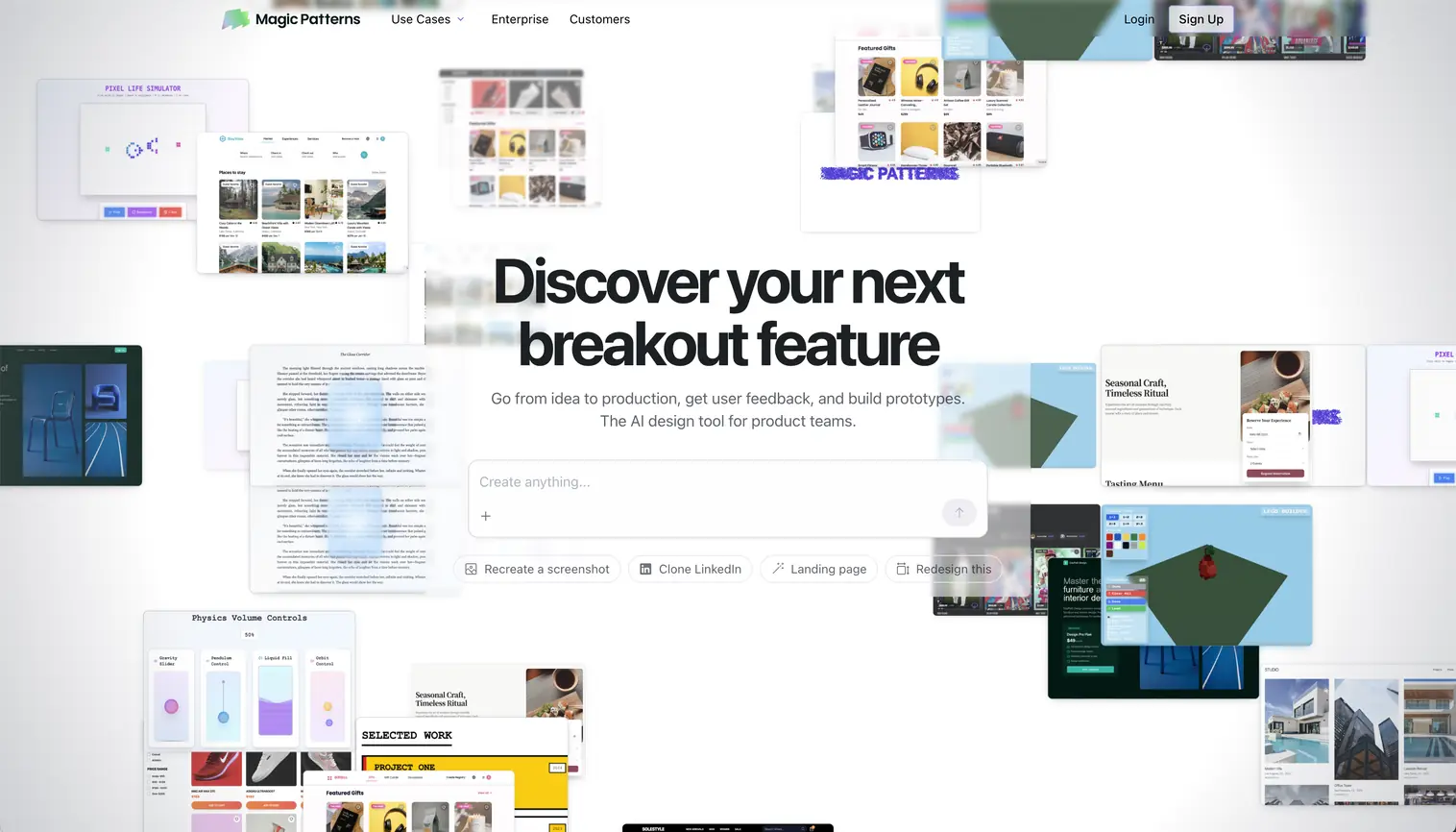
Magic Patterns bridges design and development by generating UI screens that align with your existing design system. Upload your component library, and Magic Patterns learns your spacing, typography, color tokens, and component patterns. Future generations automatically match your established design language. The platform includes a multiplayer canvas for real-time collaboration and exports production-ready Tailwind, React, or Vue code.
Key Features
- Custom design system import — Upload existing patterns; AI generates consistent with your brand
- Chrome extension — Capture UIs from any website or local builds for reference
- Production code export — Clean Tailwind/React/Vue code structured for implementation
- Multiplayer canvas — Real-time collaboration with version control and team libraries
Best For
Teams with established design systems who need AI to maintain consistency rather than explore wildly different directions. Agencies managing multiple client brands benefit from importing different design systems per project. The code quality makes it valuable for close designer-developer collaboration.
Pricing
Pricing isn't prominently displayed, but reports indicate plans starting around $19/month with usage-based fees. The platform appears to use a credit system similar to other AI design tools. Check their official website for current pricing.
Verdict
Magic Patterns delivers on its promise: AI that respects your design system. The custom import feature is powerful: instead of fighting AI to match your brand, it learns your rules and applies them consistently. The Chrome extension for capturing existing UIs adds practical value. The unclear public pricing is frustrating, but if the $19/month reports are accurate, it's competitively positioned.
4. Flowstep
What It Does
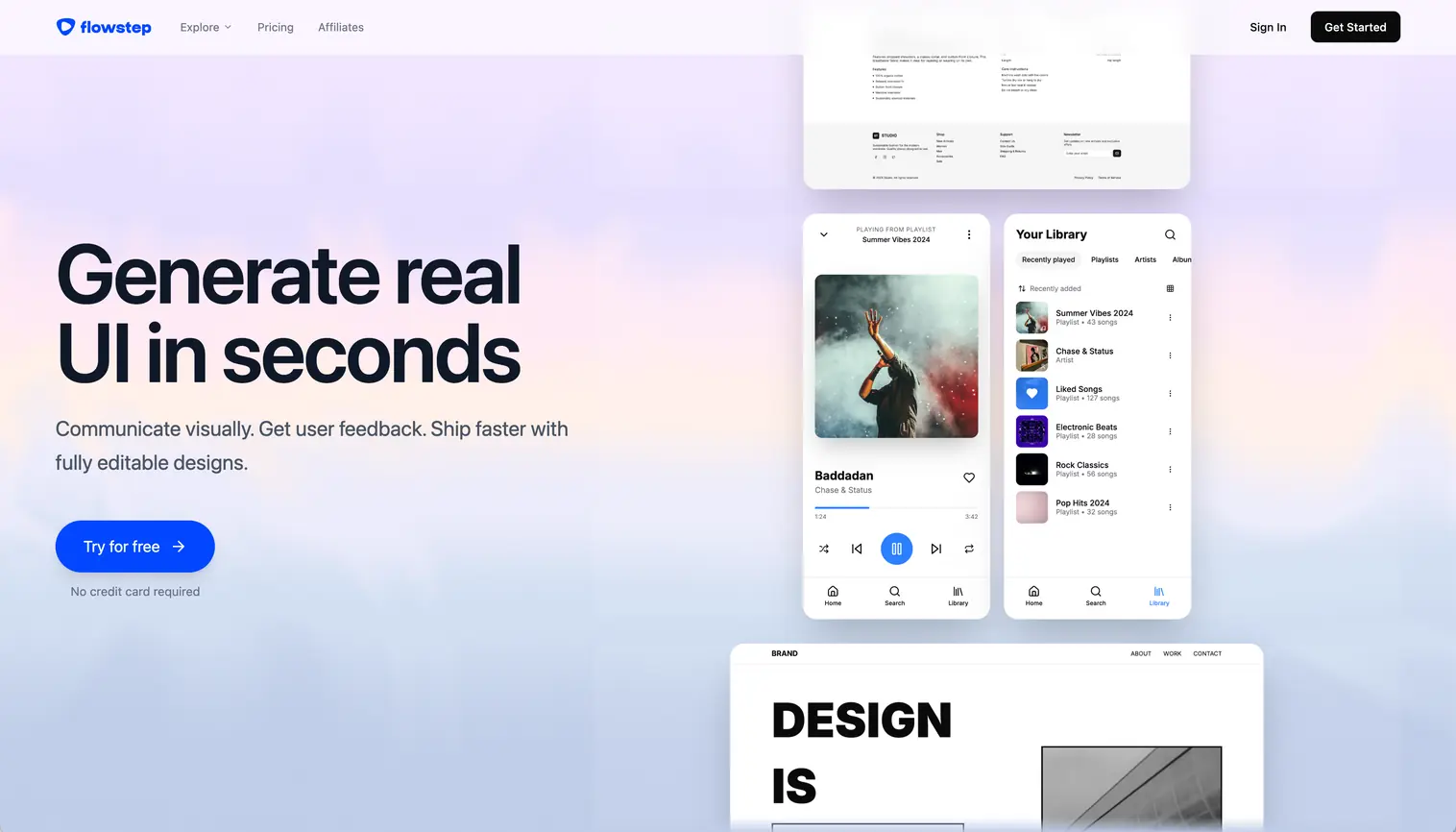
Flowstep generates complete product experiences from conversational prompts. Describe your app ("fitness tracking app with workout logging and progress charts"), and Flowstep creates the entire user journey (dashboard, input screens, settings pages) on an infinite canvas. The standout feature: instant Figma integration via ⌘C/⌘V. Select your screens, copy, paste into Figma with layers intact. No plugins, no file exports.
Key Features
- Multi-screen generation — Creates full user flows with 5-15 connected screens in one prompt
- Instant Figma copy/paste — ⌘C in Flowstep, ⌘V in Figma, layers and components preserved
- Reference-based generation — Upload screenshots, PRDs, or paste links to guide the AI
- Production code export — Clean React, TypeScript, or Tailwind CSS output
Best For
Teams that need to visualize complete product experiences quickly. Product managers use Flowstep to create interactive prototypes for stakeholder reviews before developers write code. Designers use it to explore multiple directions in the time it would take to wireframe one manually. The unlimited collaborators feature makes it practical for distributed teams.
Pricing
Free tier with enough credits to test core features. The Starter plan ($15/80 messages month) provides sufficient credits for ongoing project work. If you need more credits there are two higher tiers ($29/240 messages/month and $99/1000 messages/month).
Verdict
Flowstep hits the sweet spot between speed and quality. The Figma integration alone saves hours compared to tools that require file exports or plugins. If you regularly create full user flows (not just individual screens) and value fast handoff to Figma, Flowstep delivers strong value at $15/month.
5. Uizard
What It Does
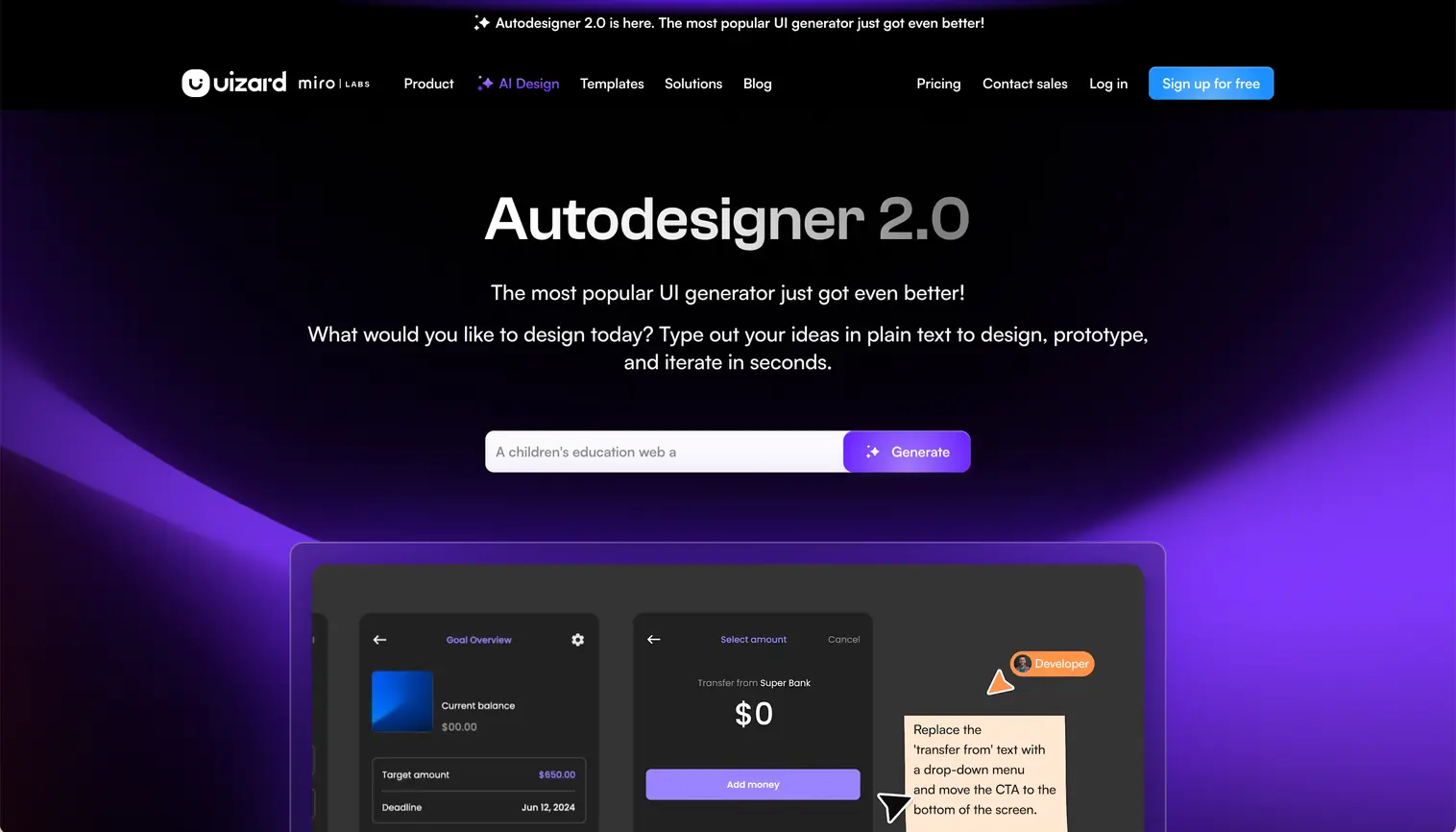
Uizard's Autodesigner 2.0 combines ChatGPT-style conversation with AI wireframe generation. Iterate on designs conversationally ("make the header darker," "add a search bar") rather than regenerating from scratch. Uizard also converts screenshots into editable mockups and transforms hand-drawn sketches into digital wireframes. Useful when stakeholders sketch ideas on whiteboards during meetings.
Key Features
- Autodesigner 2.0 — Conversational AI for iterative edits without full regeneration
- Screenshot Scanner — Upload any app screenshot, get an editable version in seconds
- Wireframe Scanner — Photo of hand-drawn sketch converts to digital wireframe
- Theme Generator — Create custom color schemes and apply across all screens
Best For
Non-designers and product managers who need to communicate visual ideas without mastering design tools. The screenshot-to-design feature is valuable for competitive analysis: capture a competitor's app, import into Uizard, adapt for your use case. Less suited for designers who need pixel-perfect control.
Pricing
Free plan includes Autodesigner 1.5 with 3 AI generations monthly, enough to test the platform. Pro ($12/month billed annually) unlocks Autodesigner 2.0 with 500 generations monthly, 100 projects, and developer handoff tools. Business ($39/month) adds team collaboration and priority support.
Verdict
Uizard democratizes UI design for non-designers, but outputs can feel generic compared to UX Pilot or Flowstep. The AI sometimes misinterprets prompts or creates inconsistent designs. At $12/month, it's affordable, but the free plan's limitations (Autodesigner 1.5, only 3 generations) make it difficult to evaluate properly before committing.
6. UX Pilot
What It Does
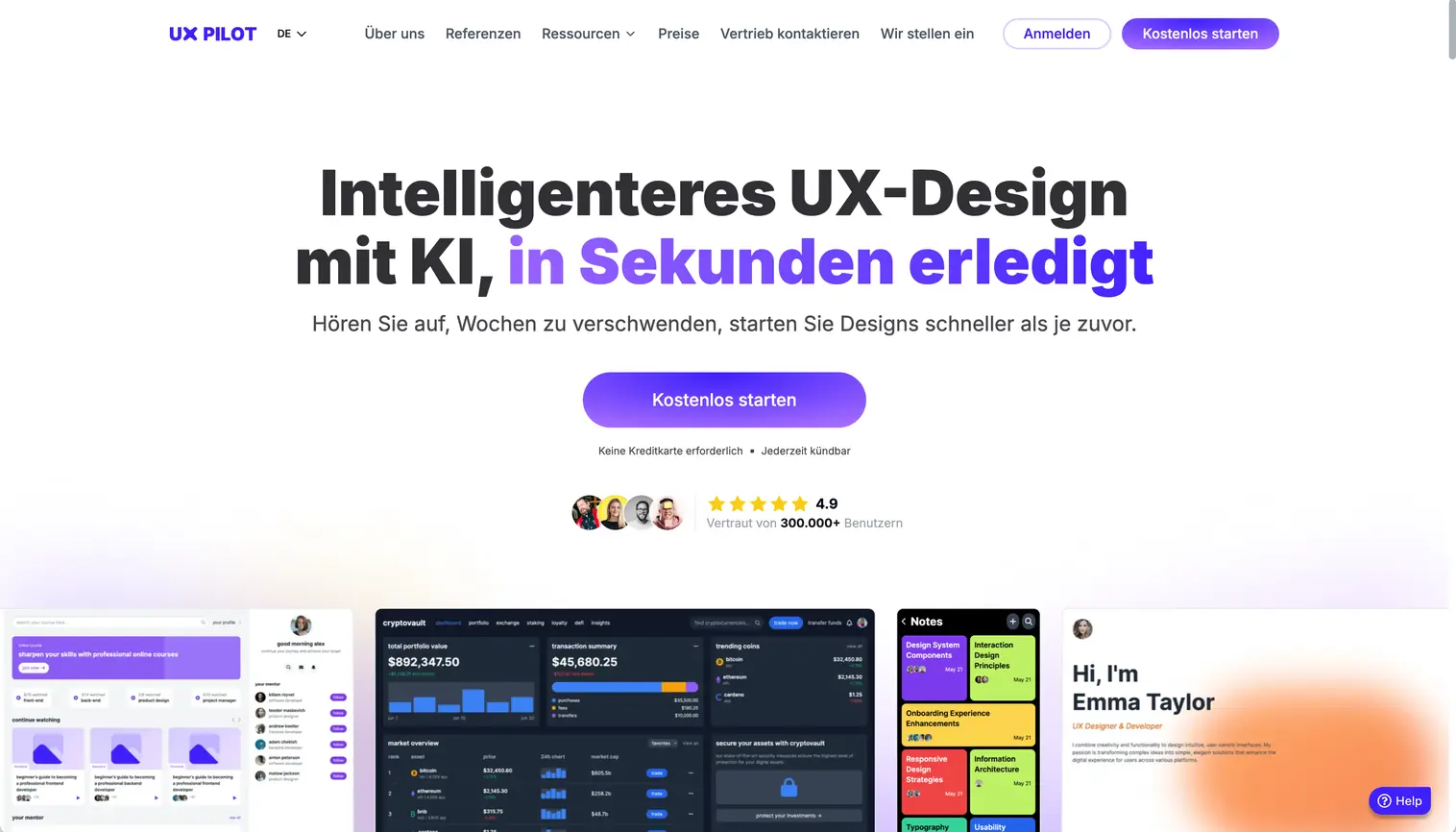
UX Pilot differentiates itself through validation features that other AI tools skip. Beyond generating wireframes and high-fidelity UI, it includes predictive heatmaps that simulate where users will focus attention, before you run actual usability tests. The Design Review Bot catches accessibility issues, contrast problems, and layout inconsistencies automatically. This research-driven approach helps teams validate assumptions early instead of discovering problems post-launch.
Key Features
- Predictive heatmaps — AI simulates user attention patterns to identify potential UX issues
- Design Review Bot — Automated accessibility and usability checks with actionable suggestions
- Figma plugin integration — Import your design system to train custom models on your patterns
- Code export — HTML/CSS output for developer handoff (less robust than dedicated code tools)
Best For
Teams that value validation over pure speed. Product designers use the heatmap feature to test layout effectiveness before committing development resources. Agencies use the automated design review to maintain quality across client projects without manual QA. If your workflow includes UX research, UX Pilot augments that process with tools competitors don't offer.
Pricing
Free plan allows up to 7 screen generations, sufficient for testing but limiting for real projects. Standard ($19/month) unlocks serious usage. Pro ($29/month) adds advanced features. Teams ($39/user/month) includes collaboration tools. UX Pilot uses flat monthly pricing rather than credits, making costs predictable.
Verdict
UX Pilot's validation features justify the $19/month entry if you regularly conduct UX research or need to defend design decisions with data. The Figma plugin that imports your design system is powerful: subsequent generations match your established patterns better than generic AI outputs. The code export is basic compared to Motiff or Magic Patterns, which focus specifically on developer handoff.
7. Motiff
What It Does
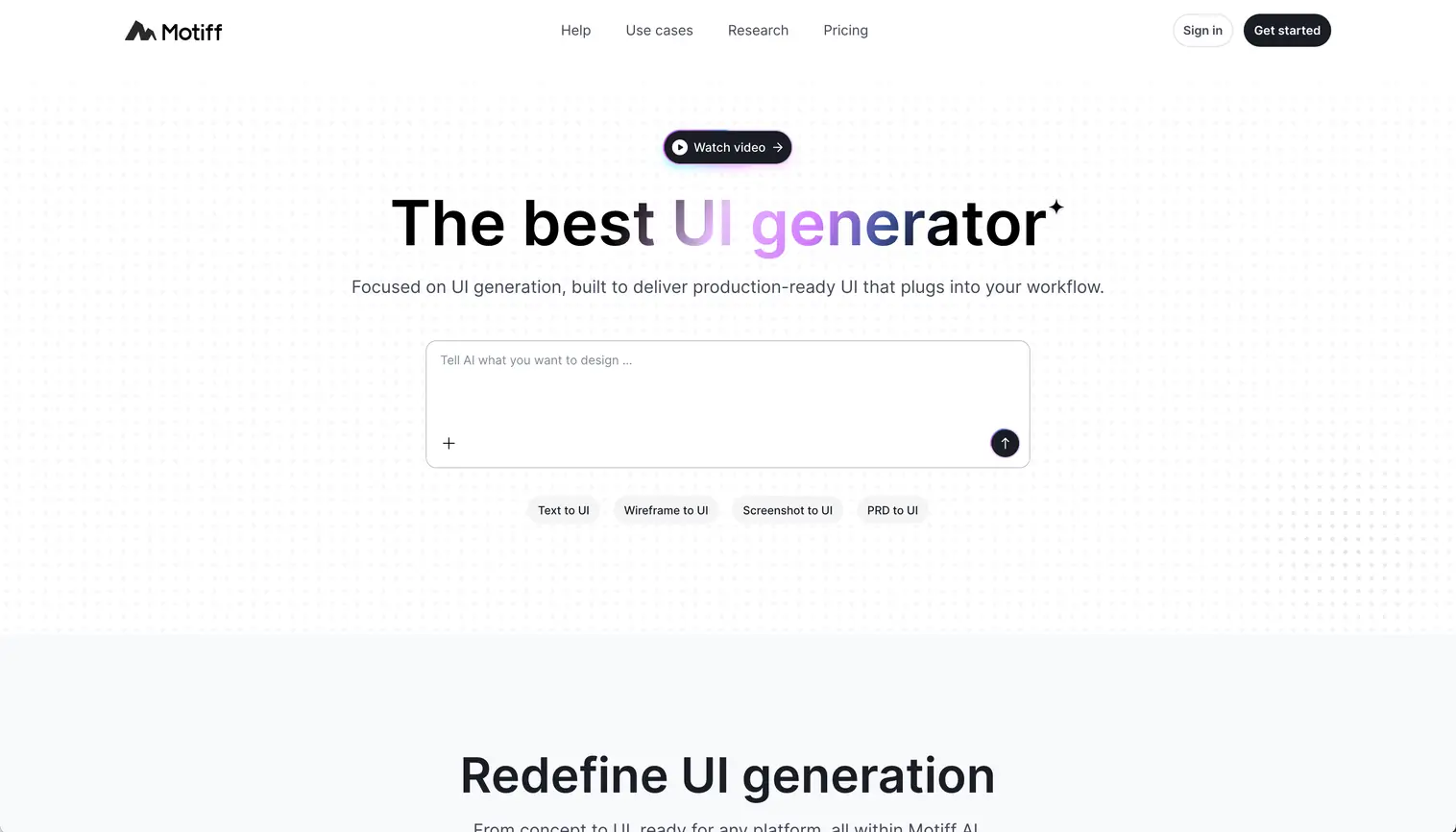
Motiff positions itself as the bridge between design and development. While it generates UI from prompts like other tools, its focus is production-ready code export. Describe a component ("pricing table with three tiers and feature comparison"), and Motiff generates the design plus clean React or HTML code that developers can implement immediately. The credit-based system charges per generation, with different costs for wireframes vs. high-fidelity designs.
Key Features
- Production code export — React and HTML with proper component structure, not just layout
- Copy to Figma — One-click export maintains layers and design properties
- Style presets — Minimalist, Material Design, Ant Design, or shadcn/ui patterns
- Credit system — 100 free credits monthly (Free plan), 1000 credits ($16/month Pro)
Best For
Teams where designers and developers collaborate closely on implementation. Developers appreciate clean code output that doesn't require extensive refactoring. Designers value the style preset system that ensures consistency across components. If design-to-code handoffs are your bottleneck, Motiff streamlines that process.
Pricing
Free plan includes 100 credits monthly (roughly 10 UI screens) with image export only. Pro ($16/month) provides 1000 credits, Figma export, and React/HTML code generation. Credits don't roll over, so heavy users may need to manage generation frequency. Pricing is competitive against seat-based tools charging per designer.
Verdict
Motiff excels at turning designs into usable code quickly. The React export quality is notably better than generic HTML generators. At $16/month, it's solid value for small teams shipping features rapidly. The credit system can feel restrictive during exploration phases when you're generating dozens of variations, but for focused implementation work, 1000 credits covers most use cases.
8. Visily
What It Does
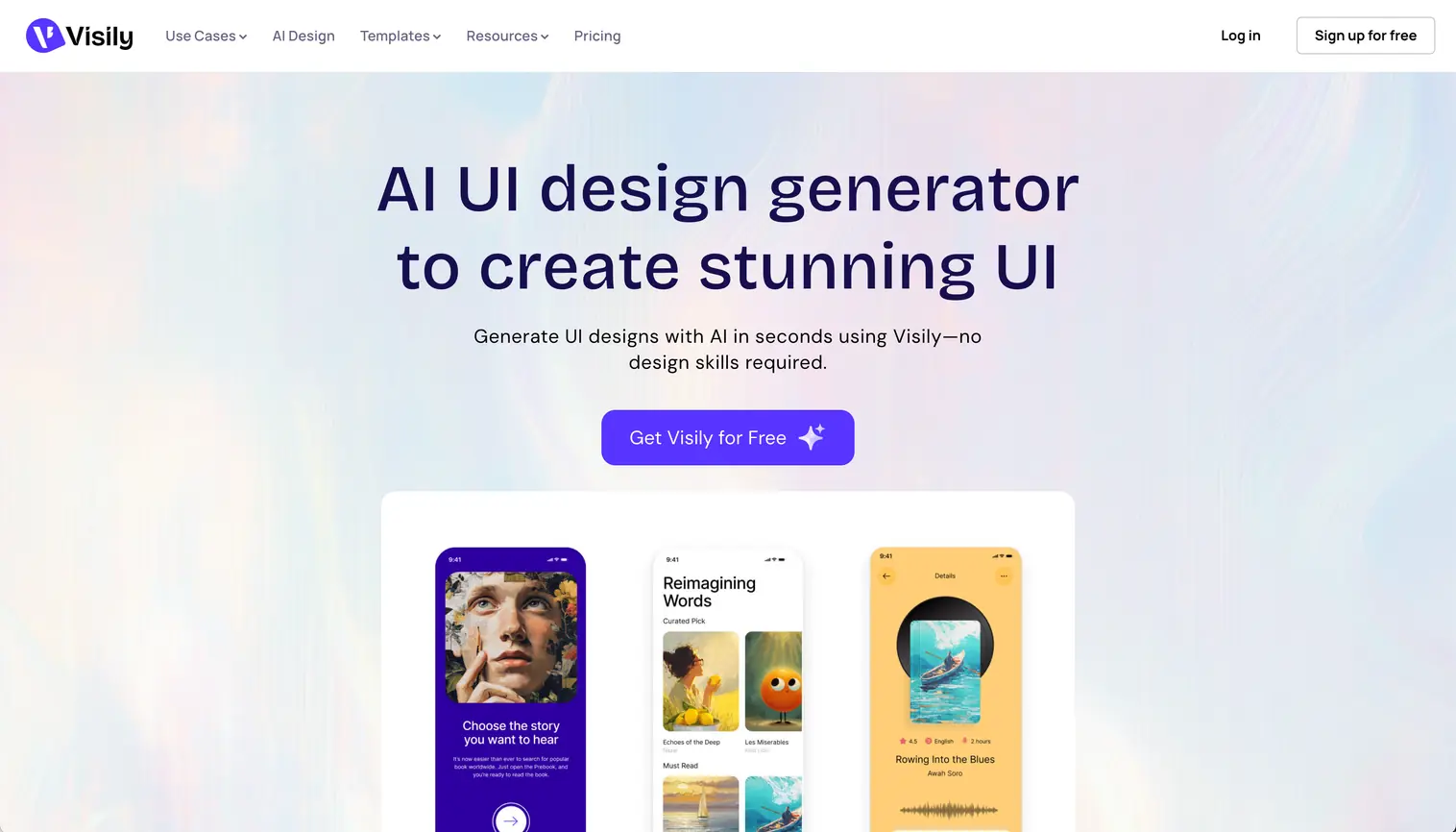
Visily targets teams without dedicated designers who need professional-looking wireframes and prototypes. Its drag-and-drop interface works with 1500+ pre-built templates covering web apps, mobile apps, and landing pages. The screenshot-to-design and sketch-to-design features help non-designers translate rough concepts into polished mockups without learning complex design software.
Key Features
- 1500+ templates — Pre-built screens for SaaS dashboards, e-commerce, social apps, and more
- Screenshot-to-design — Upload competitor apps or inspiration, recreate as editable components
- Sketch-to-design — Photograph hand-drawn wireframes, convert to digital mockups
- Theme generation — Create consistent visual styles and apply across projects
Best For
Product managers, developers, and founders who need to communicate UI ideas without design expertise. The template library accelerates common patterns: a "user dashboard" or "checkout flow" starts 80% complete. Teams appreciate the collaboration features (annotations, comments, sharing) that keep stakeholders aligned during ideation.
Pricing
Starter plan is free with 2 editable boards and limited AI credits, suitable for small projects or testing. Pro ($14/editor/month with annual billing) unlocks unlimited boards, priority support, and increased AI credits. The credit system applies to both AI features and template usage.
Verdict
Visily succeeds at making UI design accessible to non-designers, but experienced designers may find it limiting. Template quality is solid and screenshot-to-design saves time during competitive analysis. The credit system for both AI and templates creates friction: you're monitoring usage rather than focusing on design. At $14/editor/month, it's reasonably priced for small teams but costs scale quickly.
9. Stitch 2.0
What It Does
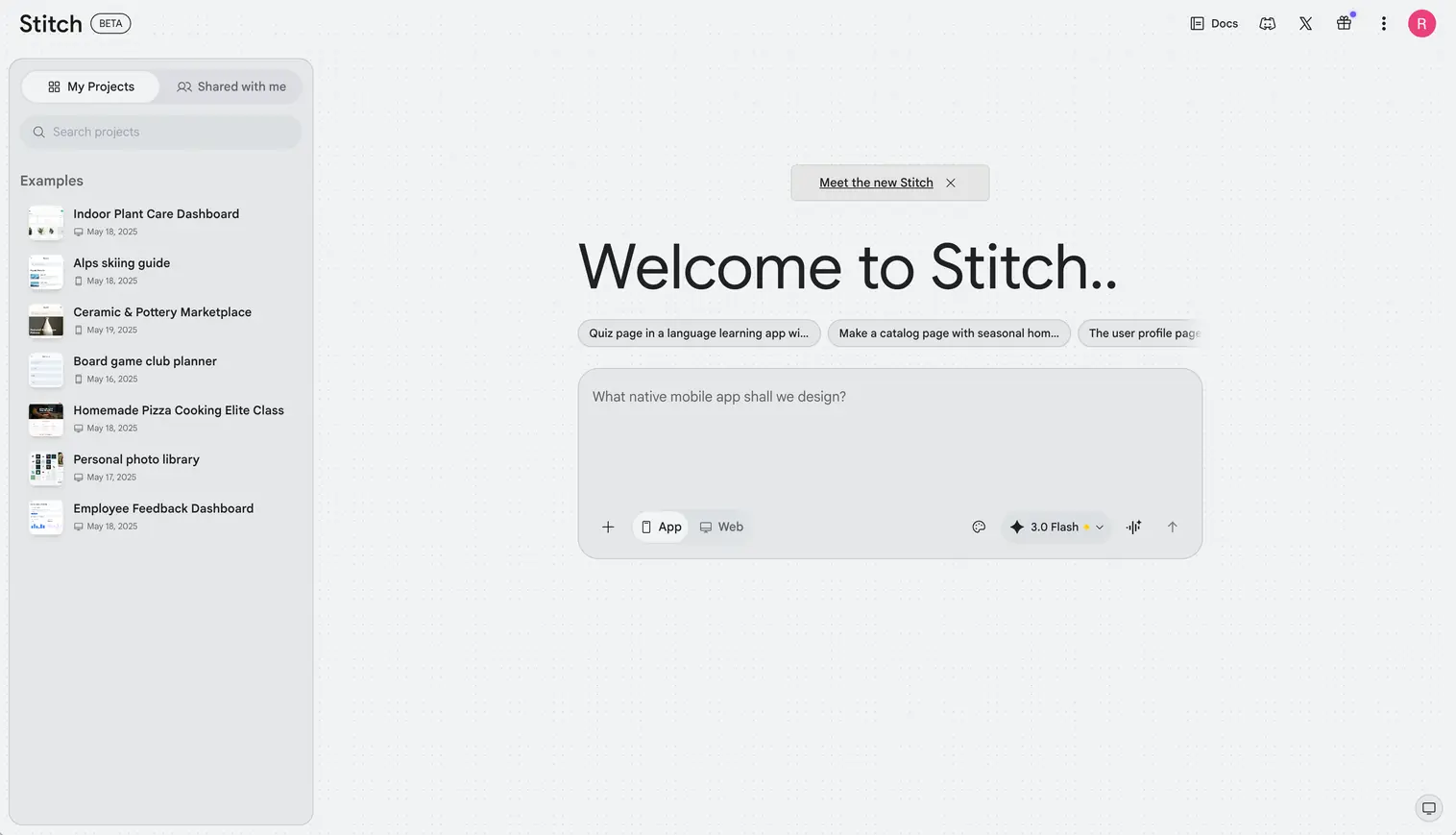
Stitch is Google's AI-native design canvas that generates high-fidelity UI from text prompts, uploaded images, sketches, or voice commands. Originally launched at Google I/O 2025, Google relaunched Stitch in March 2026 with a complete overhaul: an infinite canvas, context-aware design agents, and instant prototyping. The platform now handles the full arc from initial concept to clickable prototype. Two generation modes remain: Standard (Gemini 2.5 Flash, faster) and Experimental (Gemini 2.5 Pro, higher quality). Export options include Figma with layers intact and HTML/CSS for developer handoff.
Key Features
- AI-native infinite canvas — Mix images, code snippets, and text descriptions as inputs on a single workspace
- Voice commands (preview) — Speak design critiques, request variations, or navigate screens hands-free while the agent processes multiple commands concurrently
- Instant prototyping — Click Play to transform static screens into interactive prototypes; Stitch auto-generates logical next screens based on click targets
- DESIGN.md — Portable markdown format for importing and exporting design system rules between Stitch and developer tools like AI Studio or Antigravity
- Agent Manager — Track and explore multiple design directions in parallel across the canvas with full context awareness
Best For
Rapid design exploration and early-stage concept validation. Developers, product managers, and founders use Stitch to visualize ideas before committing design resources. The March 2026 update added enough depth for serious prototyping work: the agent now understands your full canvas context, maintains consistency across screens, and generates complete user journeys automatically. Still free, which makes it unbeatable for testing concepts with zero budget risk.
Pricing
Completely free during Google Labs beta. Current monthly limits: 350 standard generations (Gemini 2.5 Flash) and 200 pro generations (Gemini 2.5 Pro). Google has not announced paid tiers, though analysts expect pricing around $25-30/month once the product exits Labs. The lack of guaranteed long-term availability makes it risky for production workflows.
Verdict
The March 2026 overhaul transformed Stitch from a basic prompt-to-mockup experiment into a serious design workspace. The infinite canvas, voice input, and instant prototyping put it ahead of several paid tools for exploration and early-stage work. The design agent's full canvas awareness means outputs stay more consistent across multi-screen projects than before. Two caveats remain: it's a Google Labs product with no long-term pricing or availability guarantees, and it still lacks the customization depth of paid tools like UX Pilot or Flowstep. Use it for rapid exploration and concept validation. Keep a primary tool ready for production work.
How to Choose the Right AI UI/UX Tool
The right AI UI design tool depends on your design phase, team size, and budget. Here's how to match them.
Design Phase
Early exploration? Stitch (free), Visily ($14/month), or Flowstep ($15/month) prioritize speed over polish. Stitch's 2.0 update added instant prototyping and voice commands, making it competitive with paid tools for concept validation. Test 10 concepts in the time traditional wireframing takes for two.
High-fidelity mockups? Flowstep ($15/month) and UX Pilot ($19/month) generate presentation-ready designs. Flowstep creates complete user journeys; UX Pilot adds predictive heatmaps for data-driven validation.
Production handoff? Motiff ($20/month) and Magic Patterns ($20/month) focus on code quality. Their React/HTML exports save developers hours of implementation time. Banani's MCP/code export also bridges this gap at the same price point.
Team Size
Solo or small teams (1-5)? Flat-rate tools like Visily ($14/month), Flowstep ($15/month), or Banani ($20/month) offer the best value. Avoid per-seat pricing that penalizes growth.
Larger teams (6+)? Visily Pro ($14/editor/month) and Magic Patterns scale with design system management, but costs add up: a 10-person team pays $140-200/month. Tools with unlimited viewers (like Flowstep) reduce costs when non-designers need access.
Budget & ROI
Under $20/month: Visily ($14) and Flowstep ($15) are the most affordable paid options. Stitch remains completely free.
$19-20/month: Uizard ($19), UX Pilot ($19), Motiff ($20), Banani ($20), and Magic Patterns ($20) all land at similar price points. The difference is focus: UX Pilot adds validation and heatmaps, Motiff prioritizes code export, Banani excels at multi-screen prototyping with MCP integration, and Magic Patterns aligns with your existing design system. Prices reflect monthly billing; most tools offer 30-40% off with annual plans.
Calculating value: Track hours saved, not features. A tool saving 5 hours weekly at $75/hour delivers $1,500/month in value. Watch for hidden costs: credit-based pricing escalates during exploration, and seat-based tools scale with headcount.
The Future of AI-Assisted UI/UX Design
AI tools for UI/UX designers reached an inflection point in 2026. The technology moved beyond generic templates to understanding design systems, maintaining brand consistency, and producing production-ready code. Tools like Flowstep, UX Pilot, and Motiff demonstrate that AI augments designer judgment rather than replaces it, handling mechanical work while humans focus on strategy and user research.
The productivity gap between teams using AI and those wireframing manually will only widen. Designers who master these tools ship features 40-60% faster, tackling more ambitious projects or supporting more products with the same headcount. The question isn't whether to adopt AI design tools. It's which ones align with your workflow.
Next Steps
Start with free tiers. Test Stitch's zero-cost offering, try Figma Make if you're in that ecosystem, or experiment with the other tools limited credits. Evaluate based on actual time saved, not feature lists. Track how many hours weekly a tool eliminates from your process. That's the only metric that matters.
The tools covered here work in production environments today. They're not experimental demos or vaporware. Pick one that matches your design phase, team size, and budget. Then focus on what AI can't do: understanding users, defining strategy, and making the creative decisions that turn good interfaces into great products.
Explore our complete AI design tools collection for more options.