10 Best Vibe Coding Tools for Designers in 2026
This article includes affiliate links, which help support this website at no extra cost to you. Learn more
You have an app idea. You can see every screen, every interaction, every micro-animation in your head. But between your vision and a working prototype stands a wall of JavaScript, React components, and backend configurations. For designers who can't code, this wall used to mean weeks of waiting for developer resources or months of learning programming fundamentals.
That wall is now crumbling. Vibe coding tools let you describe what you want in plain language and watch AI build it in real-time. No syntax errors, no dependency hell, no Stack Overflow rabbit holes.
This guide compares the leading platforms plus some interesting newcomers covering pricing, Figma import, free tiers, and what each tool does best.
What is Vibe Coding?
Vibe coding is a development approach where you describe what you want to build in natural language and let AI handle the implementation. The term was coined by Andrej Karpathy, former Tesla AI director and OpenAI researcher, in February 2025. You focus on the "vibe" of what you're building while AI writes the actual code.
The process works through conversation. You tell the AI "create a dashboard with user authentication and a dark mode toggle." The AI generates the frontend components, sets up the database schema, configures authentication flows, and deploys the result. You review, request changes, and iterate until the product matches your vision.
For designers, this represents a fundamental shift. Traditional no-code tools like Webflow or Framer still require learning platform-specific interfaces and manually connecting interactions. Vibe coding tools abstract all of that. You describe the experience you want, and the AI figures out how to build it.
Comparison Table
Best Vibe Coding Tools – Detailed Breakdown
1. Lovable

Lovable turns prompts into production-ready applications faster than any competitor on the market. The platform became the fastest-growing European startup in history, going from zero to $20 million ARR in 60 days and reaching $200 million ARR by late 2025.
In December 2025, the company raised a funding round valued at $6.6 billion, with backing from CapitalG, Nvidia's NVentures, and Salesforce Ventures. The platform uses Claude for code generation, producing React frontends with Supabase backend integration.
Where It Shines
Speed defines the Lovable experience. Describe an app concept, and you get a working MVP in under 15 minutes. The AI handles frontend components, database schema, authentication flows, and deployment. You get a live URL you can share immediately.
The AI understands design terminology, so requests like "add more whitespace" or "make this feel more premium" translate into appropriate code changes. The visual editor lets you click on elements to modify them directly, bridging the gap between prompting and hands-on design adjustments.
Key Features
- Full-Stack Generation: Creates complete applications with React frontend, Supabase database, and authentication configured automatically without manual setup
- Figma Import: Upload Figma designs as screenshots and Lovable converts them to functional code
- One-Click Deployment: Publish to a live URL instantly without configuring hosting, domains, or SSL certificates
- GitHub Sync: Connect your repository for version control, enabling seamless handoff to developers who can continue building
Pricing
Free tier available with limited credits. Starter plan at $20/month includes more generations and basic features. Teams plan at $50/month adds collaboration features and priority support. All paid plans include GitHub sync and custom domains.
Best For
Designers who need functional MVPs quickly without learning to code. Ideal for validating ideas, pitching to stakeholders, or creating working prototypes for user testing.
2. Figma Make
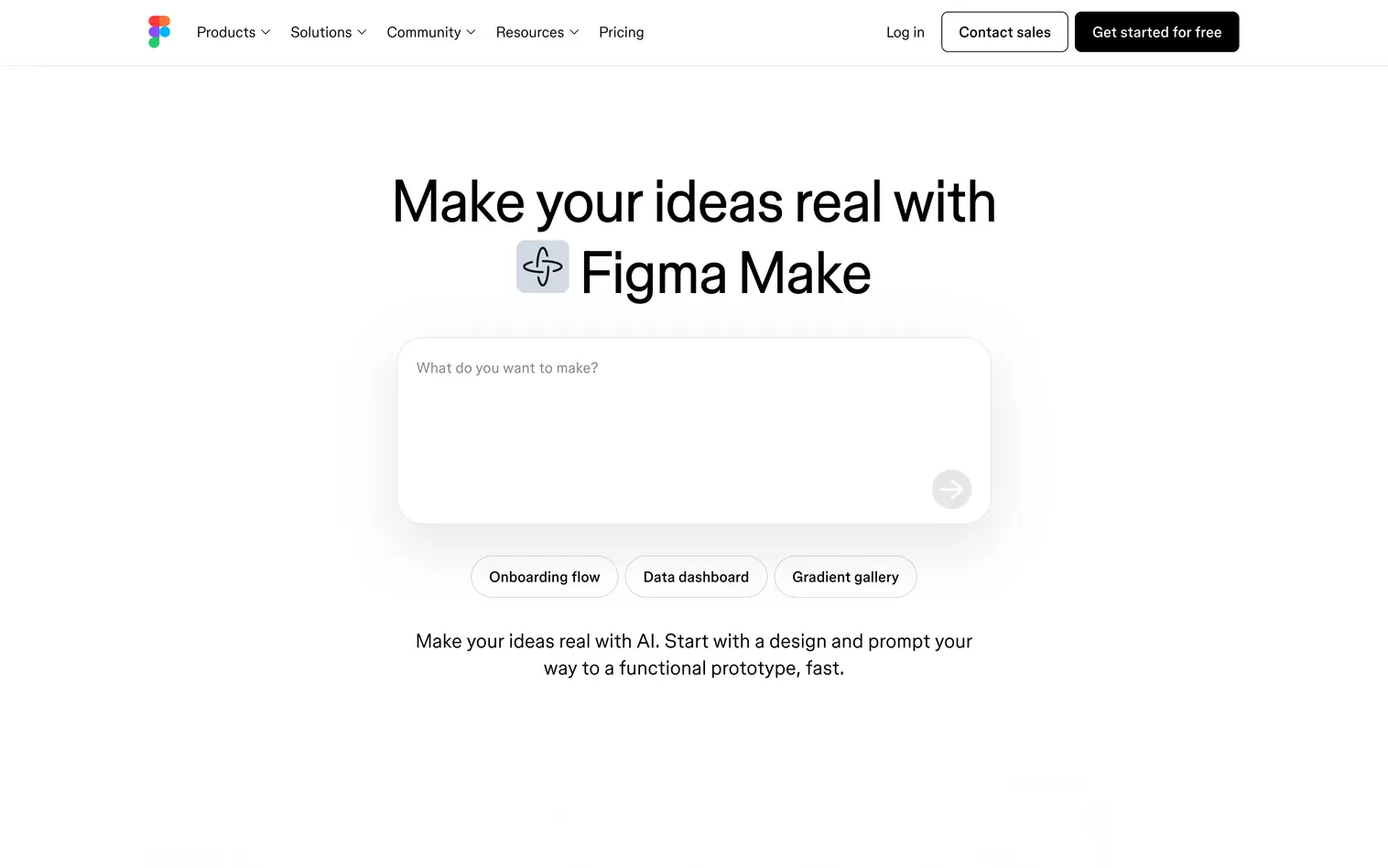
Figma Make is Figma's direct response to the vibe coding movement, launched in May 2025. The tool allows designers to generate working applications while staying inside the tool they already use daily, available to all paid Figma seats.
The AI runs on Claude and accepts both text prompts and Figma frames as input. Point it at a mockup you've already created and ask it to make it functional. The generated code includes real interactions, state management, and responsive behavior based on your auto-layout configurations.
Where It Shines
Design system inheritance sets Figma Make apart from every competitor. The tool reads your existing style libraries, component sets, and design tokens. When you generate an app, it automatically applies your brand colors, typography scales, and spacing systems.
Drop-down menus allow quick adjustments to specific elements without returning to the chat interface. Change a font, swap a color, adjust padding directly. The integration with Figma Sites extends capabilities further, letting you publish generated applications as live websites directly from Figma.
Key Features
- Design System Inheritance: Automatically applies your existing style libraries, component sets, and design tokens to every generated application
- Native Figma Integration: Work directly within Figma's interface, using frames as input for code generation without switching tools
- Direct Editing Controls: Adjust fonts, colors, and padding through dropdown menus without returning to the chat interface
- Figma Sites Deployment: Publish generated applications as live websites directly from Figma with built-in hosting
Pricing
Included with Figma Professional ($20/full seat/month) and higher tiers. AI credits are bundled with your subscription, with complex generations consuming more credits. The free Starter plan includes limited AI credits for testing. Organization ($55/full seat/month) and Enterprise ($90/full seat/month) plans scale AI credits with team size.
Best For
Design teams already working in Figma who want to prototype with production-ready code. Particularly valuable for organizations with established design systems that need to maintain brand consistency.
3. v0 by Vercel

v0 started as a UI generation experiment and evolved into the preferred tool for creating high-quality React components. Vercel's infrastructure expertise shows in the deployment pipeline, with components going from prompt to production URL in seconds.
The platform benefits from Vercel's position as the company behind Next.js, the React framework used by companies like Netflix, TikTok, and Notion. The output uses Tailwind CSS and shadcn/ui conventions, and Design Mode (introduced mid-2025) added visual editing capabilities on top of code generation.
Where It Shines
Component-level generation is where v0 excels over full-application builders. Need a pricing table, a navigation component, or a complex form layout? v0 generates polished, accessible components that follow React best practices. The focused scope produces higher quality results than tools trying to build everything at once.
Figma-to-code conversion lets designers upload frames and receive React components. The AI interprets layer hierarchy, auto-layout settings, and style properties with surprising accuracy. The combination of visual Design Mode and code generation creates a hybrid workflow for adjusting layouts visually while accessing the underlying React code when needed.
Key Features
- React/Next.js Generation: Produces production-ready React components following Next.js conventions used by major tech companies
- Figma Import: Upload design frames and receive corresponding React components with accurate interpretation of your layout and styles
- shadcn/ui Integration: Generated components use shadcn/ui conventions, making them compatible with one of React's most popular component systems
- Visual Design Mode: Edit layouts and styles visually without touching code, then access the underlying React when needed
Pricing
Free tier with limited generations. Pro plan at $20/month includes increased usage limits and faster generation. Team plans available from $30/user/month for organizations needing shared component libraries and collaboration features.
Best For
Designers creating component libraries or individual UI elements for React projects. Especially valuable when working with development teams already using Next.js or shadcn/ui.
4. Bolt

Bolt runs entirely in your browser with zero configuration required. Built by StackBlitz, the platform uses WebContainer technology to run a full Node.js environment directly in your browser tab, not a simplified simulation.
The platform integrates with Netlify for deployment, allowing one-click publishing to production URLs. This partnership means generated applications benefit from Netlify's CDN and hosting infrastructure without additional configuration.
Where It Shines
Accessibility defines Bolt. No downloads, no terminal commands, no environment variables, no package manager confusion. Open the site, describe what you want, and watch it build. For designers intimidated by development tooling, this removes every barrier except describing what you want.
The browser-based approach enables genuine full-stack development. Database operations, API routes, and server logic all run in the WebContainer sandbox. Quick prototyping works exceptionally well when you need to test an idea or demonstrate a concept in a meeting.
Key Features
- Zero Setup Required: Start building immediately in your browser without installing software, configuring environments, or managing dependencies
- WebContainer Technology: Run full Node.js applications directly in the browser, including backend code and database operations
- Full-Stack Generation: Create complete applications with frontend, backend, and database logic, not just UI mockups
- Netlify Deployment: Publish to production URLs with one click through integrated Netlify hosting
Pricing
Free tier with limited tokens. Pro plan at $25/month provides 10 million tokens monthly. Teams plan at $30/user/month adds collaboration features and increased limits. All plans include Netlify deployment and GitHub export.
Best For
Quick prototypes and experiments without any local development setup. Ideal for designers who want to test ideas immediately without asking for developer time or learning terminal commands.
5. Cursor
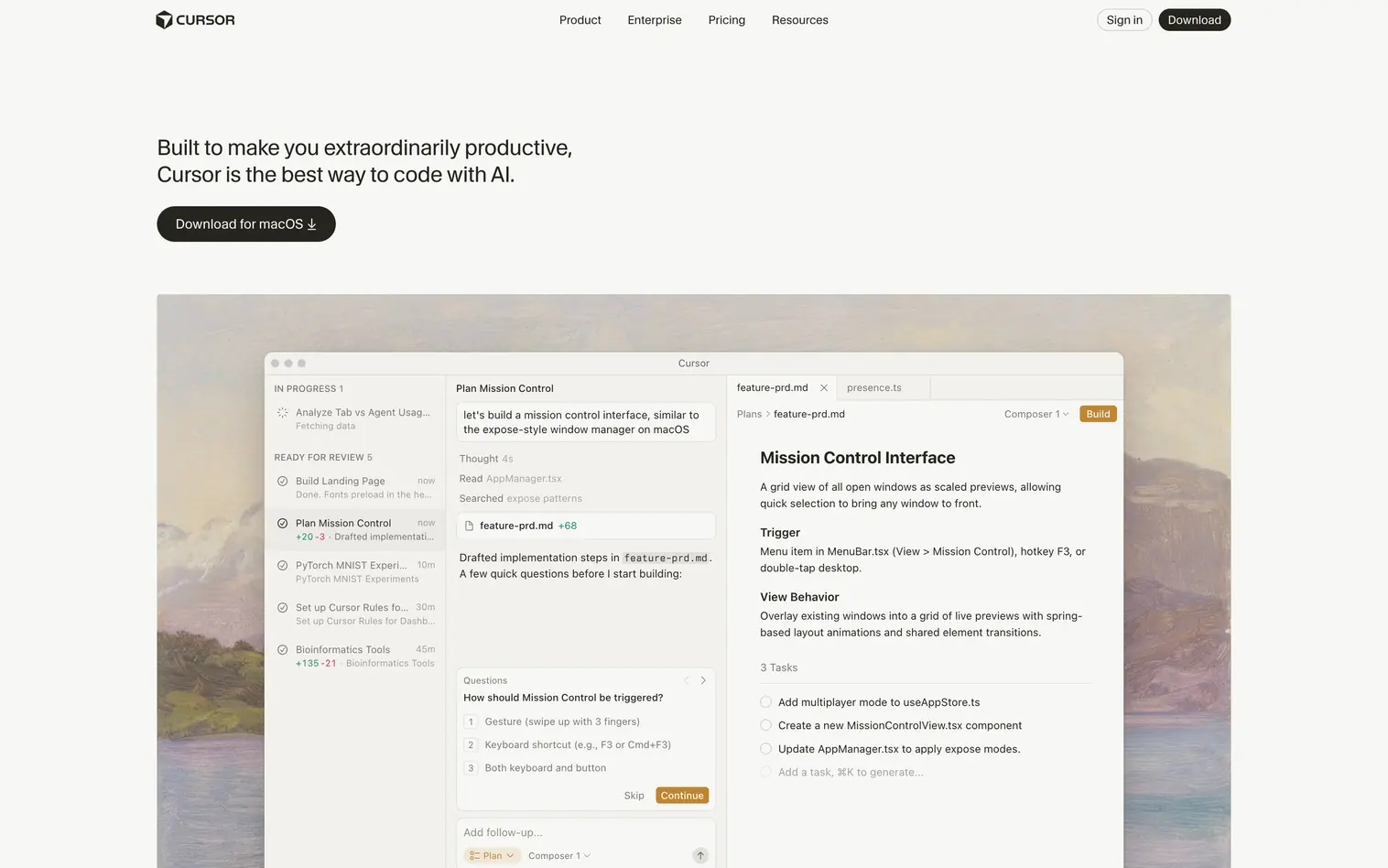
Cursor sits at the technical end of the vibe coding spectrum. Built as a fork of VS Code, it's a full IDE with exceptional AI capabilities integrated throughout the development experience, reaching a $9 billion valuation in 2025.
Multiple AI models are available, including Claude, GPT-4, and others. Users can switch between models depending on the task, using faster models for simple edits and more capable models for complex generation.
Where It Shines
Codebase awareness separates Cursor from simpler tools. The AI understands your entire project, not just the file you're editing. Ask it to refactor a component, and it tracks changes across every file that imports that component. This contextual understanding produces more reliable results than tools working file-by-file.
Composer mode enables multi-file generation from natural language prompts. Describe a feature, and Cursor creates all necessary components, updates routing, and modifies styles consistently. For designers learning to code, Cursor provides a bridge: generate an initial prototype in Lovable or Bolt, export the code, then continue development in Cursor with AI assistance.
Key Features
- Full VS Code IDE: Access all VS Code extensions, keybindings, and features while adding AI capabilities throughout the interface
- Codebase-Aware AI: The AI understands your entire project structure and can make consistent changes across multiple files simultaneously
- Composer Mode: Generate complete features from natural language descriptions, with the AI creating and modifying all necessary files
- Multiple AI Models: Switch between Claude, GPT-4, and other models depending on the task complexity and your preferences
Pricing
Free tier includes limited tab completions and agent requests. Pro at $20/month adds extended limits and unlimited completions. For even more usage there are Pro+ and Ultra Tiers. For Teams pricing starts at $40/user/month including admin controls, enforced privacy mode, and centralized billing.
Best For
Designers who want to learn coding or need fine-grained control over generated code. Also valuable as a "next step" tool after outgrowing pure no-code platforms.
6. Replit
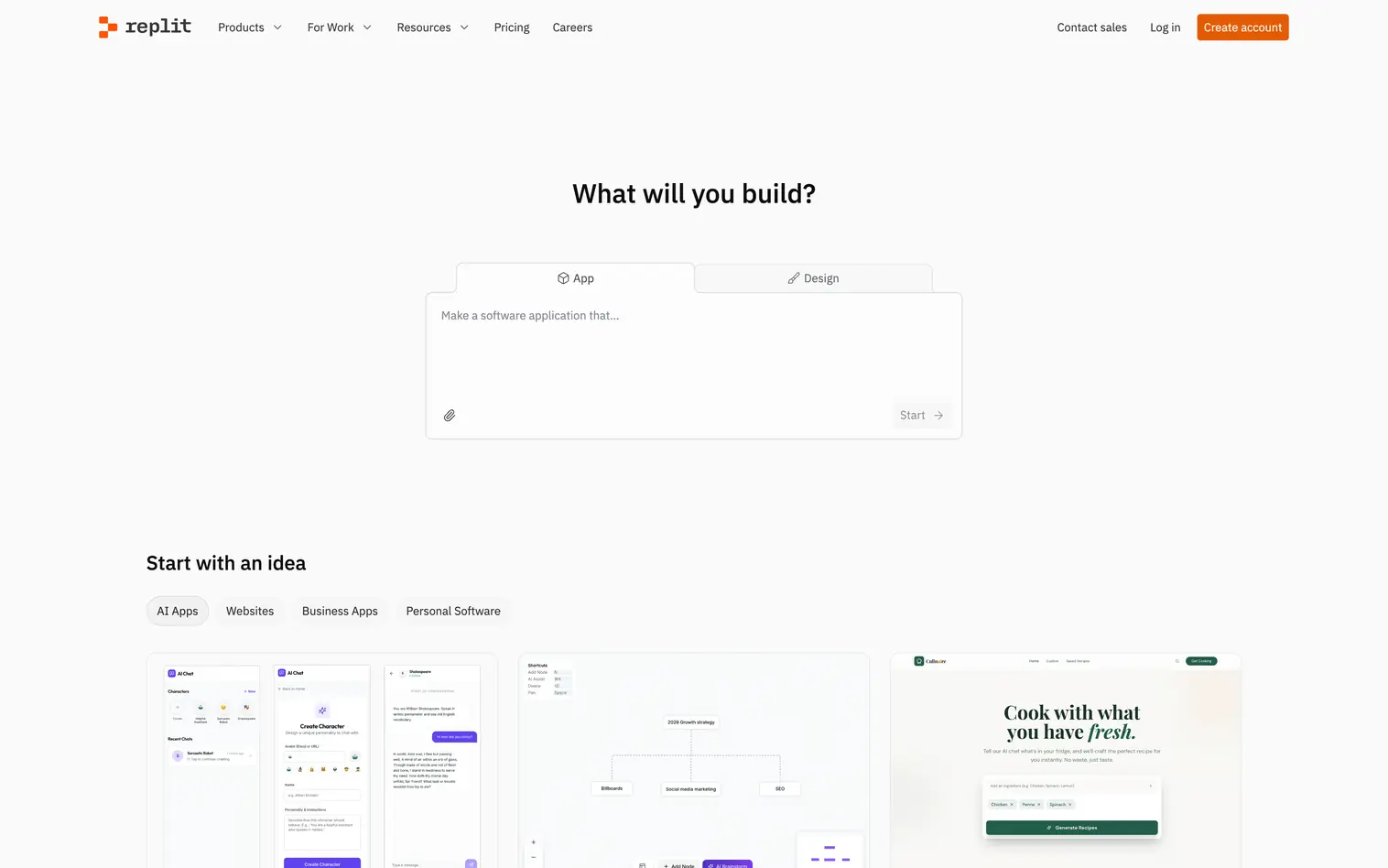
Replit pioneered cloud-based development years before the current AI wave. The platform has been building cloud development infrastructure since 2016, providing complete development environments accessible from any browser with collaborative features that make it feel like Google Docs for code.
The AI Agent operates in multiple autonomy modes. Standard mode requires approval for significant changes, while "max autonomy" mode lets the AI make more decisions independently. This flexibility accommodates both beginners who want oversight and experienced users who want speed.
Where It Shines
Collaboration sets Replit apart from solo-focused tools. Multiple people can edit simultaneously, comment on specific code sections, and share development environments instantly. For designer-developer collaboration, this shared workspace eliminates the handoff friction that slows traditional workflows.
Figma import helps designers start from existing work rather than blank prompts. Upload your designs, and Replit generates corresponding code while maintaining visual fidelity. The cloud-based approach means your development environment is accessible from any device without Git knowledge or manual file management.
Key Features
- Cloud IDE: Complete development environments in your browser, accessible from any device without local setup
- AI Agent with Autonomy Modes: Choose how much independence the AI has, from supervised changes to fully autonomous development
- Figma Import: Upload design files and generate corresponding code while maintaining visual specifications
- Real-Time Collaboration: Multiple team members can edit simultaneously with live cursors, comments, and instant sharing
Pricing
Free tier with basic features and limited compute. Core plan at $25/month includes AI features, more compute power, and private projects. Teams plan at $40/user/month adds organization features, SSO, and priority support.
Best For
Teams working collaboratively on code where designers and developers need shared access. Also excellent for designers learning to code who want AI support and the ability to ask questions.
7. YouWare

YouWare built its identity around community rather than pure functionality. The platform launched in March 2025 and reached 500,000 monthly active users by November, raising $50 million in pre-seed funding from IDG Capital and 5Y Capital at a $200 million valuation.
YouBase, launched in January 2026, added integrated backend infrastructure to the platform. Authentication, database, and storage services are now built in rather than requiring external services like Supabase or Firebase.
Where It Shines
Community features differentiate YouWare from solo-focused tools. Browse projects others have built, fork interesting ones, and adapt them to your needs. For designers seeking inspiration or starting points, this library of working examples accelerates learning faster than starting from blank prompts.
Mobile app availability extends the platform beyond desktop. The YouWare iOS and Android apps support voice prompts, letting you describe projects while away from your computer. The Credit Care feature addresses a common frustration: if the AI produces something that doesn't work, you can refund your credits with a button click.
Key Features
- Community Sharing: Browse, fork, and remix projects from other creators to learn techniques and accelerate your starting point
- Mobile App with Voice Input: Describe projects using voice on iOS and Android with full access to backend capabilities
- YouBase Integration: Built-in authentication, database, and storage without configuring external services
- Credit Care Refunds: Reclaim credits when AI produces unusable results, reducing experimentation risk
Pricing
Free tier with limited credits. Pro plan at $20/month includes more credits and YouBase access. Ultra at $60/month adds 3x more credits, priority generation, and advanced features. Credit Care allows refunds on failed generations across all paid plans.
Best For
Creators who learn by example and want community feedback on their work. Particularly valuable for designers who find inspiration by seeing what others have built.
8. Mocha
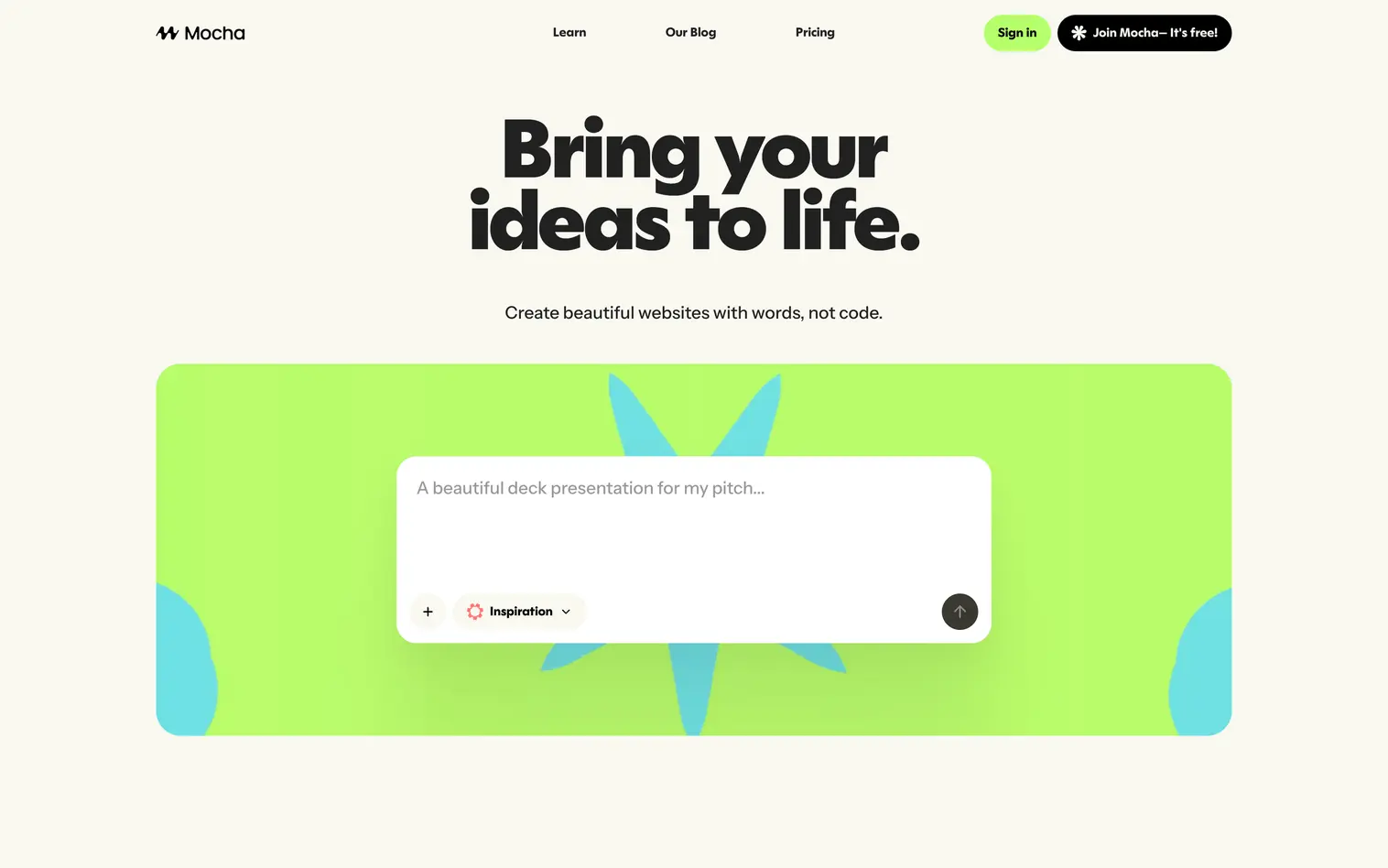
Mocha targets the 99% of people with ideas who aren't developers. The Y Combinator-backed platform won Product Hunt's Product of the Week and has grown rapidly by focusing relentlessly on accessibility for non-technical users.
The company started as Srcbook, a TypeScript notebook for developers. After talking to users, the founders discovered people wanted to build complete apps, not just run code snippets. The pivot to Mocha in 2025 reoriented the entire product around non-technical creators.
Where It Shines
Everything-included simplicity defines Mocha. While tools like Lovable require connecting to Supabase for databases and Clerk for authentication, Mocha includes everything out of the box. No external accounts to create, no API keys to manage, no integration documentation to read.
The interface adapts to different working styles. Direct Edit Mode allows clicking on elements to modify them without prompting. Discuss Mode lets you ask questions about your project without triggering changes. Development and production database separation happens automatically, protecting you when your prototype becomes a real product.
Key Features
- Fully Integrated Stack: Authentication, database, backend, and hosting included without connecting external services or managing API keys
- Dev/Prod Separation: Automatic separation of development and production databases following professional best practices
- Direct Edit Mode: Click on elements to modify them visually without returning to the chat interface
- Discuss Mode: Ask questions about your project without triggering changes, useful for understanding how things work
Pricing
Credit-based system with generous free tier for testing. Paid plans start at $20/month with increased credit limits. All infrastructure costs (database, authentication, hosting) are included in credits, so there are no surprise bills from external services.
Best For
Non-technical founders and creators who want a complete solution without managing multiple services. Ideal for first-time builders who don't want to learn about databases, authentication, or deployment.
9. Blink
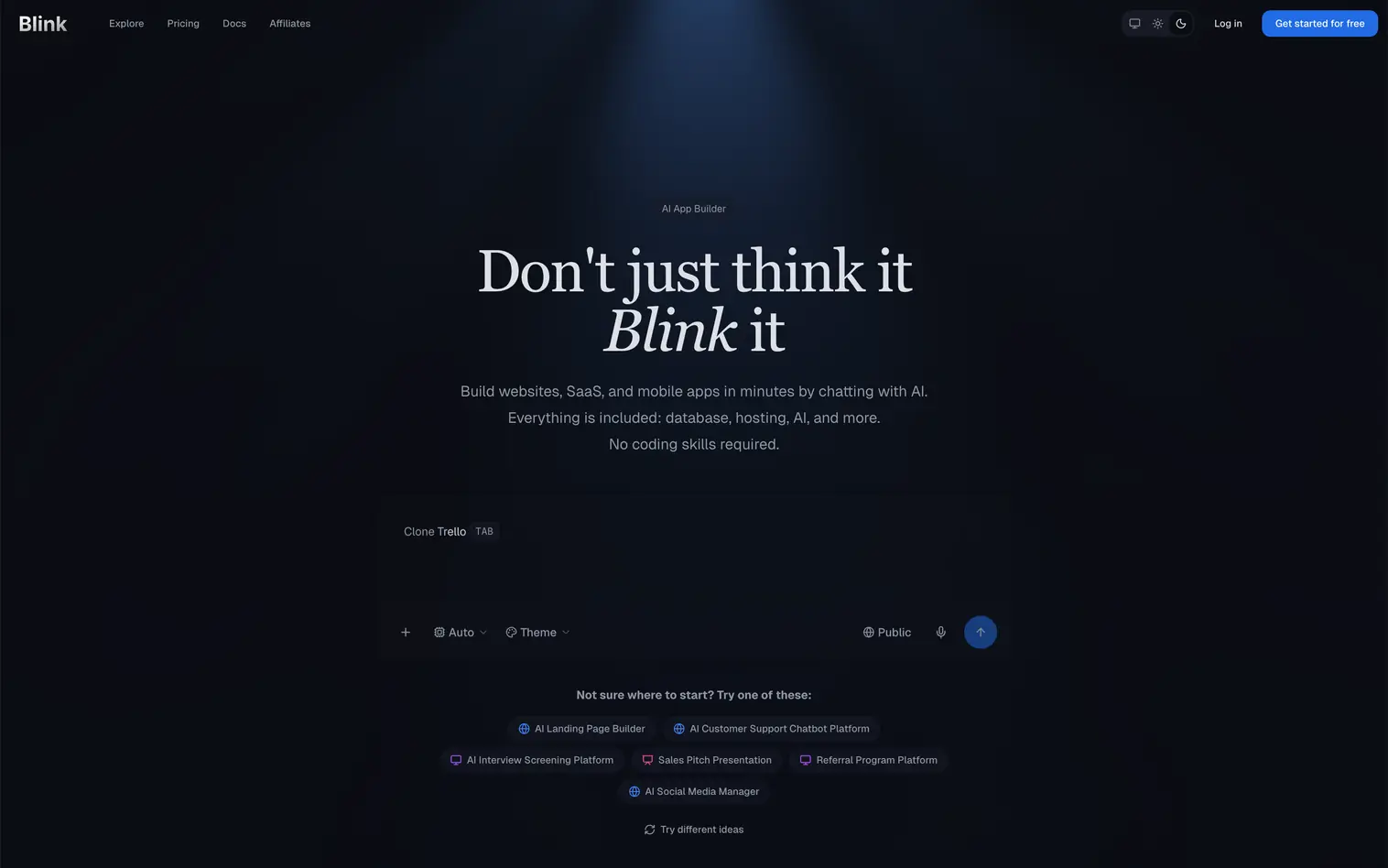
Blink positions itself as an "agentic IDE" rather than a simple app builder. The Y Combinator-backed platform deploys AI agents that reason through your requirements, plan implementation steps, and build systematically rather than generating code from single prompts.
The January 2026 Agent Builder update expanded capabilities significantly. The platform now supports building AI-powered applications with access to over 180 AI models, built-in vector databases, and code execution sandboxes.
Where It Shines
Code quality defines the Blink experience. Where competitors sometimes produce code that fails basic error checks, Blink enforces strict standards that result in more stable applications. Users switching from Lovable frequently cite this reliability as their reason for moving.
Multi-tenant architecture isolates each project with dedicated database, storage, and authentication systems. This enterprise-grade infrastructure matters when building something beyond a throwaway prototype. The agentic approach means less prompting back-and-forth, as the AI plans the implementation and builds more complete solutions on the first attempt.
Key Features
- Agentic AI Approach: AI agents reason through requirements and plan implementations rather than responding to individual prompts
- Strict Code Quality: Enforces coding standards that produce more stable, maintainable applications than competing platforms
- Agent Builder: Create AI-powered applications with access to 180+ models, vector databases, and code execution sandboxes
- Multi-Tenant Infrastructure: Each project gets isolated database, storage, and authentication systems for enterprise-grade separation
Pricing
Free tier with limited credits. Starter at $25/month includes 100 credits and basic features. Pro at $50/month adds more credits, priority support, and advanced agent capabilities. Max at $200/month adds even more credits, credit rollovers, and premium support.
Best For
Builders who need reliable code quality for serious applications. Particularly valuable when moving beyond prototypes to products that will have real users.
10. Rork
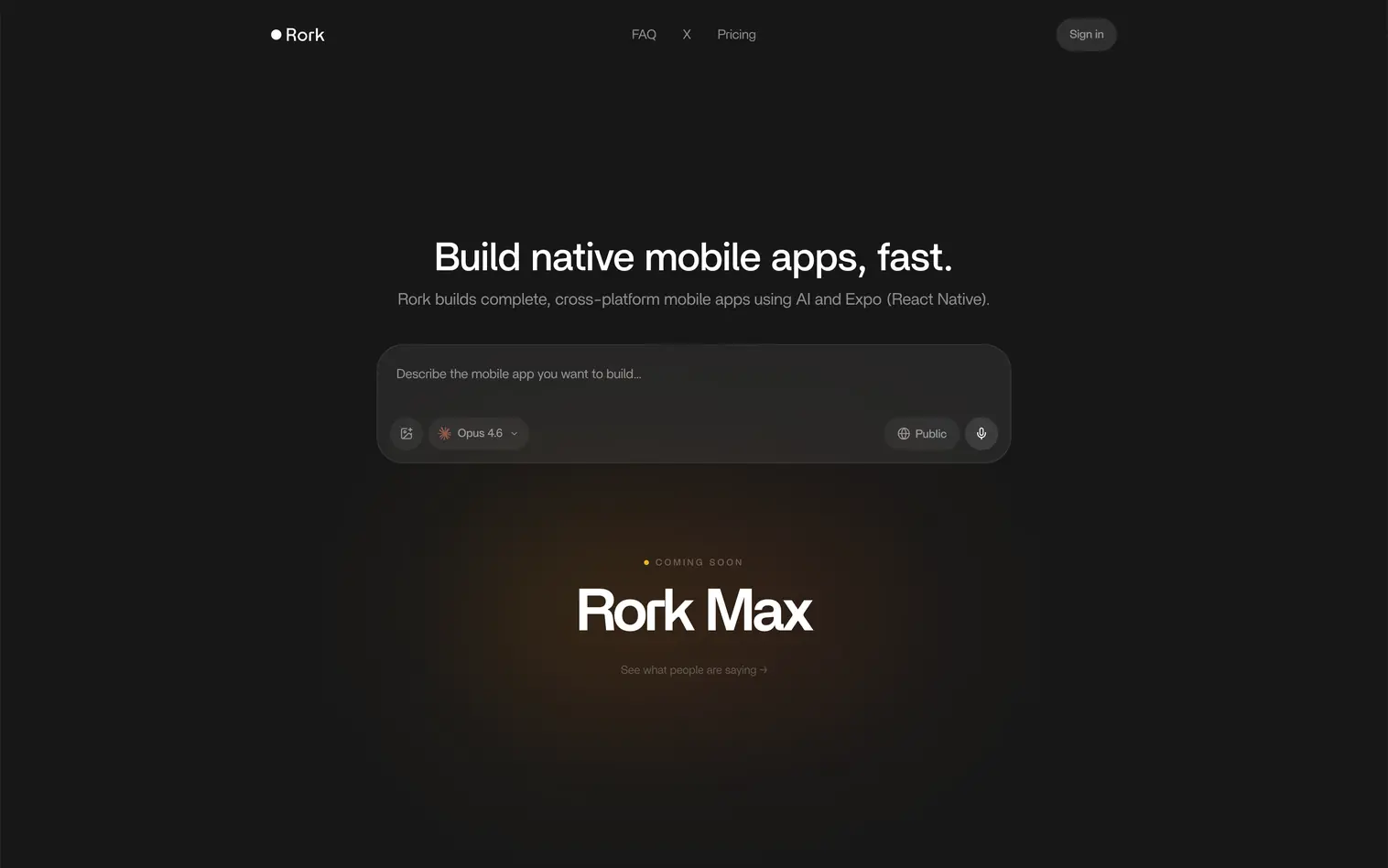
Rork specializes exclusively in native mobile apps. While most vibe coding tools generate web applications that can be wrapped for mobile, Rork produces genuine React Native code designed for iOS and Android from the start.
Andreessen Horowitz led the $2.8 million seed round in May 2025. The founders previously built an AI-driven Next.js site generator and co-created 21st.dev, which reached 50,000 users and became Product Hunt's #1 Product of the Month.
Where It Shines
Native mobile focus enables capabilities web-first tools can't match. Apps access device features like cameras, push notifications, and sensors natively. Performance matches traditionally developed mobile apps because the output is actual React Native code running on device hardware.
The Rork iOS app lets you prototype directly on your phone and preview immediately on your device. App Store publishing assistance removes one of the most intimidating barriers to mobile development, helping with app signing, submission requirements, and store configurations.
Key Features
- Native React Native Output: Generates genuine React Native/Expo code, not web wrappers, ensuring native performance on iOS and Android
- Device Preview: Test your app directly on your phone through the Rork iOS app with immediate visual feedback
- App Store Publishing: Guidance and tooling for app signing, submission requirements, and store configurations
- Code Export: Full ownership of generated React Native code for continued development or professional handoff
Pricing
Free tier with public projects. Pro starting at $20/month ($50/month and $100/month options available) includes code editor and GitHub integration. Max at $200/month adds even more generations and priority support. All plans include full code export and React Native ownership.
Best For
Anyone building a native mobile app without mobile development experience. The only tool on this list focused specifically on App Store and Google Play deployment.
How to Choose the Right Vibe Coding Tool
Your choice depends on three factors: what you're building, how technical you want to get, and where your designs live.
For designers working in Figma: Start with Figma Make if you have a paid Figma seat. The native integration and design system inheritance create the smoothest workflow. Use v0 when you need individual React components rather than full applications.
For rapid prototyping: Bolt offers the fastest path from idea to working demo. No account setup, no configuration, just describe and build. Lovable takes slightly more setup but produces more complete applications with backend functionality.
For complete beginners: Mocha's all-in-one approach removes the confusion of connecting external services. YouWare's community provides inspiration and learning opportunities through other creators' projects.
For mobile apps: Rork is the only tool on this list that produces genuine native mobile applications. If your goal is the App Store, start here rather than trying to convert web apps later.
For scaling beyond prototypes: Cursor gives you full control when AI-generated code needs professional refinement. Blink's enterprise infrastructure supports serious applications. Replit enables team collaboration as projects grow.
Explore more vibe coding tools options to find the perfect fit for your workflow.
Start Building
Vibe coding has moved from novelty to necessity for designers in 2026. The tools covered here represent different philosophies: some prioritize speed, others emphasize code quality, and several focus on specific platforms or use cases.
The common thread is accessibility. None of these tools require programming expertise to produce working applications. Describe what you want, iterate through conversation, and deploy functional software in hours rather than weeks.
Start with one tool that matches your immediate need. Build something simple. Experience the workflow before committing to a paid plan. Most platforms offer free tiers or trials specifically for this exploration.
The wall between design and development hasn't disappeared entirely. Complex applications still benefit from professional development. But for MVPs, prototypes, internal tools, and proof-of-concept work, vibe coding tools give designers direct access to functional software.
Looking for more tools beyond vibe coding? Check out our full collection of AI design tools on TOOOLS.design.