— 2min read
🟣 TOOOLS #15: Glaze, Taste Skill, Details, Tinkerfont, Astryx
|
|

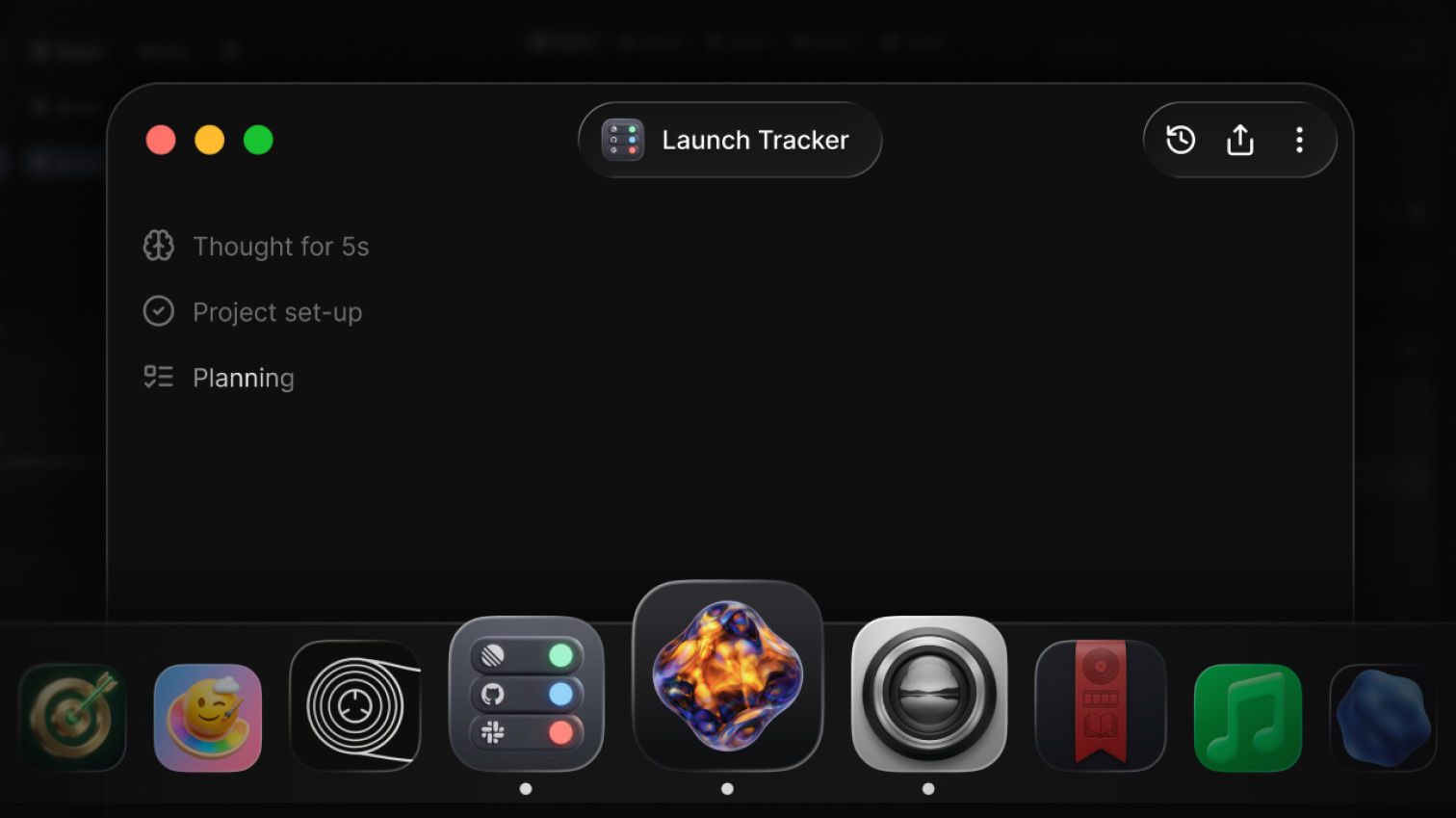 |
| Glaze is Raycast's take on personal software: describe the app you want and it takes shape as a real Mac app that lives in your Dock, works offline, and connects to your files and the tools you already use. Where Lovable and v0 build for the browser, Glaze builds for the desktop: internal tools for your team, personal utilities, menu bar apps, workflow automations, or just quick one-off things that make your life easier. |
|
|

 | An open-source set of design-taste rules for AI coding assistants like Cursor, Claude Code, and Lovable, built to stop generated interfaces from looking templated. |
 | A curated gallery of the details behind the world's best websites, from hero sections and preloaders to page transitions and scroll animations, updated weekly. |
 | A free browser extension that inspects and swaps the fonts on any live website, so you can test over 1,900 typefaces or your own uploads on real content before committing. |
 | Meta's open-source design system, now in beta: over 160 accessible components, ten ready-made themes, and documentation both your team and your AI tools can build from. |
|
|

| UX COLLECTIVE 📖 ARTICLE How designers need to change for an AI-powered world Cassie McDaniel, VP of Design @Medium distills a panel discussion on what AI actually changes about the design job. A grounded read on the mindsets and skills worth building now, straight from working designers rather than headlines. |
| UX COLLECTIVE 📖 ARTICLE You design it. Then what? A clear map of the Figma-to-code AI mess Christine Vallaure untangles the crowded space between a finished Figma file and working product, sorting the new AI hand-off approaches into four clear layers. |
| UX COLLECTIVE 📖 ARTICLE 39 principles for designing human-AI interaction Taras Bakusevych compiles 39 practical principles for designing AI features: set expectations, show evidence, keep people in control, and match autonomy to risk. A reference worth bookmarking for your next AI project. |
|
|

| Figma earns ISO 42001 certification, putting an independent auditor behind its responsible-AI claims |
|
|

| A PROMPT IDEA Ask your AI to break down a site you admire. Then have it do the same for your own and let it explain where the two diverge. |
The explanation is usually worth more than any AI redesign. It sharpens what you notice, and noticing the gap is the skill you keep. |
More Newsletter Issues
All issues
TOOOLS #33: Dessn, Inspora, Interface Lineage, IconMCP, Launchscene
November 10, 2026— 2min read
TOOOLS #32: Desigma, Pixlpin, Typebook, Stageshow, Blocks
November 3, 2026— 2min read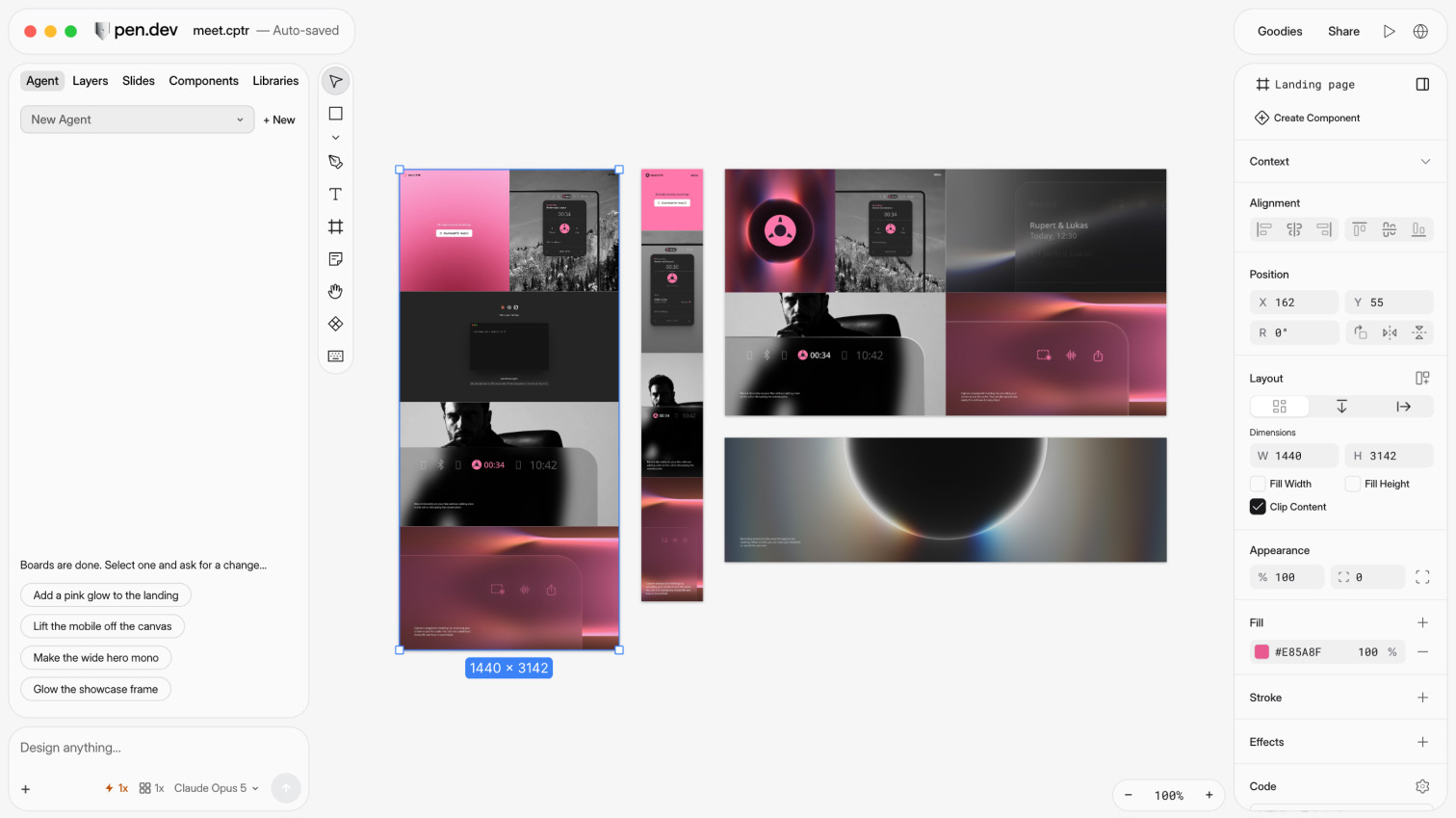
TOOOLS #31: Pen.dev, Design Details, Offgrid, Identik, Fontsight
October 27, 2026— 2min read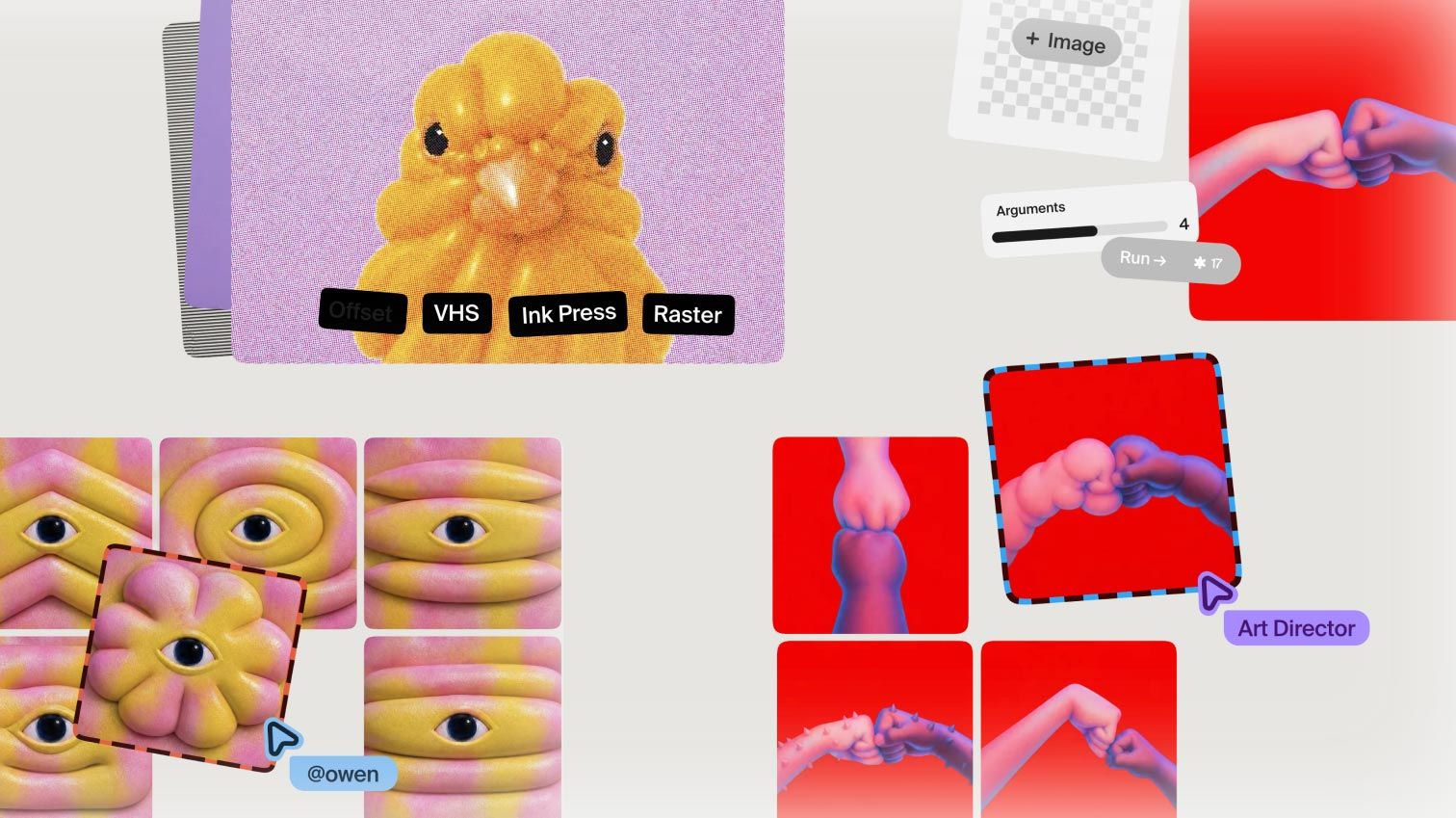
TOOOLS #30: Plnty, Ferio, MegaMegaTypeType, EditUI + TOOOLS 2.0 is live
October 20, 2026— 2min read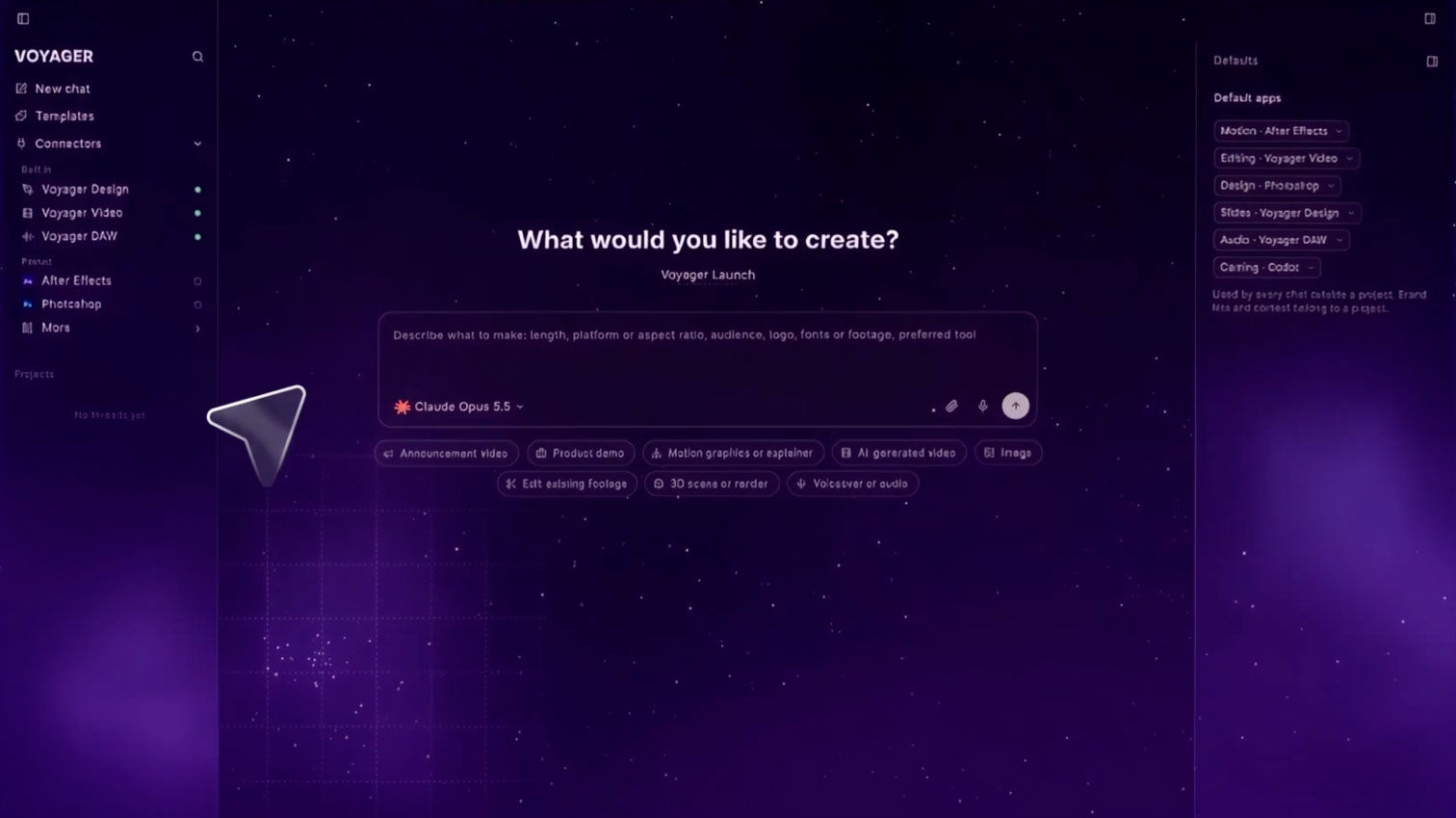
TOOOLS #29: Voyager, Energy Icons, Leadership Folios, Evil Buttons, Prompt Motion
October 13, 2026— 2min read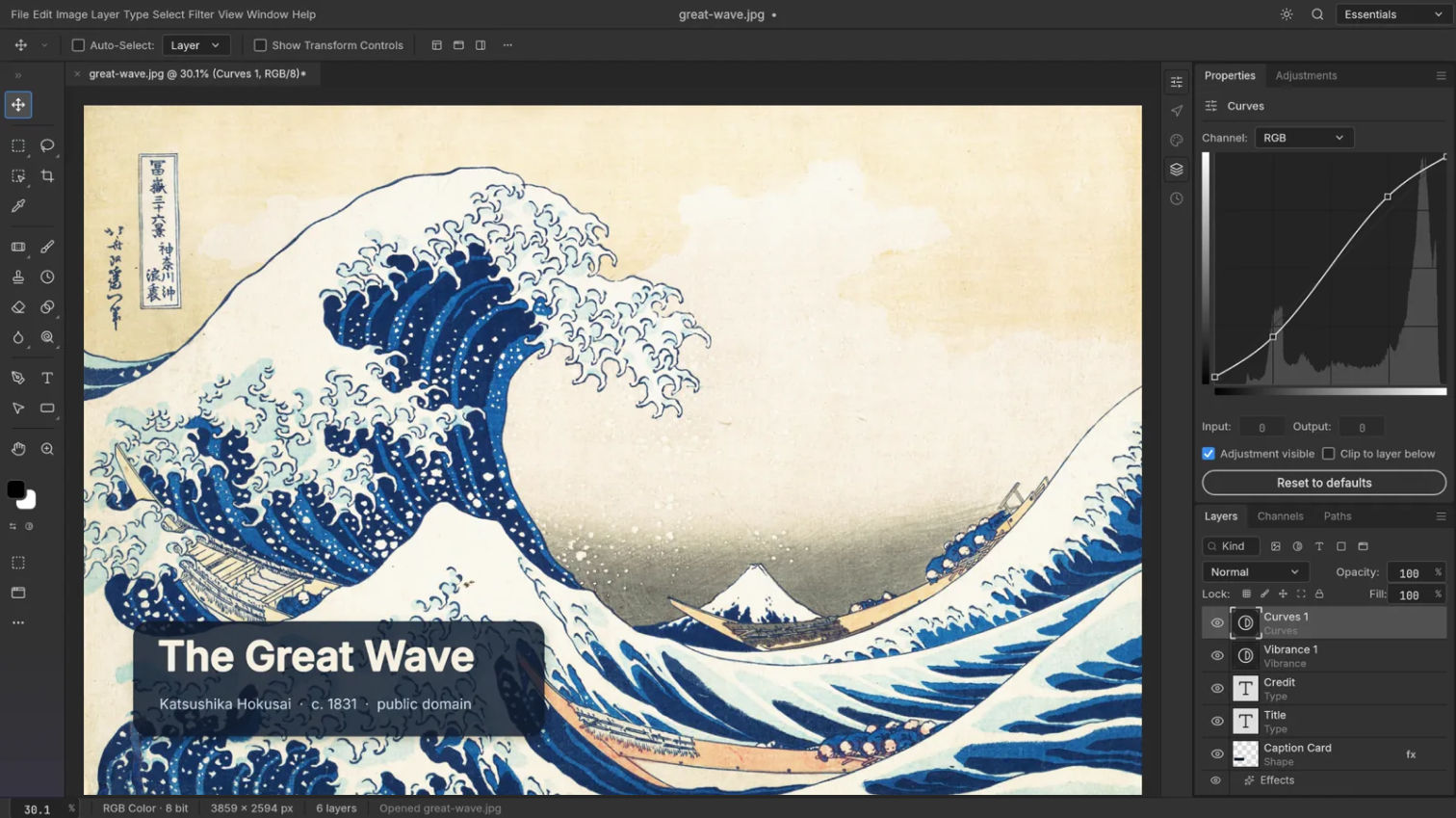
TOOOLS #28: PhotoCraft, Podie, Swash, Timeful, HyperFrames Studio
October 6, 2026— 2min read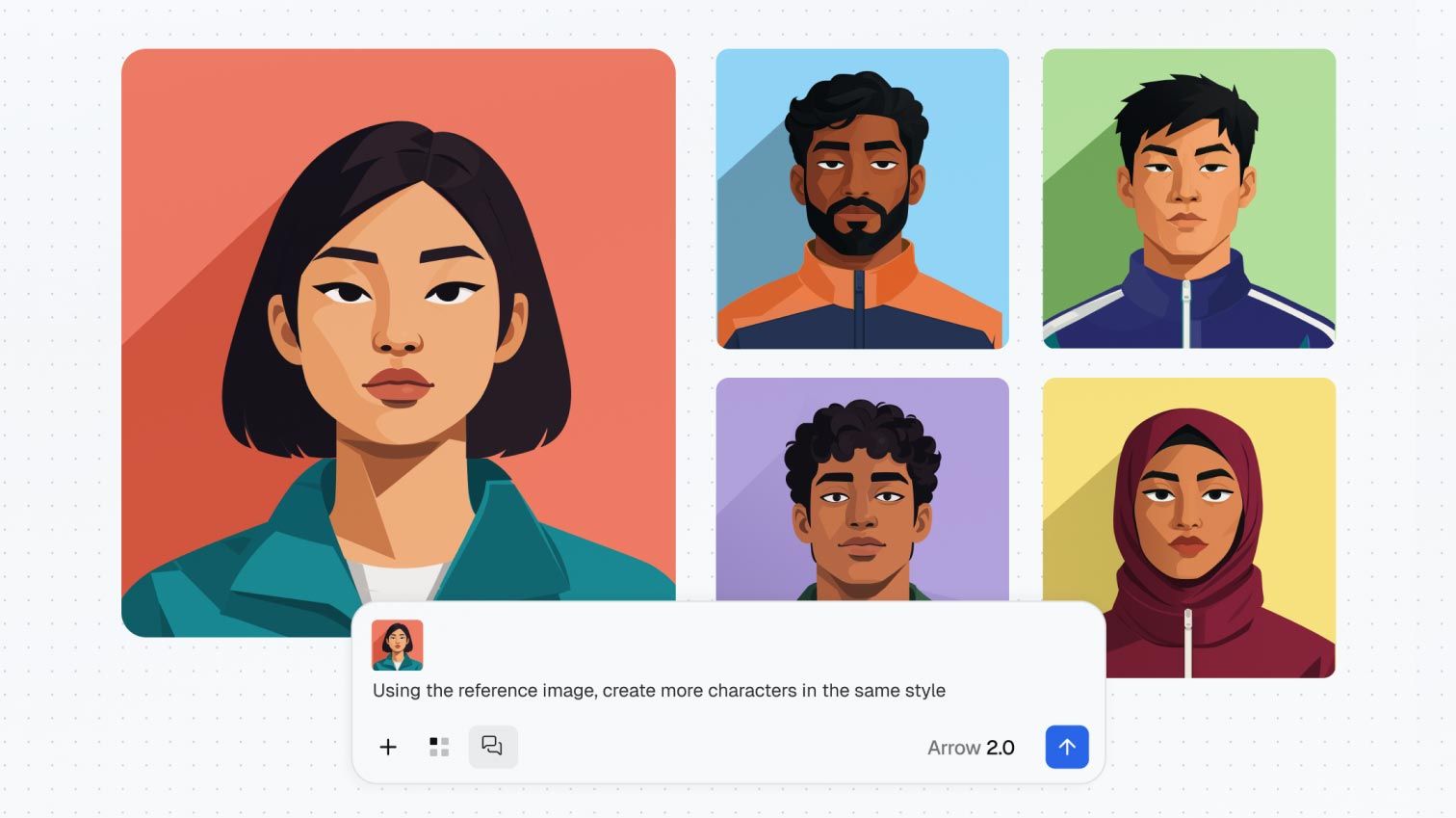
TOOOLS #27: QuiverAI, Designeer, Squints, Atlas, Lightmeter
September 29, 2026— 2min read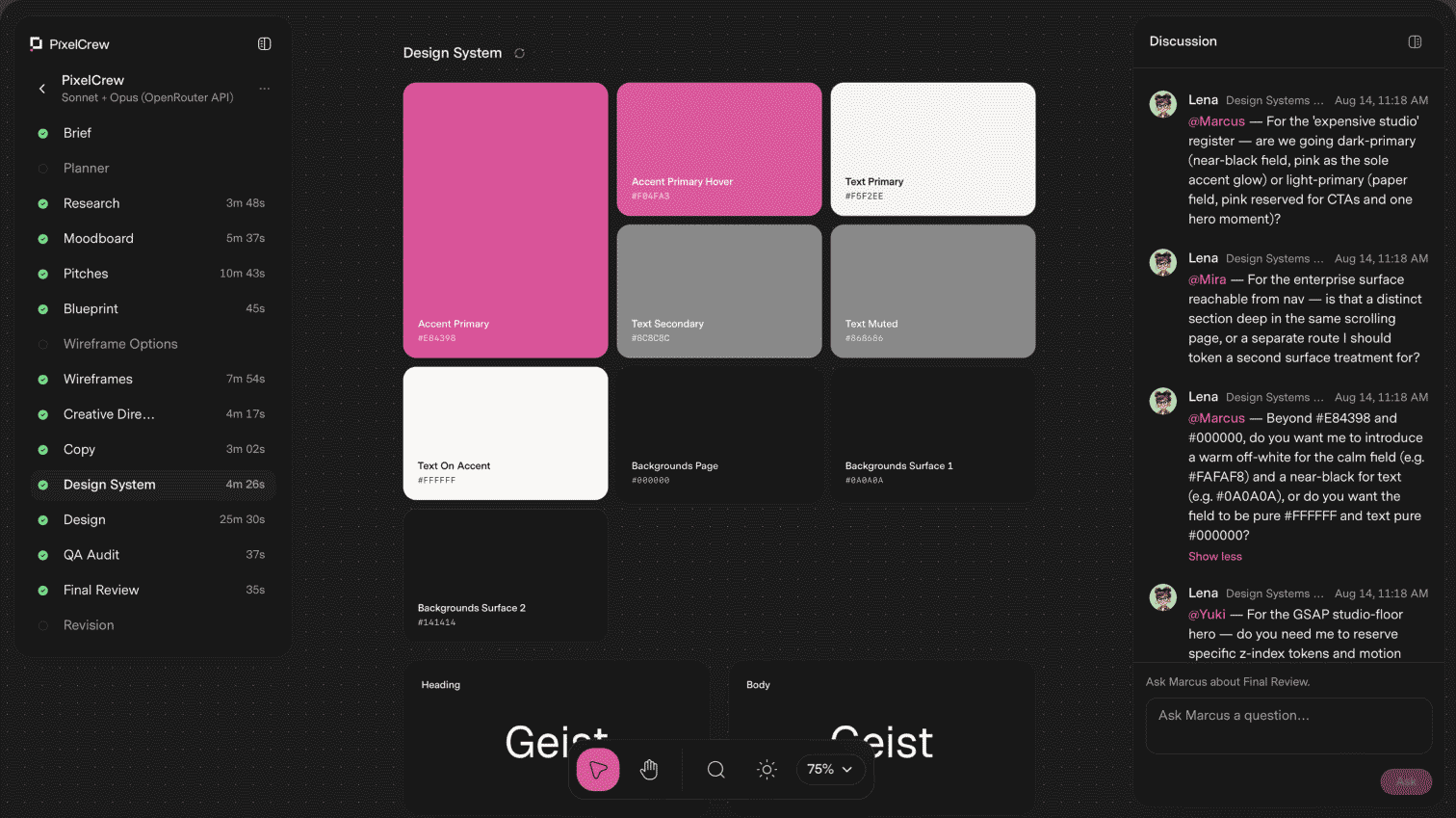
TOOOLS #26: PixelCrew, Bencho, Save.design, Powermove, libraries.dev
September 22, 2026— 2min read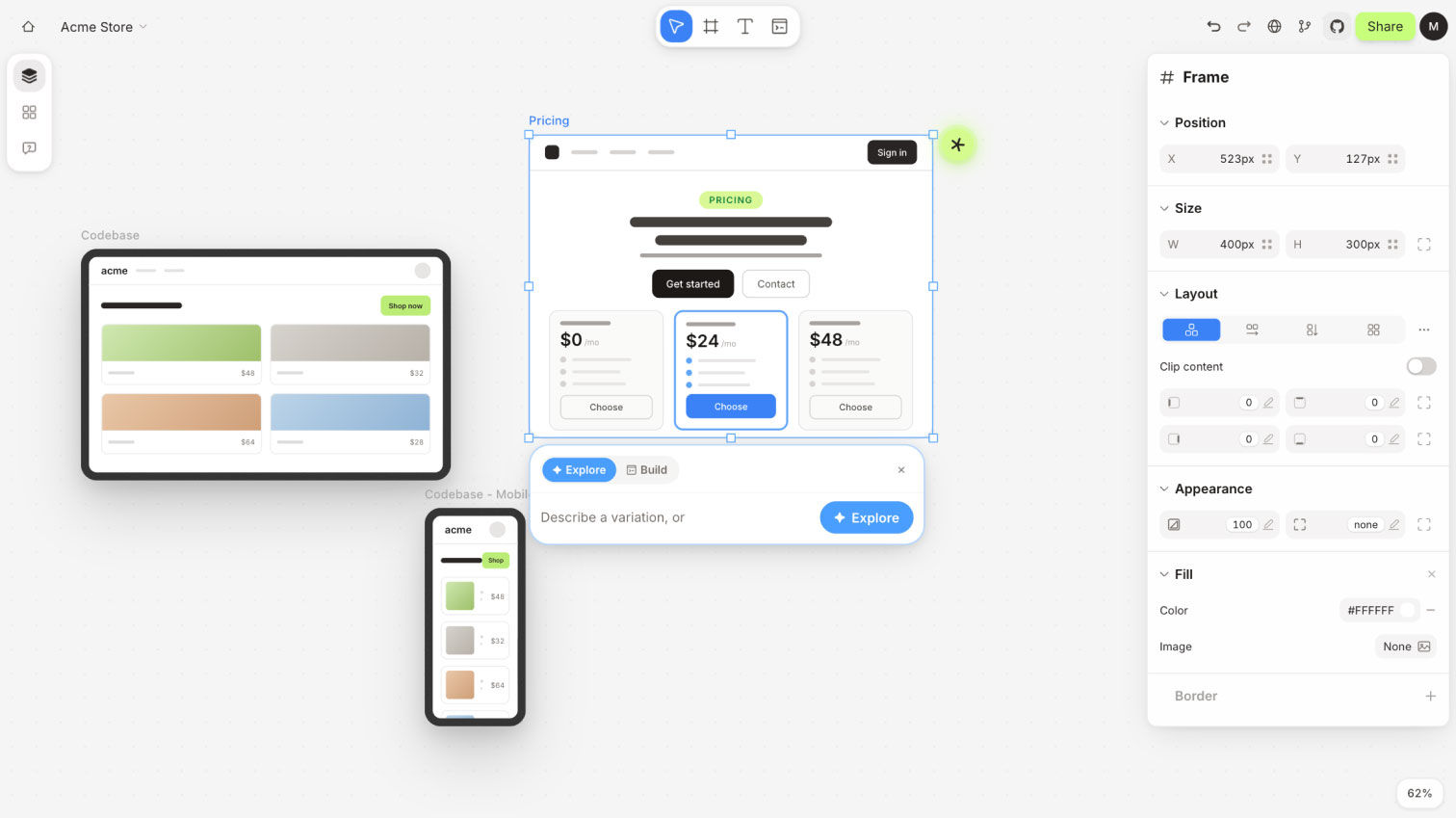
TOOOLS #25: Modeinspect, Brilliant, Hover, VibePrompts, Sliick
September 15, 2026— 2min read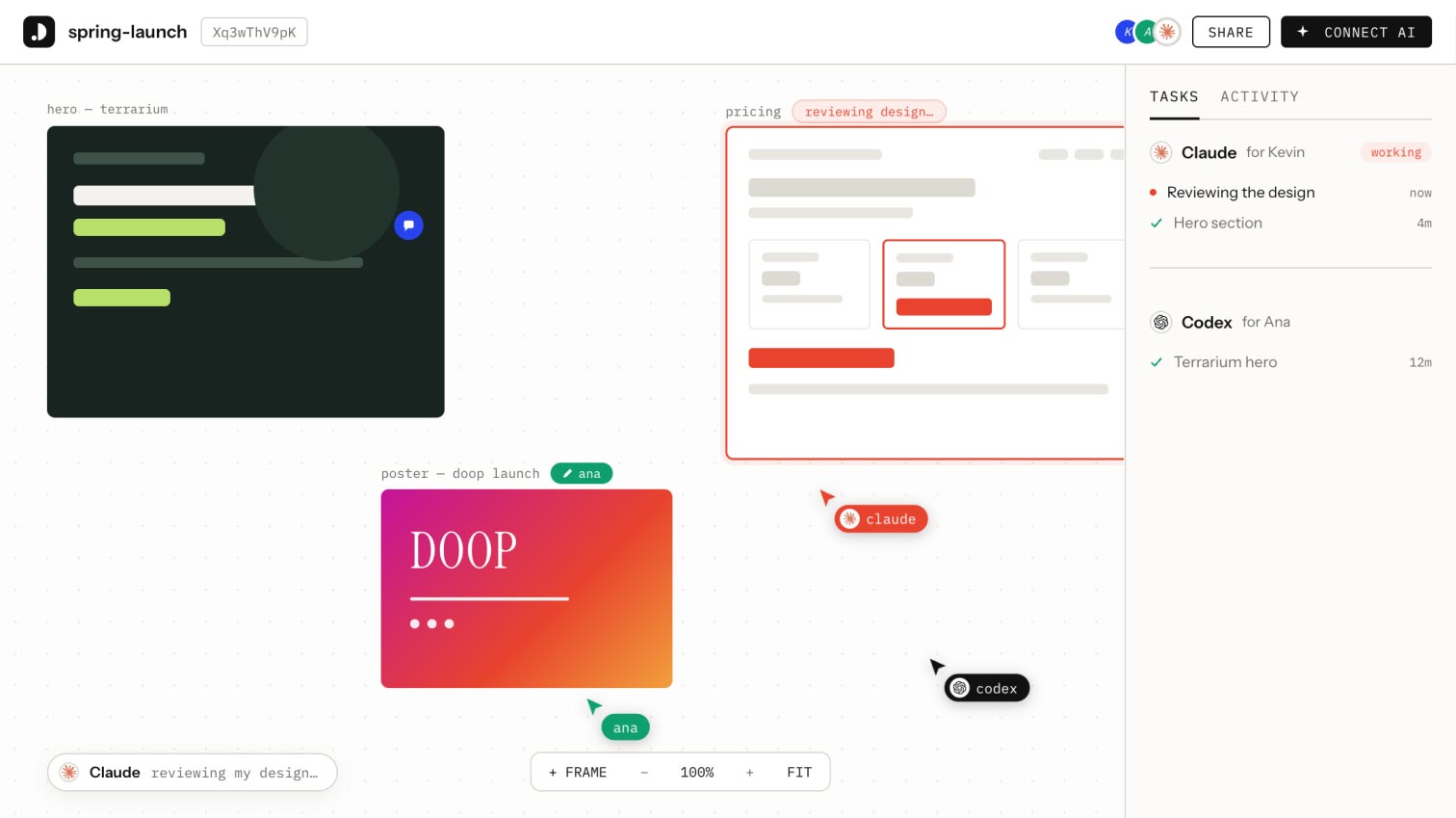
TOOOLS #24: Doop, Causal, Pryzm, Doodle Icons, Neurath X
September 8, 2026— 2min read