EVERY TUESDAY IN YOUR INBOX
Join 3,800+ designers getting the latest tools, reads, and news, in times of AI.
A curated newsletter for UI/UX, product, and web designers. Also relevant if you work in brand, graphic or motion design with a digital focus. Covering the best new design tools & resources, AI updates, industry news, and ideas shaping the design world.
Thank you 🙌 Please check your emails and confirm.
Oops 🤔 Something went wrong. Please try again later.
<!-- ============ TOOOL OF THE WEEK ============ -->
<table cellspacing="0" cellpadding="0" align="center" style="mso-table-lspace:0pt;mso-table-rspace:0pt;border-spacing:0px;width:100%" role="none">
<tbody>
<tr>
<td align="left" style="Margin:0;padding-top:0px;padding-right:0;padding-bottom:20px;padding-left:0">
<p style="Margin:0;mso-line-height-rule:exactly;font-family:arial, 'helvetica neue', helvetica, sans-serif;line-height:21px;letter-spacing:0;color:#333333;font-size:14px"><img width="24" align="left" src="https://ik.imagekit.io/gua3dld9n/newsletter/ic-toooloftheweek.png" alt="Section Icon" title="Section Icon" style="display:block;font-size:14px;border:0;outline:none;text-decoration:none;margin:0"><span style="color:#7b788c;line-height:24.7px;font-family:Inter, sans-serif;font-size:13px"> TOOOL OF THE WEEK</span></p>
</td>
</tr>
</tbody>
</table>
<table cellspacing="0" cellpadding="0" align="center" bgcolor="#fafafe" style="mso-table-lspace:0pt;mso-table-rspace:0pt;border-spacing:0px;border-radius:28px 28px 0 0;background-color:#fafafe;width:100%" role="none">
<tbody>
<tr>
<td align="left" style="padding:20px 20px 0 20px;Margin:0">
<a target="_blank" href="https://brik.space/?via=toools" style="mso-line-height-rule:exactly;text-decoration:underline;color:#1376C8;font-size:14px"><img src="https://ik.imagekit.io/gua3dld9n/newsletter/issue-11/brik-ai-generative-design-tool-platform.jpg" alt="Tool image" width="100%" title="Tool image" style="display:block;font-size:14px;border:0;outline:none;text-decoration:none;margin:0;border-radius:12px;max-width:544px"></a>
</td>
</tr>
</tbody>
</table>
<table cellspacing="0" cellpadding="0" align="center" bgcolor="#fafafe" style="mso-table-lspace:0pt;mso-table-rspace:0pt;border-spacing:0px;background-color:#fafafe;width:100%" role="none">
<tbody>
<tr>
<td align="left" style="padding:24px 22px 0 22px;Margin:0">
<p style="Margin:0;mso-line-height-rule:exactly;font-family:Inter, sans-serif;line-height:21.6px;letter-spacing:0;color:#0a0523;font-size:18px;padding-bottom:6px"><strong style="font-weight:700 !important"><a target="_blank" href="https://brik.space/?via=toools" style="mso-line-height-rule:exactly;text-decoration:underline;color:#0a0523;font-size:18px;line-height:21.6px;font-family:Inter, sans-serif">Brik</a></strong></p>
</td>
</tr>
</tbody>
</table>
<table cellspacing="0" cellpadding="0" align="center" bgcolor="#fafafe" style="mso-table-lspace:0pt;mso-table-rspace:0pt;border-spacing:0px;background-color:#fafafe;border-radius:0 0 28px 28px;width:100%" role="none">
<tbody>
<tr>
<td align="left" style="padding:0 22px 24px 22px;Margin:0">
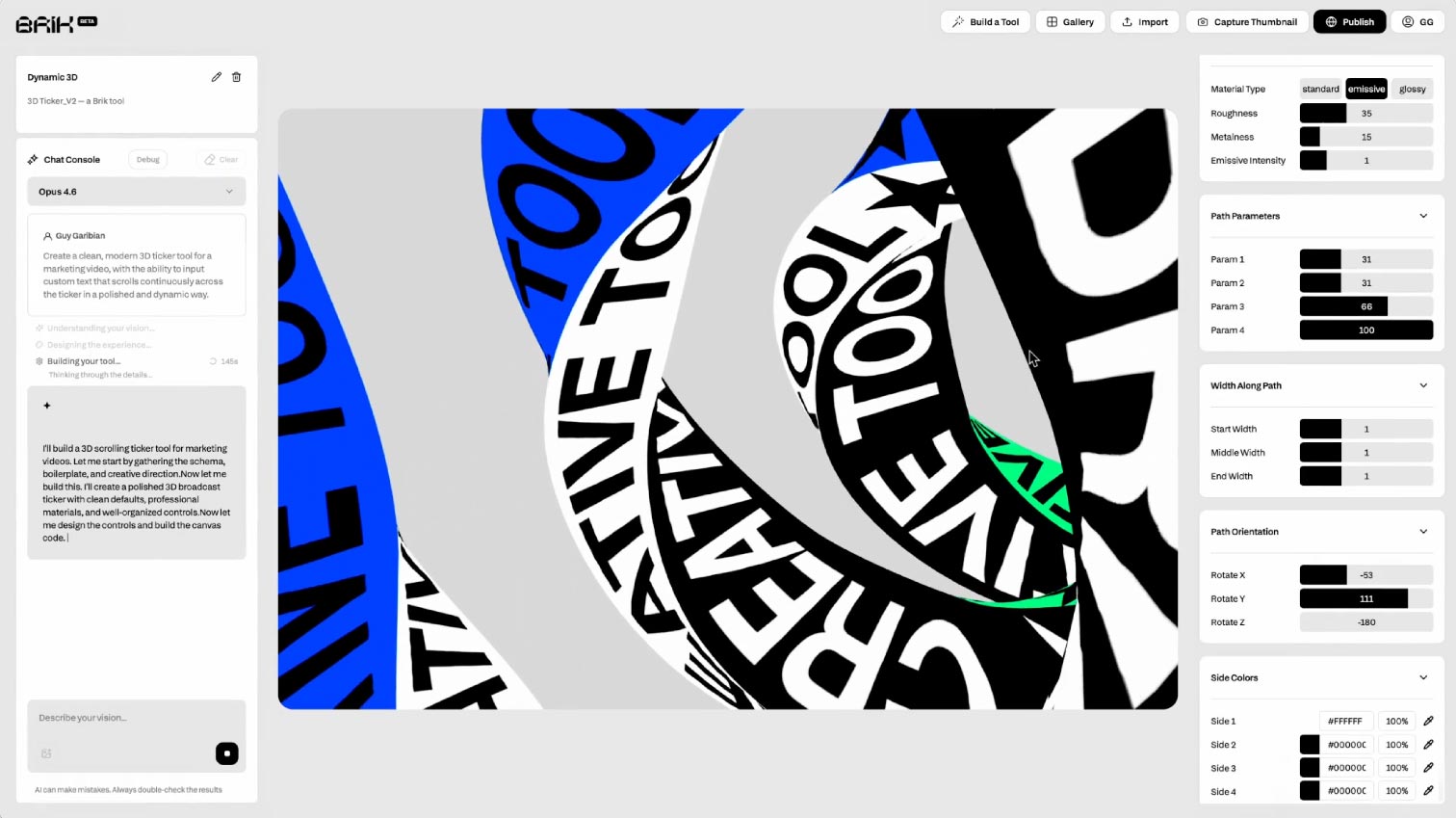
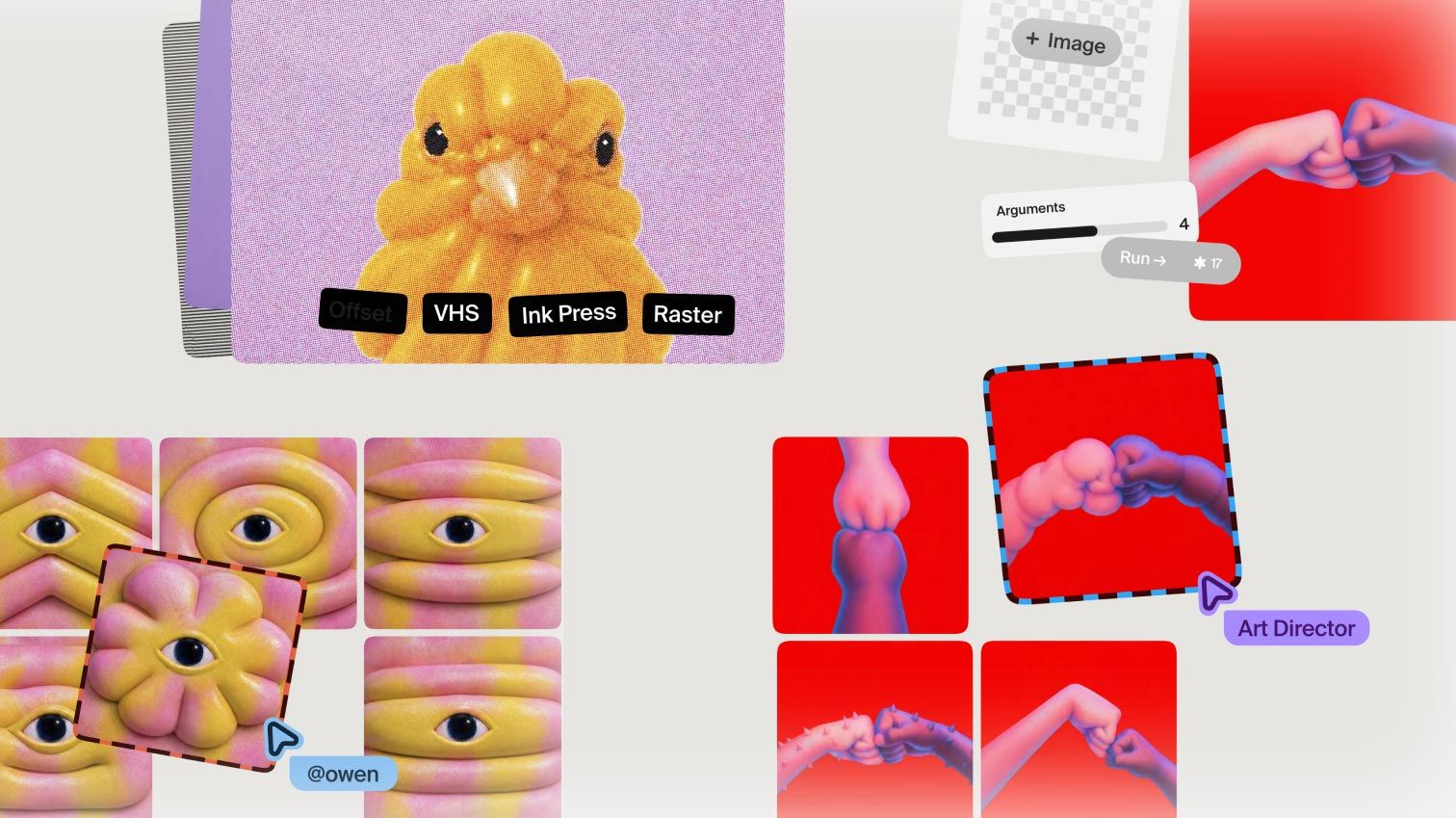
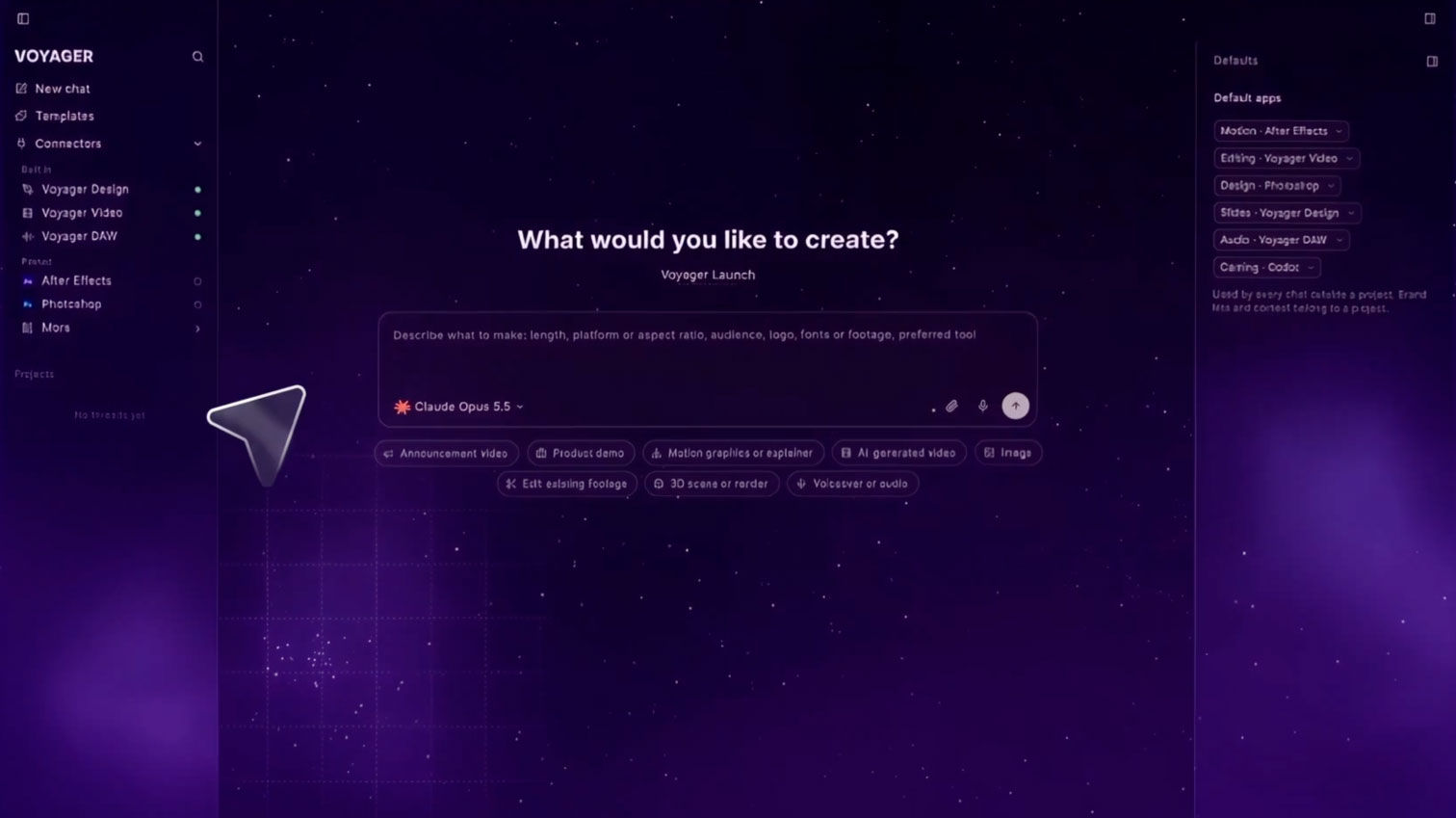
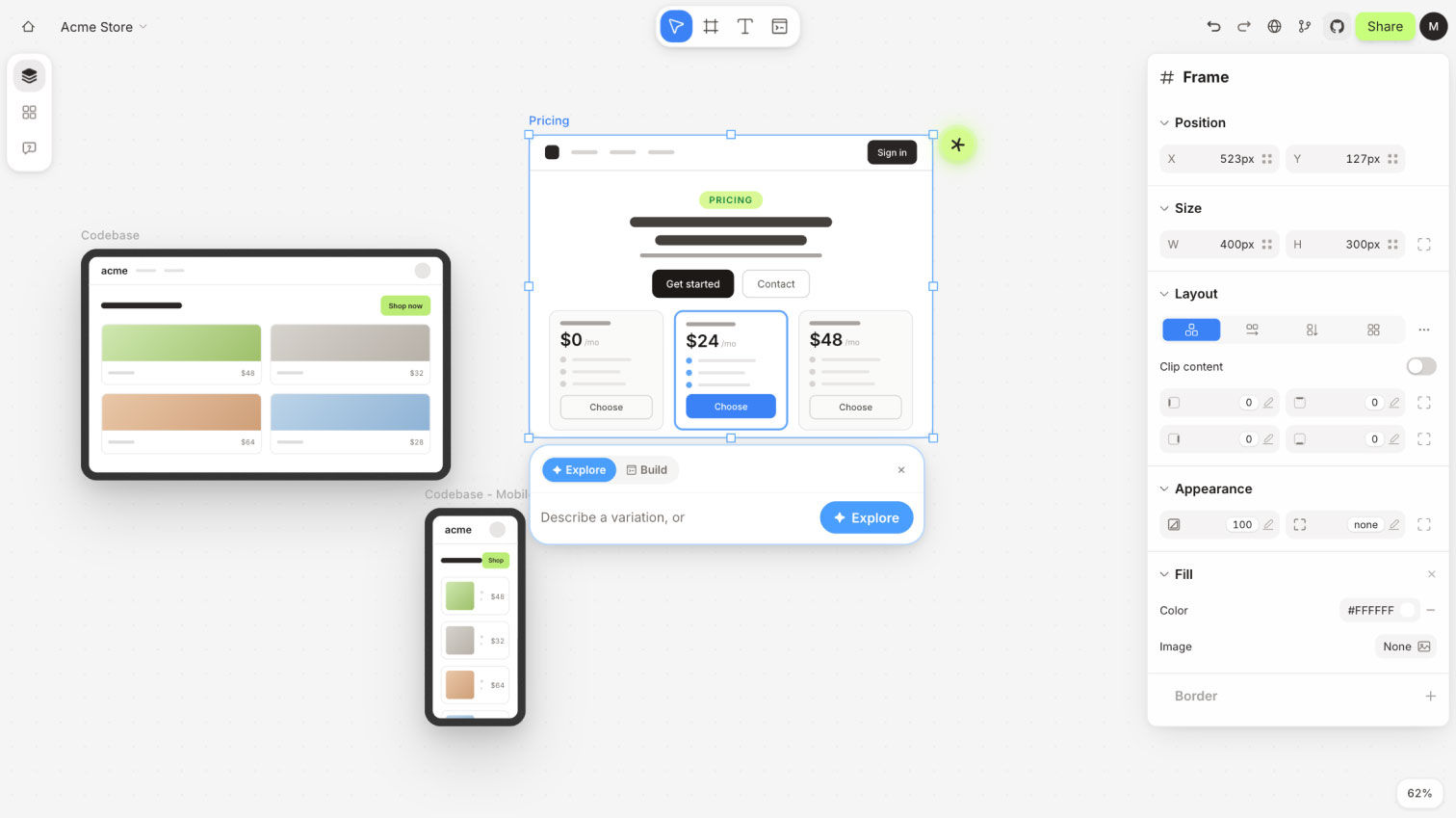
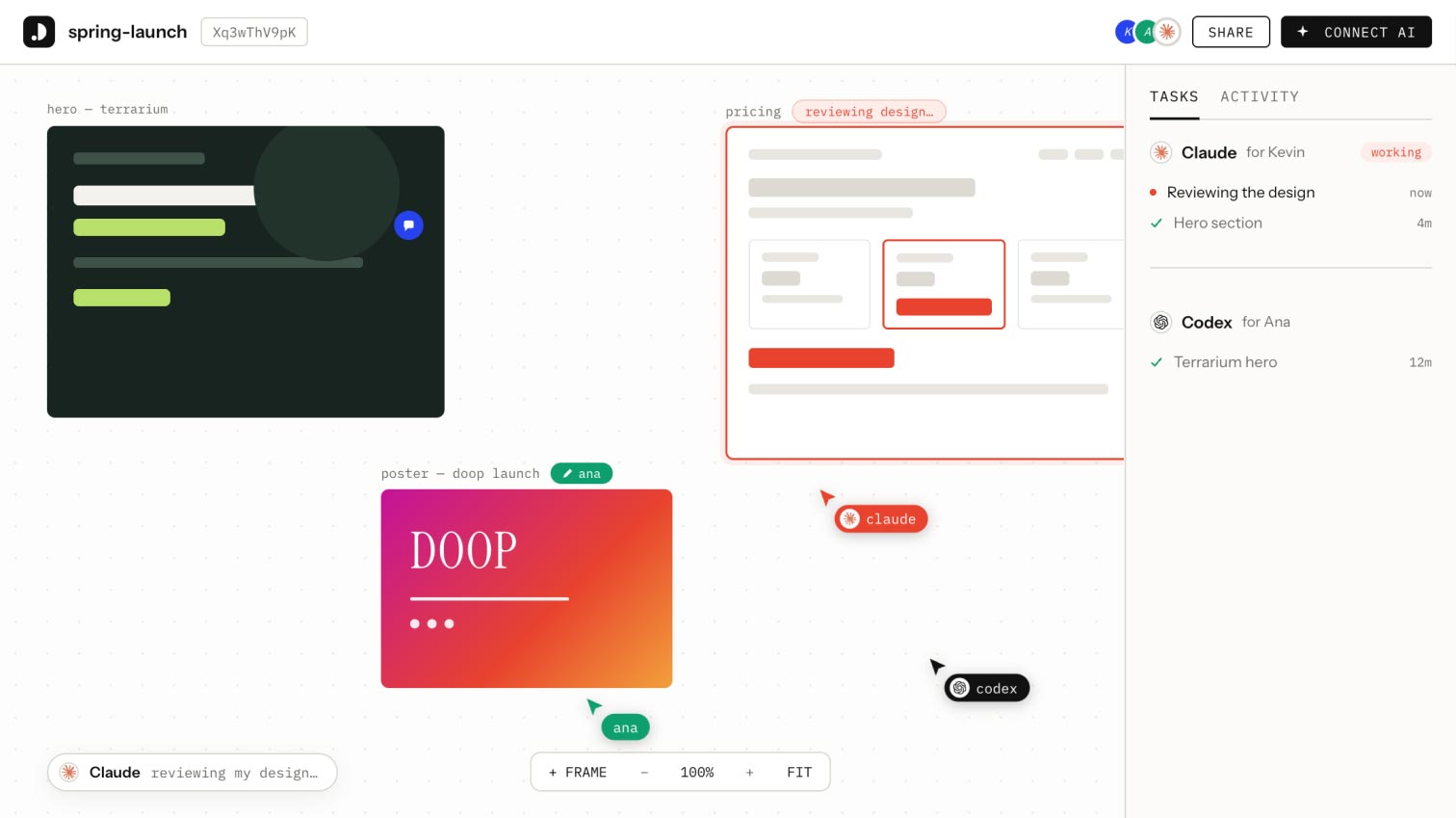
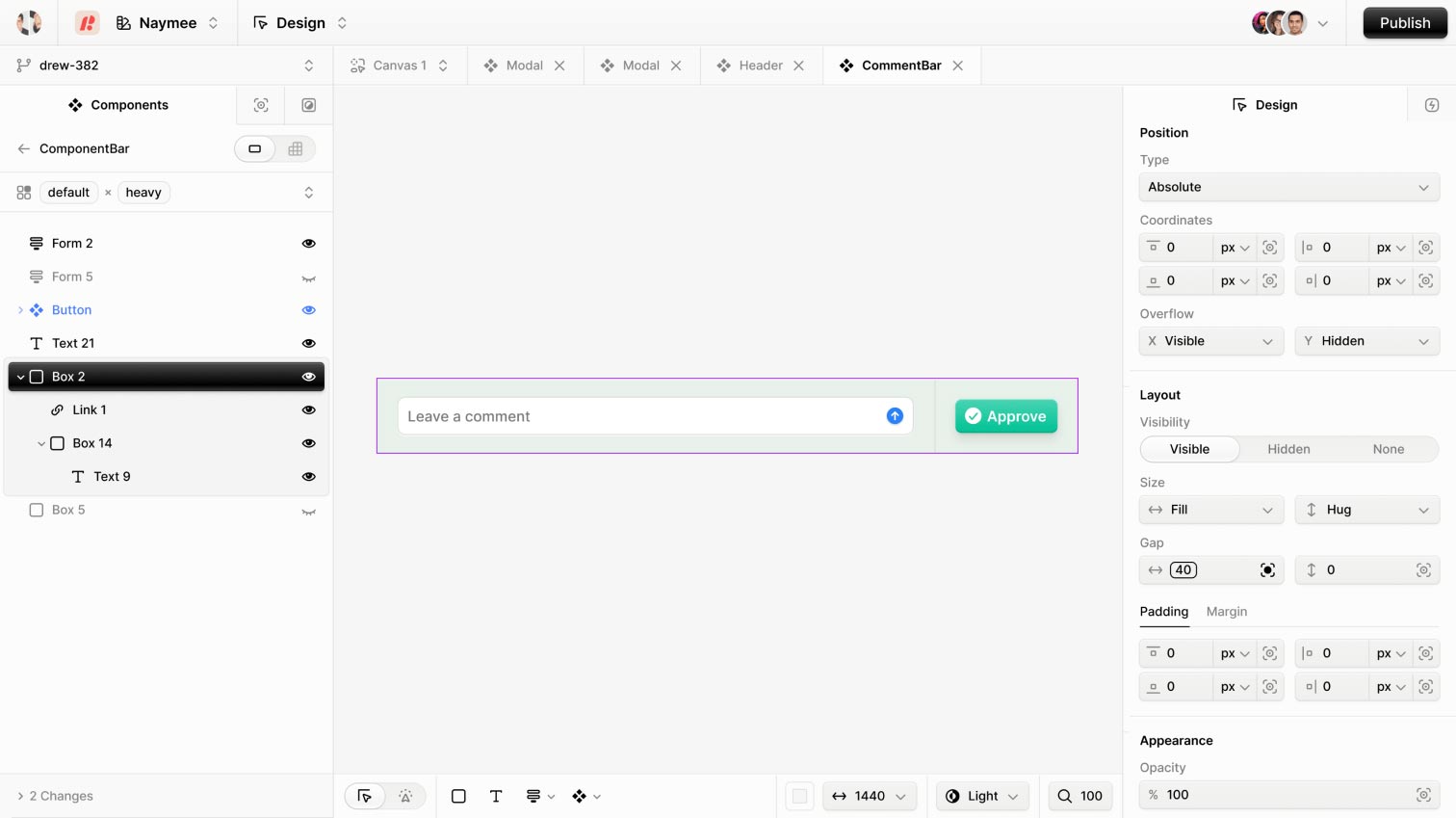
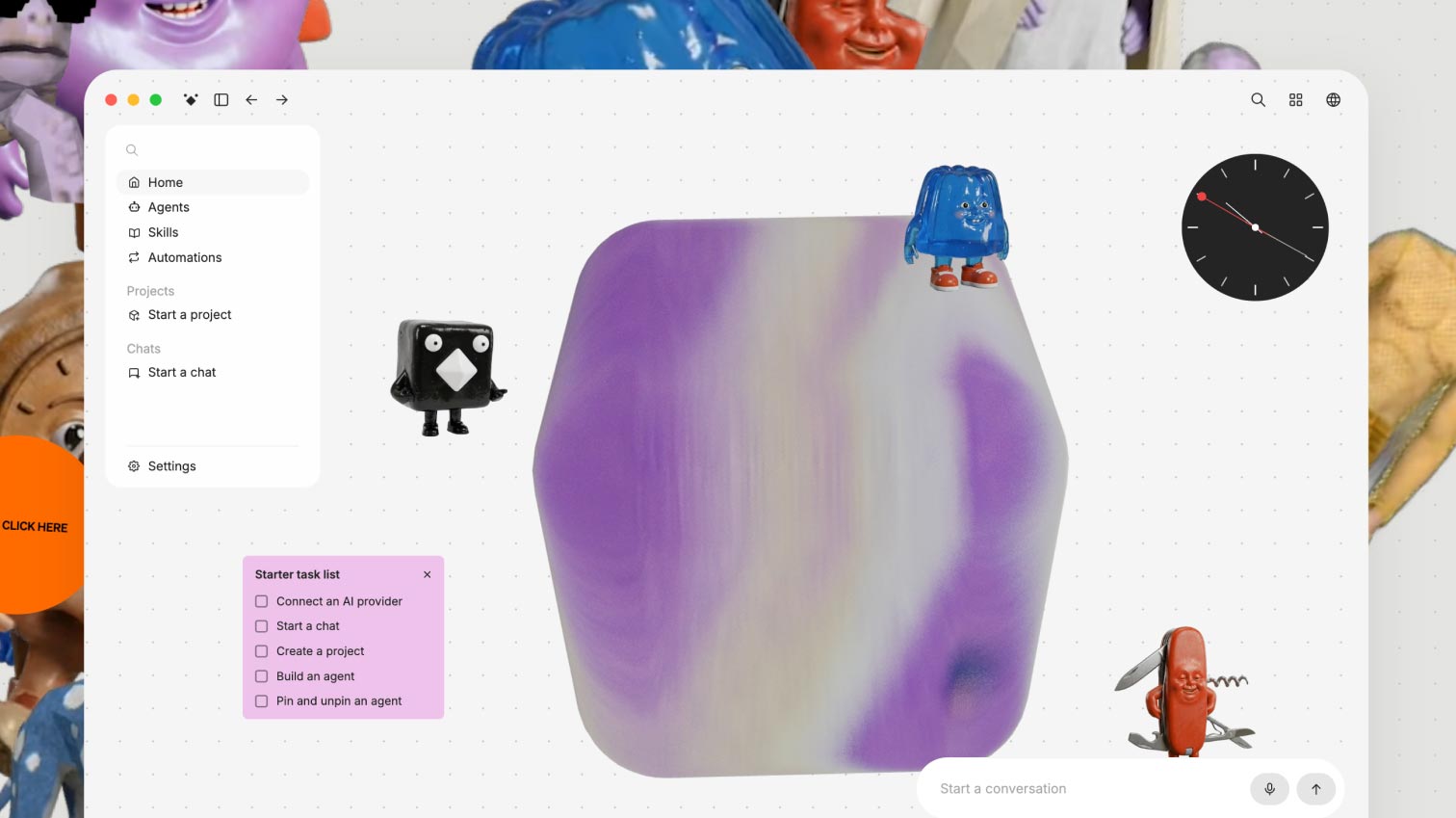
<p style="Margin:0;mso-line-height-rule:exactly;font-family:Inter, sans-serif;line-height:18.2px;letter-spacing:0;color:#59566d;font-size:14px">Brik is an AI design platform that thinks like a creative director. Instead of producing assets one by one, you describe how things should look, move, and behave in your own words, and a Brik agent turns that vision into a working design tool: kinetic type, an interactive hero, a 3D effect, an animated gallery. Each tool becomes an instrument you can shape, remix, and play to generate assets on demand, scaling across formats, brands, and use cases. Export as high-resolution images, video including transparent video, or ready-to-embed visuals for the web.</p>
</td>
</tr>
</tbody>
</table>
<!-- ============ ALSO ON THE RADAR ============ -->
<table cellspacing="0" cellpadding="0" align="center" style="mso-table-lspace:0pt;mso-table-rspace:0pt;border-spacing:0px;width:100%" role="none">
<tbody>
<tr>
<td align="left" style="Margin:0;padding-top:80px;padding-bottom:40px;padding-right:0;padding-left:0">
<p style="Margin:0;mso-line-height-rule:exactly;font-family:arial, 'helvetica neue', helvetica, sans-serif;line-height:21px;letter-spacing:0;color:#333333;font-size:14px"><img align="left" src="https://ik.imagekit.io/gua3dld9n/newsletter/ic-ontheradar.png" width="24" alt="Section Icon" title="Section Icon" style="display:block;font-size:14px;border:0;outline:none;text-decoration:none;margin:0"><span style="line-height:24.7px;font-family:Inter, sans-serif;font-size:13px;color:#6f6d7f"> ALSO ON THE RADAR</span></p>
</td>
</tr>
</tbody>
</table>
<!-- Radar Tool 1 -->
<table cellpadding="0" cellspacing="0" style="mso-table-lspace:0pt;mso-table-rspace:0pt;border-spacing:0px;width:100%" role="none">
<tbody>
<tr>
<td valign="top" style="padding:0;Margin:0;width:104px">
<a target="_blank" href="https://uiverse.io/design/?via=toools" style="mso-line-height-rule:exactly;text-decoration:underline;color:#1376C8;font-size:14px"><img src="https://ik.imagekit.io/gua3dld9n/newsletter/issue-11/uiverse-design-ai-design-systems.jpg" width="80" alt="Tool icon" title="Tool icon" style="display:block;font-size:14px;border:0;outline:none;text-decoration:none;margin:0;border-radius:14px"></a>
</td>
<td valign="top" style="padding:0;Margin:0">
<p style="Margin:0;mso-line-height-rule:exactly;font-family:Inter, sans-serif;line-height:27px;letter-spacing:0;color:#0a0523;font-size:18px;padding-bottom:6px"><strong style="font-weight:700 !important"><a href="https://uiverse.io/design/?via=toools" target="_blank" style="mso-line-height-rule:exactly;text-decoration:underline;color:#0a0523;font-size:18px;font-family:Inter, sans-serif"><u>Uiverse Design</u></a></strong></p>
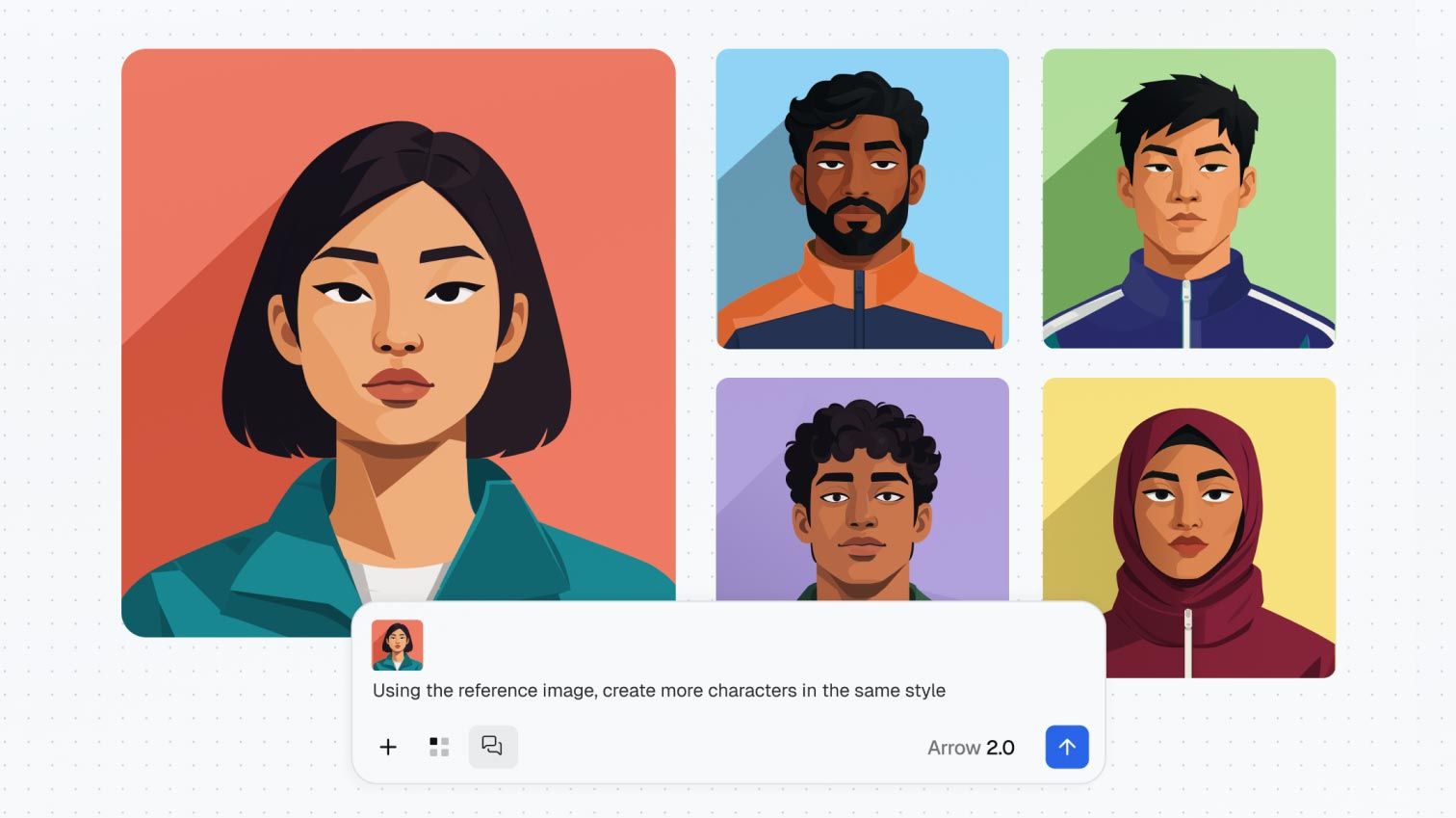
<p style="Margin:0;mso-line-height-rule:exactly;font-family:Inter, sans-serif;line-height:18.2px;letter-spacing:0;color:#59566d;font-size:14px">A library of ready-made design systems you can drop into any AI tool, so your generated interfaces come out consistent and polished instead of generic.</p>
</td>
</tr>
</tbody>
</table>
<!-- Spacer between radar tools -->
<table cellpadding="0" cellspacing="0" style="mso-table-lspace:0pt;mso-table-rspace:0pt;border-spacing:0px;width:100%" role="none"><tbody><tr><td style="padding:0;Margin:0;height:40px;font-size:0;line-height:0"> </td></tr></tbody></table>
<!-- Radar Tool 2 -->
<table cellpadding="0" cellspacing="0" style="mso-table-lspace:0pt;mso-table-rspace:0pt;border-spacing:0px;width:100%" role="none">
<tbody>
<tr>
<td valign="top" style="padding:0;Margin:0;width:104px">
<a target="_blank" href="https://www.radiancekit.de/?via=toools" style="mso-line-height-rule:exactly;text-decoration:underline;color:#1376C8;font-size:14px"><img src="https://ik.imagekit.io/gua3dld9n/newsletter/issue-11/radiancekit-3d-gaussian-splatting-mac.gif" width="80" alt="Tool icon" title="Tool icon" style="display:block;font-size:14px;border:0;outline:none;text-decoration:none;margin:0;border-radius:14px"></a>
</td>
<td valign="top" style="padding:0;Margin:0">
<p style="Margin:0;mso-line-height-rule:exactly;font-family:Inter, sans-serif;line-height:27px;letter-spacing:0;color:#0a0523;font-size:18px;padding-bottom:6px"><strong style="font-weight:700 !important"><a target="_blank" href="https://www.radiancekit.de/?via=toools" style="mso-line-height-rule:exactly;text-decoration:underline;color:#0a0523;font-size:18px;font-family:Inter, sans-serif"><u>RadianceKit</u></a></strong></p>
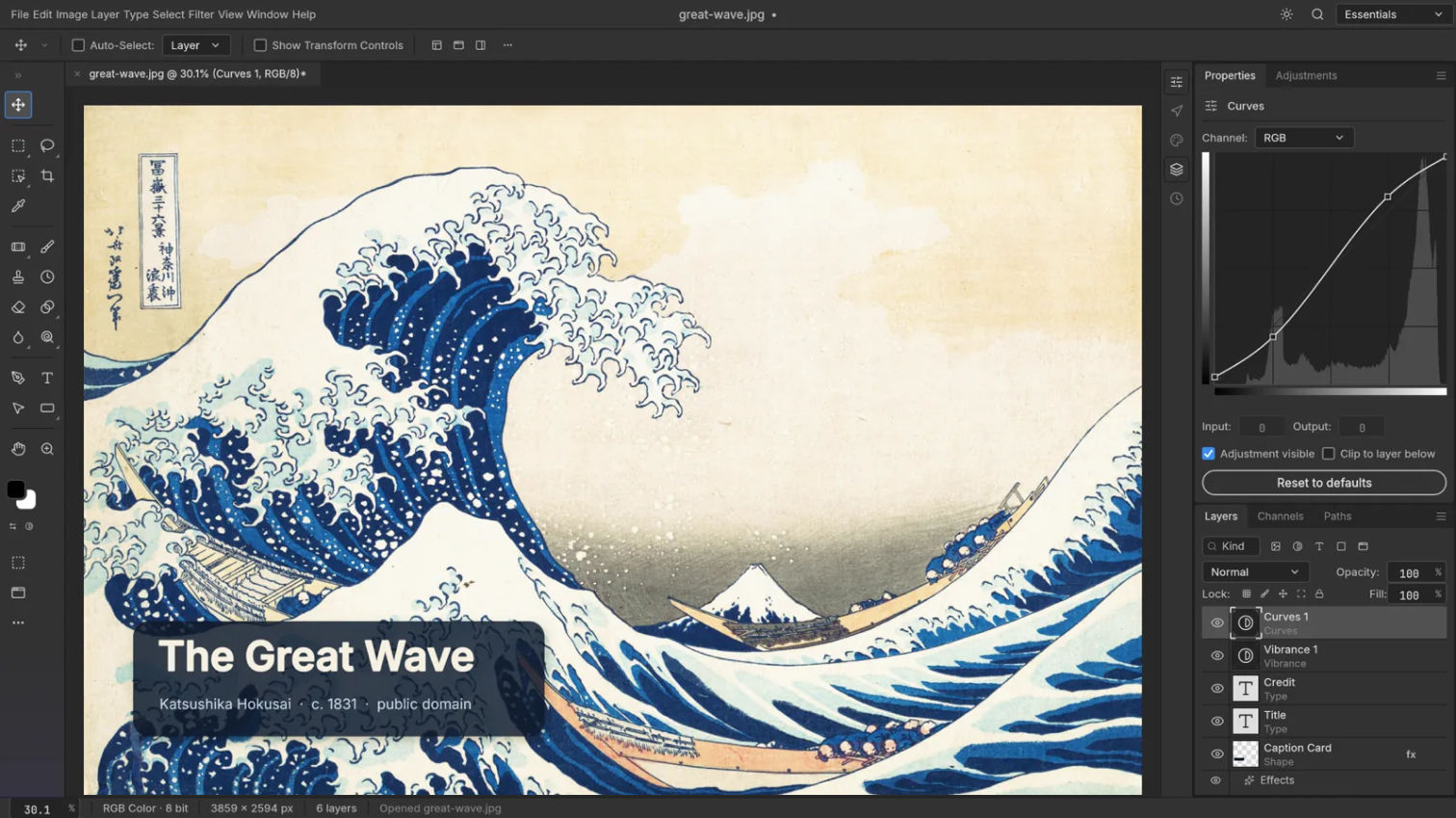
<p style="Margin:0;mso-line-height-rule:exactly;font-family:Inter, sans-serif;line-height:18.2px;letter-spacing:0;color:#59566d;font-size:14px">A native Mac app that turns your photos or video into photorealistic, explorable 3D scenes, processed entirely on your own machine.</p>
</td>
</tr>
</tbody>
</table>
<!-- Spacer between radar tools -->
<table cellpadding="0" cellspacing="0" style="mso-table-lspace:0pt;mso-table-rspace:0pt;border-spacing:0px;width:100%" role="none"><tbody><tr><td style="padding:0;Margin:0;height:40px;font-size:0;line-height:0"> </td></tr></tbody></table>
<!-- Radar Tool 3 -->
<table cellpadding="0" cellspacing="0" style="mso-table-lspace:0pt;mso-table-rspace:0pt;border-spacing:0px;width:100%" role="none">
<tbody>
<tr>
<td valign="top" style="padding:0;Margin:0;width:104px">
<a target="_blank" href="https://www.dailydesigner.net/?via=toools" style="mso-line-height-rule:exactly;text-decoration:underline;color:#1376C8;font-size:14px"><img src="https://ik.imagekit.io/gua3dld9n/newsletter/issue-11/daily-designer-design-quotes.gif" width="80" alt="Tool icon" title="Tool icon" style="display:block;font-size:14px;border:0;outline:none;text-decoration:none;margin:0;border-radius:14px"></a>
</td>
<td valign="top" style="padding:0;Margin:0">
<p style="Margin:0;mso-line-height-rule:exactly;font-family:Inter, sans-serif;line-height:27px;letter-spacing:0;color:#0a0523;font-size:18px;padding-bottom:6px"><strong style="font-weight:700 !important"><a target="_blank" href="https://www.dailydesigner.net/?via=toools" style="mso-line-height-rule:exactly;text-decoration:underline;color:#0a0523;font-size:18px;font-family:Inter, sans-serif"><u>Daily Designer</u></a></strong></p>
<p style="Margin:0;mso-line-height-rule:exactly;font-family:Inter, sans-serif;line-height:18.2px;letter-spacing:0;color:#59566d;font-size:14px">A daily dose of wisdom from design's greats, each quote pulled from a real talk or interview and linked straight back to the source.</p>
</td>
</tr>
</tbody>
</table>
<!-- Spacer between radar tools -->
<table cellpadding="0" cellspacing="0" style="mso-table-lspace:0pt;mso-table-rspace:0pt;border-spacing:0px;width:100%" role="none"><tbody><tr><td style="padding:0;Margin:0;height:40px;font-size:0;line-height:0"> </td></tr></tbody></table>
<!-- Radar Tool 4 -->
<table cellpadding="0" cellspacing="0" style="mso-table-lspace:0pt;mso-table-rspace:0pt;border-spacing:0px;width:100%" role="none">
<tbody>
<tr>
<td valign="top" style="padding:0;Margin:0;width:104px">
<a target="_blank" href="https://lumentool.com/?via=toools" style="mso-line-height-rule:exactly;text-decoration:underline;color:#1376C8;font-size:14px"><img src="https://ik.imagekit.io/gua3dld9n/newsletter/issue-11/lumen-tool-portrait-lighting-simulator.jpg" width="80" alt="Tool icon" title="Tool icon" style="display:block;font-size:14px;border:0;outline:none;text-decoration:none;margin:0;border-radius:14px"></a>
</td>
<td valign="top" style="padding:0;Margin:0">
<p style="Margin:0;mso-line-height-rule:exactly;font-family:Inter, sans-serif;line-height:27px;letter-spacing:0;color:#0a0523;font-size:18px;padding-bottom:6px"><strong style="font-weight:700 !important"><a target="_blank" href="https://lumentool.com/?via=toools" style="mso-line-height-rule:exactly;text-decoration:underline;color:#0a0523;font-size:18px;font-family:Inter, sans-serif"><u>Lumen Tool</u></a></strong></p>
<p style="Margin:0;mso-line-height-rule:exactly;font-family:Inter, sans-serif;line-height:18.2px;letter-spacing:0;color:#59566d;font-size:14px">A free browser tool for photographers to plan portrait lighting: position, angle, softness, and color temperature, visually before setting up a single light.</p>
</td>
</tr>
</tbody>
</table>
<!-- ============ A FEW READS & LISTENS ============ -->
<table cellspacing="0" cellpadding="0" align="center" style="mso-table-lspace:0pt;mso-table-rspace:0pt;border-spacing:0px;width:100%" role="none">
<tbody>
<tr>
<td align="left" style="Margin:0;padding-top:80px;padding-bottom:40px;padding-right:0;padding-left:0">
<p style="Margin:0;mso-line-height-rule:exactly;font-family:arial, 'helvetica neue', helvetica, sans-serif;line-height:21px;letter-spacing:0;color:#333333;font-size:14px"><img src="https://ik.imagekit.io/gua3dld9n/newsletter/ic-readslistens.png" width="24" align="left" alt="Section Icon" title="Section Icon" style="display:block;font-size:14px;border:0;outline:none;text-decoration:none;margin:0"><span style="color:#7b788c;line-height:24.7px;font-family:Inter, sans-serif;font-size:13px"> A FEW READS & LISTENS</span></p>
</td>
</tr>
</tbody>
</table>
<!-- Read 1: Article -->
<table cellpadding="0" cellspacing="0" style="mso-table-lspace:0pt;mso-table-rspace:0pt;border-spacing:0px;width:100%" role="none">
<tbody>
<tr>
<td align="left" style="padding:0;Margin:0">
<p style="Margin:0;mso-line-height-rule:exactly;font-family:Inter, sans-serif;line-height:16.9px;letter-spacing:0;color:#59566d;font-size:13px;padding-bottom:4px"><strong style="font-weight:700 !important">UX COLLECTIVE <span style="font-family:'Apple Color Emoji','Segoe UI Emoji','Noto Color Emoji',sans-serif">📖</span> <span style="color:#759ee3">ARTICLE</span></strong></p>
<p style="Margin:0;mso-line-height-rule:exactly;font-family:Inter, sans-serif;line-height:27px;letter-spacing:0;color:#0a0523;font-size:18px;padding-bottom:6px"><strong style="font-weight:700 !important"><a target="_blank" href="https://uxdesign.cc/ai-meets-sturgeons-law-21d17488fc48?via=toools" style="mso-line-height-rule:exactly;text-decoration:underline;color:#0a0523;font-size:18px;font-family:Inter, sans-serif"><u>AI meets Sturgeon's Law</u></a></strong></p>
<p style="Margin:0;mso-line-height-rule:exactly;font-family:Inter, sans-serif;line-height:18.2px;letter-spacing:0;color:#59566d;font-size:14px">Applies the old principle that ninety percent of everything is crap to the flood of AI-generated work, and asks where that leaves quality. A useful frame for thinking about how to make the ten percent that actually stands out.</p>
</td>
</tr>
</tbody>
</table>
<!-- Spacer -->
<table cellpadding="0" cellspacing="0" style="mso-table-lspace:0pt;mso-table-rspace:0pt;border-spacing:0px;width:100%" role="none"><tbody><tr><td style="padding:0;Margin:0;height:40px;font-size:0;line-height:0"> </td></tr></tbody></table>
<!-- Read 2: Podcast -->
<table cellpadding="0" cellspacing="0" style="mso-table-lspace:0pt;mso-table-rspace:0pt;border-spacing:0px;width:100%" role="none">
<tbody>
<tr>
<td align="left" style="padding:0;Margin:0">
<p style="Margin:0;mso-line-height-rule:exactly;font-family:Inter, sans-serif;line-height:16.9px;letter-spacing:0;color:#59566d;font-size:13px;padding-bottom:4px"><strong style="font-weight:700 !important">LENNY'S PODCAST <span style="font-family:'Apple Color Emoji','Segoe UI Emoji','Noto Color Emoji',sans-serif">🎧</span> <span style="color:#a87dd6">PODCAST</span></strong></p>
<p style="Margin:0;mso-line-height-rule:exactly;font-family:Inter, sans-serif;line-height:27px;letter-spacing:0;color:#0a0523;font-size:18px;padding-bottom:6px"><strong style="font-weight:700 !important"><a target="_blank" href="https://www.lennysnewsletter.com/p/father-of-the-ipod-and-iphone-on?via=toools" style="mso-line-height-rule:exactly;text-decoration:underline;color:#0a0523;font-size:18px;font-family:Inter, sans-serif"><u>Building taste, judgment, and creativity in the AI era</u></a></strong></p>
<p style="Margin:0;mso-line-height-rule:exactly;font-family:Inter, sans-serif;line-height:18.2px;letter-spacing:0;color:#59566d;font-size:14px">Tony Fadell, who built the iPod and co-created the iPhone, on opinion-versus-data decisions, why taste still wins, and the risk of cognitive surrender to AI. A grounded take on craft and judgment from someone who shipped the products that defined modern hardware.</p>
</td>
</tr>
</tbody>
</table>
<!-- Spacer -->
<table cellpadding="0" cellspacing="0" style="mso-table-lspace:0pt;mso-table-rspace:0pt;border-spacing:0px;width:100%" role="none"><tbody><tr><td style="padding:0;Margin:0;height:40px;font-size:0;line-height:0"> </td></tr></tbody></table>
<!-- Read 3: Article -->
<table cellpadding="0" cellspacing="0" style="mso-table-lspace:0pt;mso-table-rspace:0pt;border-spacing:0px;width:100%" role="none">
<tbody>
<tr>
<td align="left" style="padding:0;Margin:0">
<p style="Margin:0;mso-line-height-rule:exactly;font-family:Inter, sans-serif;line-height:16.9px;letter-spacing:0;color:#59566d;font-size:13px;padding-bottom:4px"><strong style="font-weight:700 !important">ANTHROPIC <span style="font-family:'Apple Color Emoji','Segoe UI Emoji','Noto Color Emoji',sans-serif">📖</span> <span style="color:#759ee3">ARTICLE</span></strong></p>
<p style="Margin:0;mso-line-height-rule:exactly;font-family:Inter, sans-serif;line-height:27px;letter-spacing:0;color:#0a0523;font-size:18px;padding-bottom:6px"><strong style="font-weight:700 !important"><a target="_blank" href="https://www.anthropic.com/institute/recursive-self-improvement?via=toools" style="mso-line-height-rule:exactly;text-decoration:underline;color:#0a0523;font-size:18px;font-family:Inter, sans-serif"><u>When AI builds itself</u></a></strong></p>
<p style="Margin:0;mso-line-height-rule:exactly;font-family:Inter, sans-serif;line-height:18.2px;letter-spacing:0;color:#59566d;font-size:14px">Anthropic lays out how much of its own work is now done by AI, and where the human edge still holds: choosing what matters, judging what to trust, knowing when to stop. The taste-and-judgment case designers have been making, now backed by hard internal numbers.</p>
</td>
</tr>
</tbody>
</table>
<!-- ============ UPDATES & NEWS ============ -->
<table cellspacing="0" cellpadding="0" align="center" style="mso-table-lspace:0pt;mso-table-rspace:0pt;border-spacing:0px;width:100%" role="none">
<tbody>
<tr>
<td align="left" style="Margin:0;padding-top:80px;padding-bottom:20px;padding-right:0;padding-left:0">
<p style="Margin:0;mso-line-height-rule:exactly;font-family:arial, 'helvetica neue', helvetica, sans-serif;line-height:21px;letter-spacing:0;color:#333333;font-size:14px"><img align="left" src="https://ik.imagekit.io/gua3dld9n/newsletter/ic-updatesnews.png" width="24" alt="Section Icon" title="Section Icon" style="display:block;font-size:14px;border:0;outline:none;text-decoration:none;margin:0"><span style="color:#7b788c;line-height:24.7px;font-family:Inter, sans-serif;font-size:13px"> UPDATES & NEWS</span></p>
</td>
</tr>
</tbody>
</table>
<!-- News Item 1 -->
<table cellpadding="0" cellspacing="0" style="mso-table-lspace:0pt;mso-table-rspace:0pt;border-spacing:0px;width:100%" role="none">
<tbody>
<tr>
<td align="left" style="padding:0;Margin:0;padding-top:20px">
<p style="Margin:0;mso-line-height-rule:exactly;font-family:Inter, sans-serif;line-height:27px;letter-spacing:0;color:#0a0523;font-size:18px"><a href="https://ideogram.ai/models/4.0?via=toools" target="_blank" style="mso-line-height-rule:exactly;text-decoration:underline;color:#0a0523;font-size:18px;font-family:Inter, sans-serif"><u>Ideogram unveils a full brand redesign and launches Ideogram 4.0, an open image model with sharp multi-language text and 2K output that doesn't read as AI</u></a></p>
</td>
</tr>
</tbody>
</table>
<!-- News Item 2 -->
<table cellpadding="0" cellspacing="0" style="mso-table-lspace:0pt;mso-table-rspace:0pt;border-spacing:0px;width:100%" role="none">
<tbody>
<tr>
<td align="left" style="padding:0;Margin:0;padding-top:20px">
<p style="Margin:0;mso-line-height-rule:exactly;font-family:Inter, sans-serif;line-height:27px;letter-spacing:0;color:#0a0523;font-size:18px"><a href="https://x.com/figma?via=toools" target="_blank" style="mso-line-height-rule:exactly;text-decoration:underline;color:#0a0523;font-size:18px;font-family:Inter, sans-serif"><u>Figma now connects directly to Apple's Xcode, so iOS designs can flow into the build without a manual handoff</u></a></p>
</td>
</tr>
</tbody>
</table>
<!-- News Item 3 -->
<table cellpadding="0" cellspacing="0" style="mso-table-lspace:0pt;mso-table-rspace:0pt;border-spacing:0px;width:100%" role="none">
<tbody>
<tr>
<td align="left" style="padding:0;Margin:0;padding-top:20px">
<p style="Margin:0;mso-line-height-rule:exactly;font-family:Inter, sans-serif;line-height:27px;letter-spacing:0;color:#0a0523;font-size:18px"><a href="https://www.blackmagicdesign.com/products/davinciresolve/?via=toools" target="_blank" style="mso-line-height-rule:exactly;text-decoration:underline;color:#0a0523;font-size:18px;font-family:Inter, sans-serif"><u>DaVinci Resolve 21 adds a full photo-editing page and eight AI tools, bringing Hollywood color grading to still images</u></a></p>
</td>
</tr>
</tbody>
</table>
<!-- News Item 4 -->
<table cellpadding="0" cellspacing="0" style="mso-table-lspace:0pt;mso-table-rspace:0pt;border-spacing:0px;width:100%" role="none">
<tbody>
<tr>
<td align="left" style="padding:0;Margin:0;padding-top:20px">
<p style="Margin:0;mso-line-height-rule:exactly;font-family:Inter, sans-serif;line-height:27px;letter-spacing:0;color:#0a0523;font-size:18px"><a href="https://microsoft.ai/news/introducing-mai-image-2-5?via=toools" target="_blank" style="mso-line-height-rule:exactly;text-decoration:underline;color:#0a0523;font-size:18px;font-family:Inter, sans-serif"><u>Microsoft's MAI-Image-2.5 arrives as a design-ready image model, ranking second for editing and now live in PowerPoint</u></a></p>
</td>
</tr>
</tbody>
</table>
<!-- News Item 5 -->
<table cellpadding="0" cellspacing="0" style="mso-table-lspace:0pt;mso-table-rspace:0pt;border-spacing:0px;width:100%" role="none">
<tbody>
<tr>
<td align="left" style="padding:0;Margin:0;padding-top:20px">
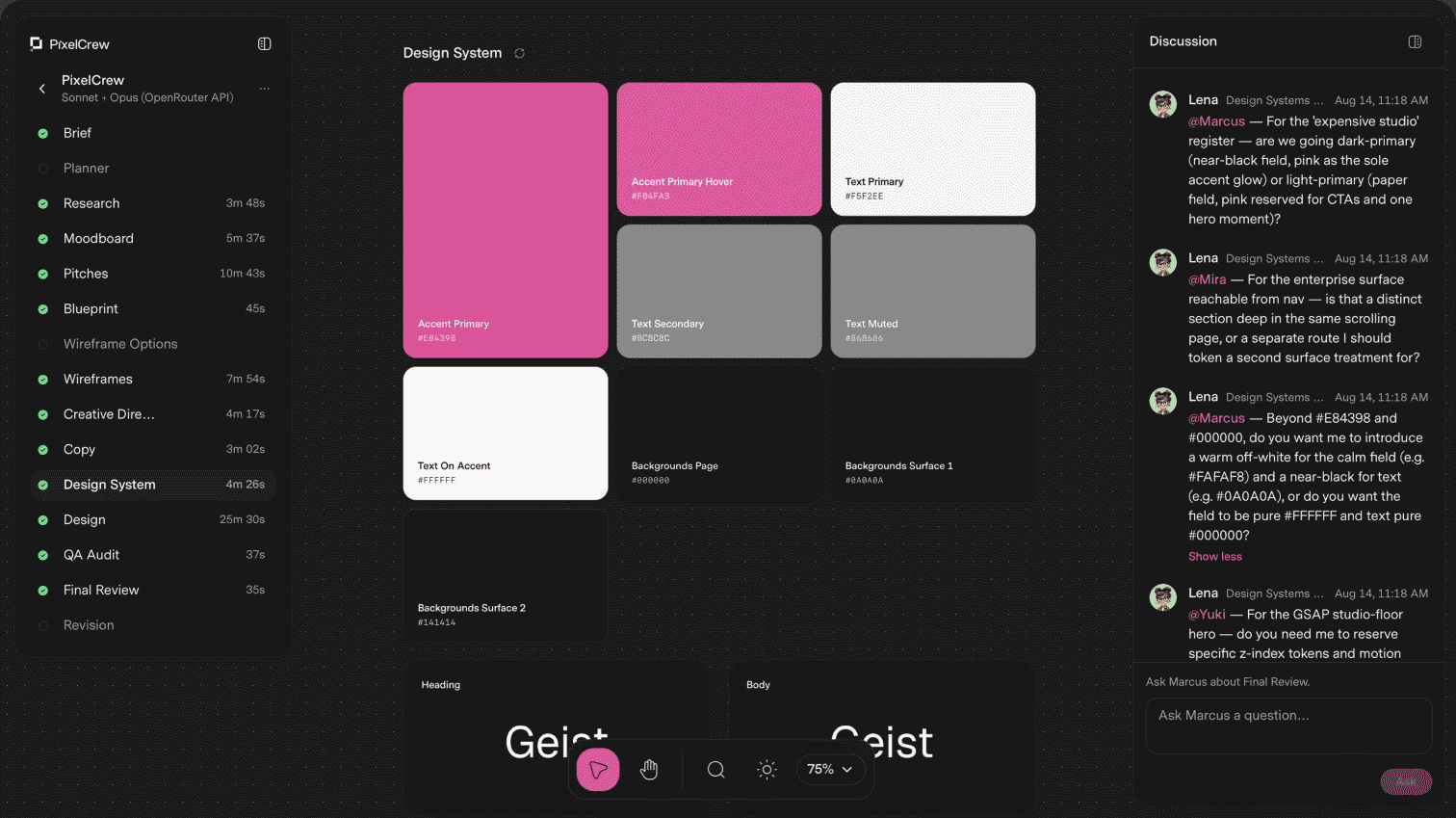
<p style="Margin:0;mso-line-height-rule:exactly;font-family:Inter, sans-serif;line-height:27px;letter-spacing:0;color:#0a0523;font-size:18px"><a href="https://www.producthunt.com/products/reve-2-0?via=toools" target="_blank" style="mso-line-height-rule:exactly;text-decoration:underline;color:#0a0523;font-size:18px;font-family:Inter, sans-serif"><u>Reve 2.0 introduces layout-first image generation, letting you position and edit every element before and after rendering</u></a></p>
</td>
</tr>
</tbody>
</table>
<!-- ============ ONE MORE THING ============ -->
<table cellspacing="0" cellpadding="0" align="center" style="mso-table-lspace:0pt;mso-table-rspace:0pt;border-spacing:0px;width:100%" role="none">
<tbody>
<tr>
<td align="left" style="Margin:0;padding-top:80px;padding-bottom:40px;padding-right:0;padding-left:0">
<p style="Margin:0;mso-line-height-rule:exactly;font-family:arial, 'helvetica neue', helvetica, sans-serif;line-height:21px;letter-spacing:0;color:#333333;font-size:14px"><img align="left" src="https://ik.imagekit.io/gua3dld9n/newsletter/ic-onemorething.png" width="24" alt="Section Icon" title="Section Icon" style="display:block;font-size:14px;border:0;outline:none;text-decoration:none;margin:0"><span style="color:#7b788c;line-height:24.7px;font-family:Inter, sans-serif;font-size:13px"> ONE MORE THING ...</span></p>
</td>
</tr>
</tbody>
</table>
<table cellpadding="0" cellspacing="0" style="mso-table-lspace:0pt;mso-table-rspace:0pt;border-spacing:0px;width:100%" role="none">
<tbody>
<tr>
<td align="left" style="padding:0;Margin:0;padding-bottom:0px">
<p style="Margin:0;mso-line-height-rule:exactly;font-family:Inter, sans-serif;line-height:16.9px;letter-spacing:0;color:#59566d;font-size:13px;padding-bottom:12px"><strong style="font-weight:700 !important">A SHIFT WORTH NOTING</strong></p>
<p style="Margin:0;mso-line-height-rule:exactly;font-family:Inter, sans-serif;line-height:27px;letter-spacing:0;color:#0a0523;font-size:18px"><strong style="font-weight:700 !important">Don't hide the AI. Show the prompt, the edit, and the reason.</strong></p>
</td>
</tr>
<tr>
<td align="left" class="es-text-7610" style="padding:0;Margin:0;padding-top:16px"><p style="Margin:0;mso-line-height-rule:exactly;font-family:Inter, sans-serif;line-height:18.2px;letter-spacing:0;color:#59566d;font-size:14px">The best AI designer portfolios of 2026 do exactly this. The work on display is shifting from the final pixel to the judgment in the loop: what to ask for, what to throw away, and why. That story, not the output alone, is becoming the portfolio.</p></td>
</tr>
</tbody>
</table>
EVERY TUESDAY IN YOUR INBOX
Join 3,800+ designers getting the latest tools, reads, and news, in times of AI.
Thank you 🙌 Please check your emails and confirm.
Oops 🤔 Something went wrong. Please try again later.
Free forever
Hand-picked
Unsubscribe anytime
More newsletter issues
Show all