— 2min read
🟣 TOOOLS #4: Claude Design, Typescale AI, Flint, LiveKit Agents UI, Fontastic Space
|
|

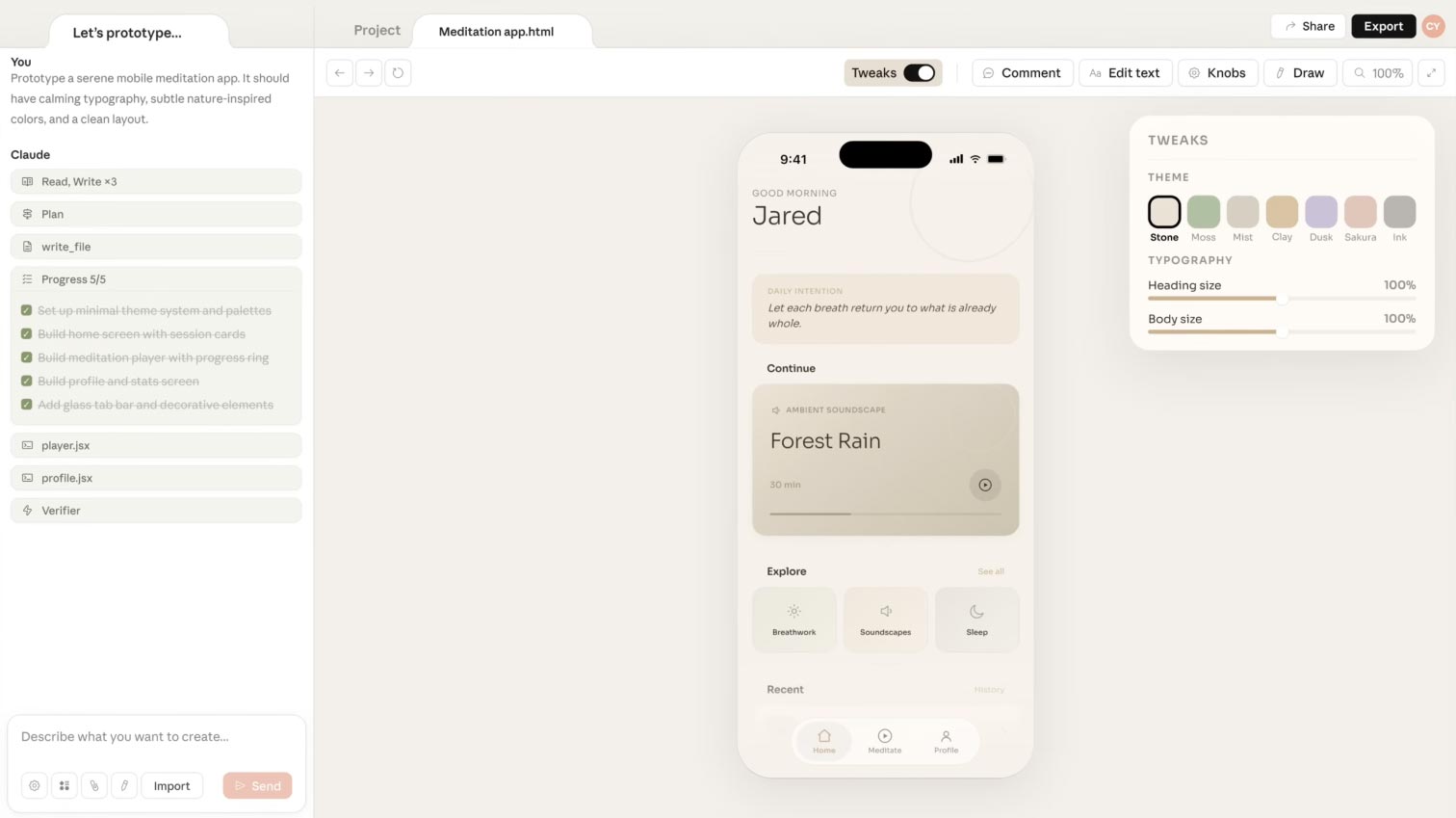 |
| Claude Design turns natural-language prompts into prototypes, slides, one-pagers, and full design comps, with your design system baked in. Upload your existing files and it picks up your colors, typography, and components so every project stays on brand. An early look at what design tools become when the canvas itself starts collaborating with you, not just holding your files. |
|
|

 | Generates type scales and design tokens you can preview inside real page layouts, then hands off cleanly to your design system or dev team. |
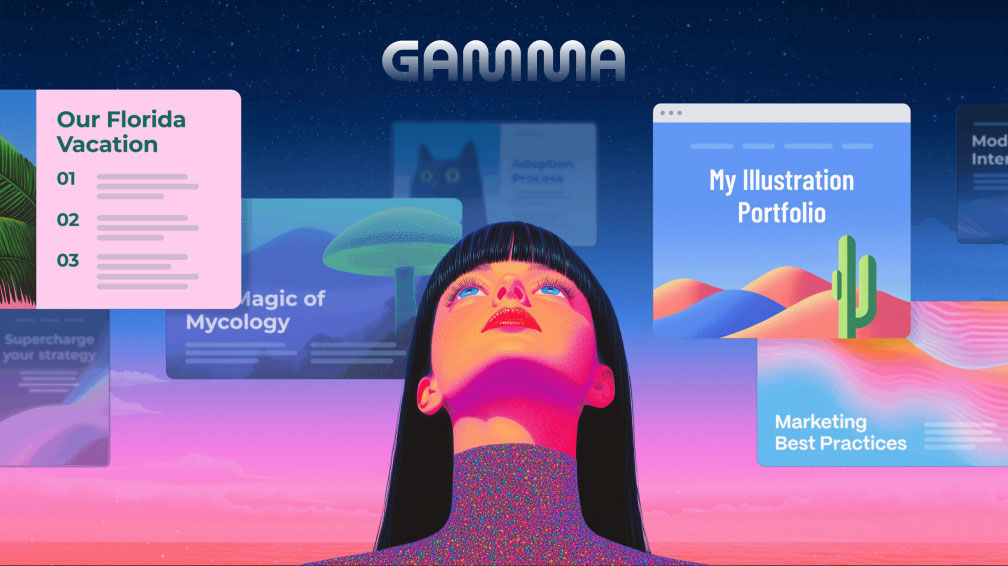
 | An autonomous landing page platform that learns your brand from your homepage and ships fully coded, on-brand pages for marketing teams without involving engineering. |
 | An open source component library for designing voice agent interfaces, with audio visualizers, session controls, and chat ready for production. |
 | A font pairing playground that puts Google Fonts side by side, visualizes how each letterform behaves next to the others, and scores which combinations actually work. |
|
|

|
|
|

| BOOTCAMP 📖 ARTICLE What Claude Design actually changes for designers The work that just got automated was never the most valuable work. Argues that taste, judgment, and cultural fluency are still the differentiator, and still the human's job. A grounding read if the last few weeks have felt like the floor is moving. |
| UX COLLECTIVE 📖 ARTICLE Folder instructions: instructions for system-level AI A practical look at giving AI the context it needs up front, so you stop re-explaining yourself in every prompt. Useful for anyone setting up reusable AI instructions across a team or project. |
| ABDUZEEDO 📖 ARTICLE AI Agent Orchestration: The new Design Skill Reframes orchestrating AI agents as a core design skill, since defining outcomes, anticipating edge cases, and communicating intent are exactly what designers already do every day. A practical reframe if you've been wondering where your craft fits in this shift. |
| UX COLLECTIVE 📖 ARTICLE Autopilot, agentic AI, and the dangers of imperfect metaphors Pushes back on the autopilot comparison for agentic AI, arguing it flattens real complexity and quietly sells math as magic. Worth reading before you borrow anyone else's framing for the agents in your own product. |
|
|

| Google ships a native Gemini app for macOS with global keyboard shortcuts and on-screen context |
|
|

| A PATTERN WORTH NOTICING "The interesting design problem with always-on agents is not the feature list. It is the etiquette. When does the assistant step in, and when does it step back?" |
Perplexity Personal Computer is the latest example in a wave of always-on assistants that run on a dedicated Mac mini and proactively works in the background. The hard part isn't capability, it's knowing when to be present. |
More Newsletter Issues
All issues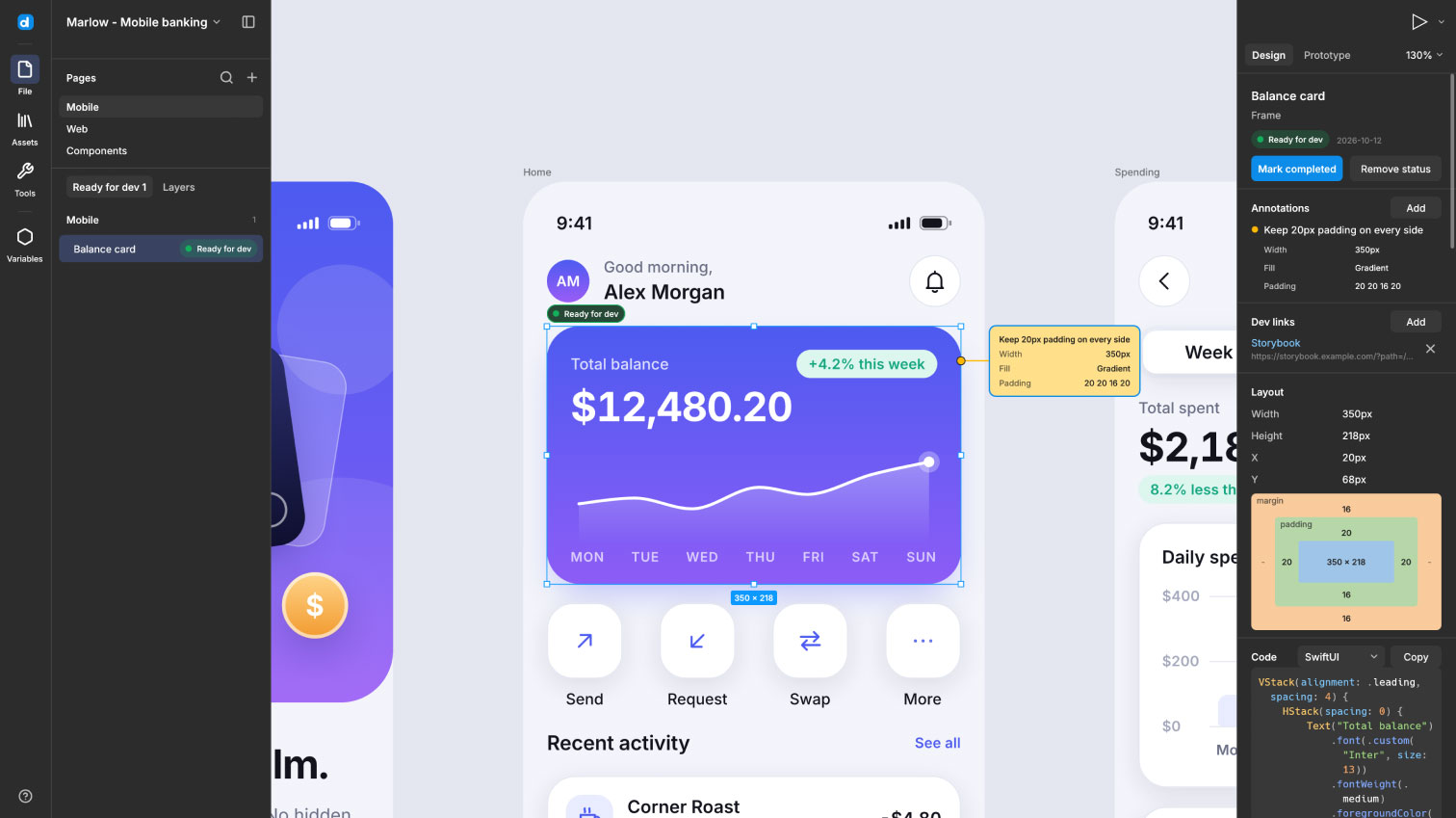
TOOOLS #32: Desigma, Pixlpin, Typebook, Stageshow, Blocks
November 3, 2026— 2min read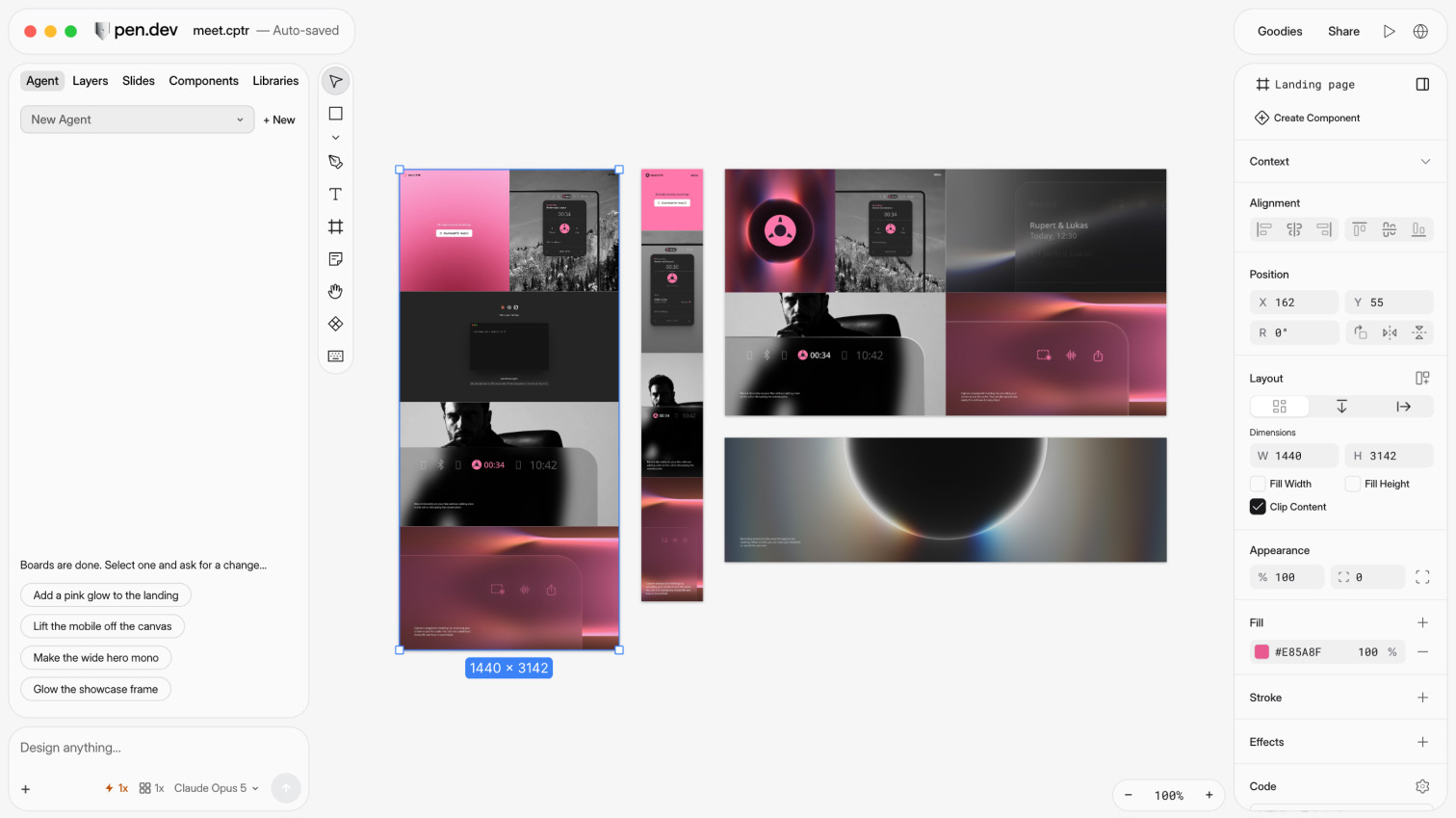
TOOOLS #31: Pen.dev, Design Details, Offgrid, Identik, Fontsight
October 27, 2026— 2min read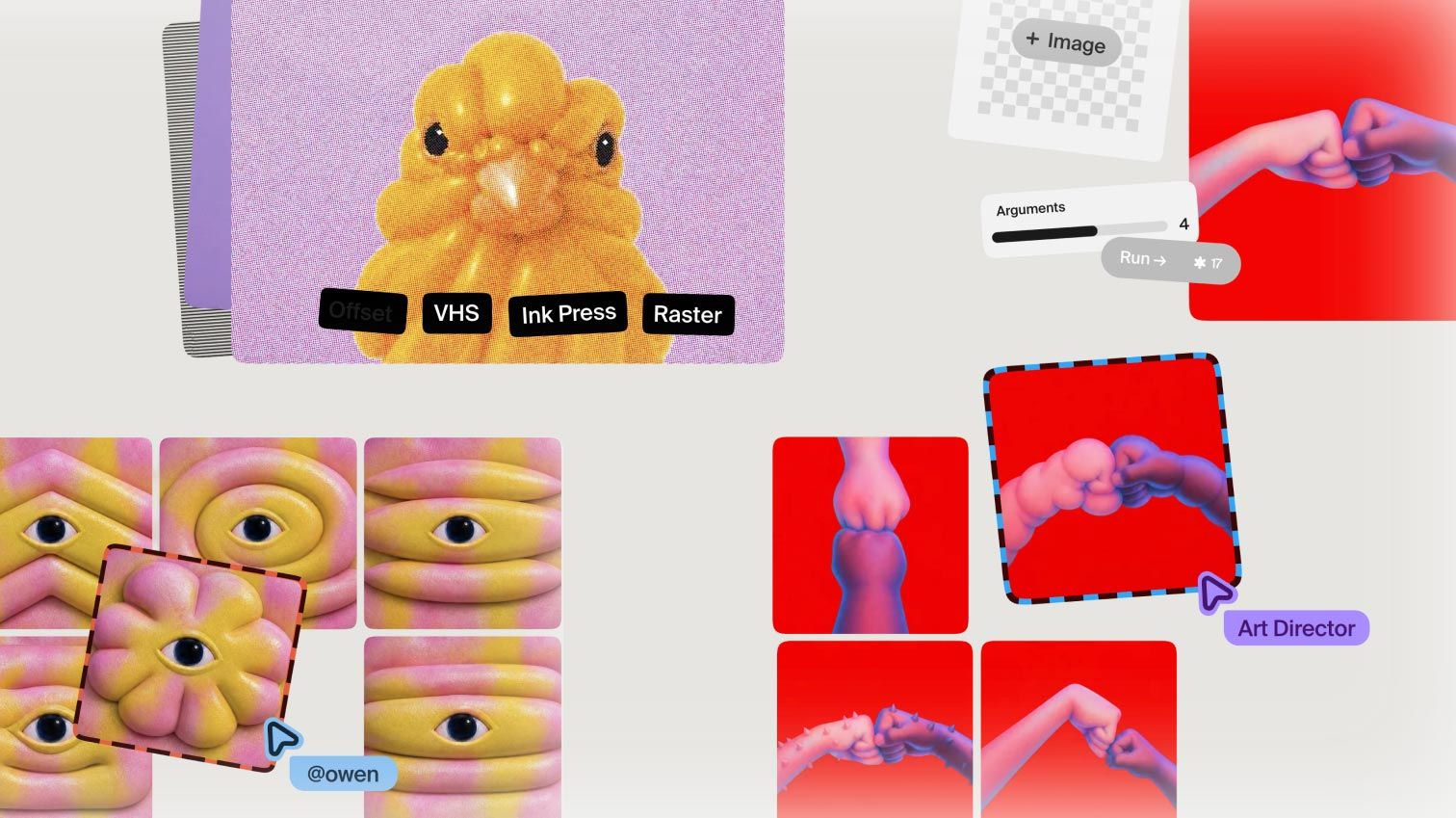
TOOOLS #30: Plnty, Ferio, MegaMegaTypeType, EditUI + TOOOLS 2.0 is live
October 20, 2026— 2min read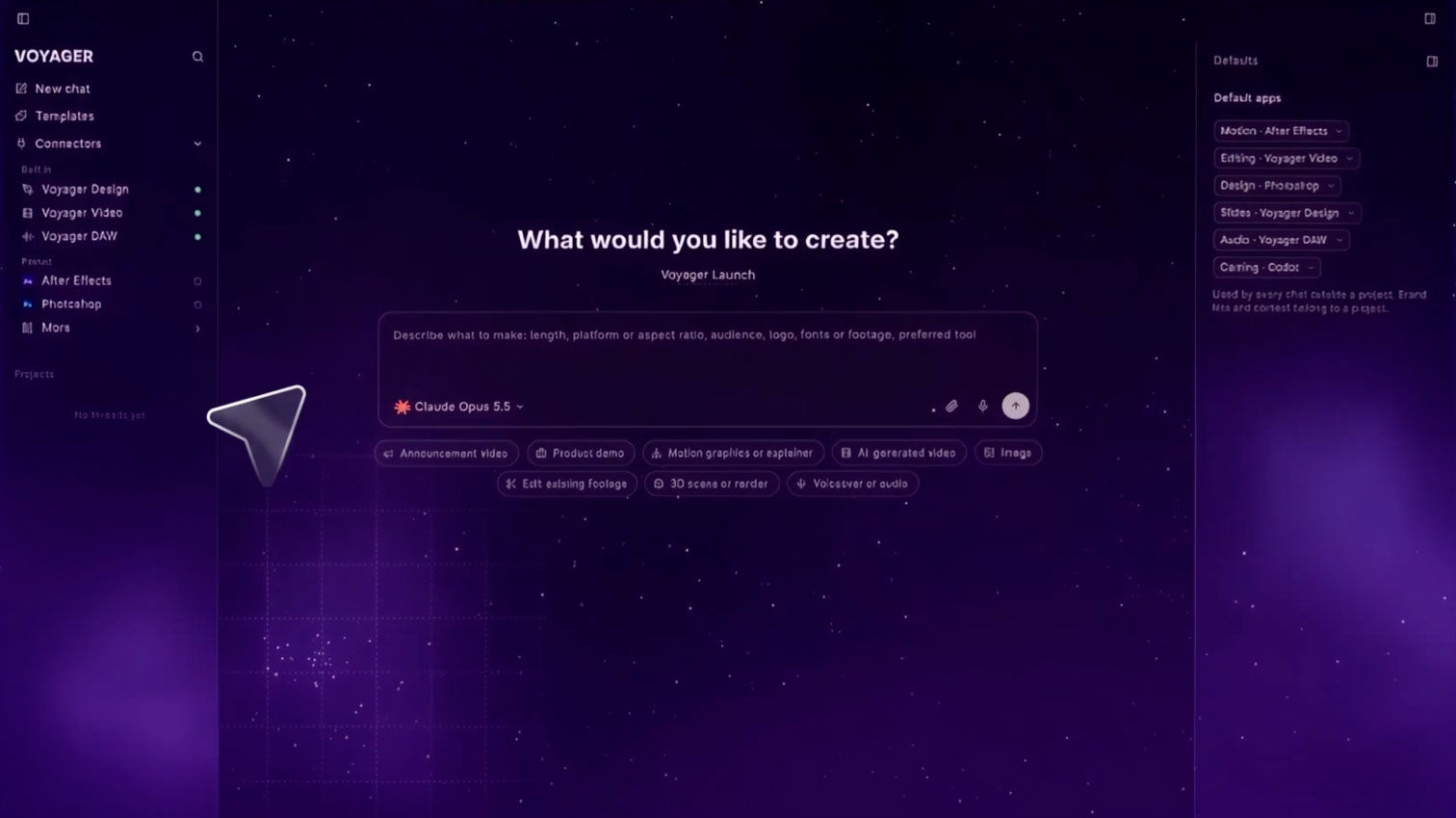
TOOOLS #29: Voyager, Energy Icons, Leadership Folios, Evil Buttons, Prompt Motion
October 13, 2026— 2min read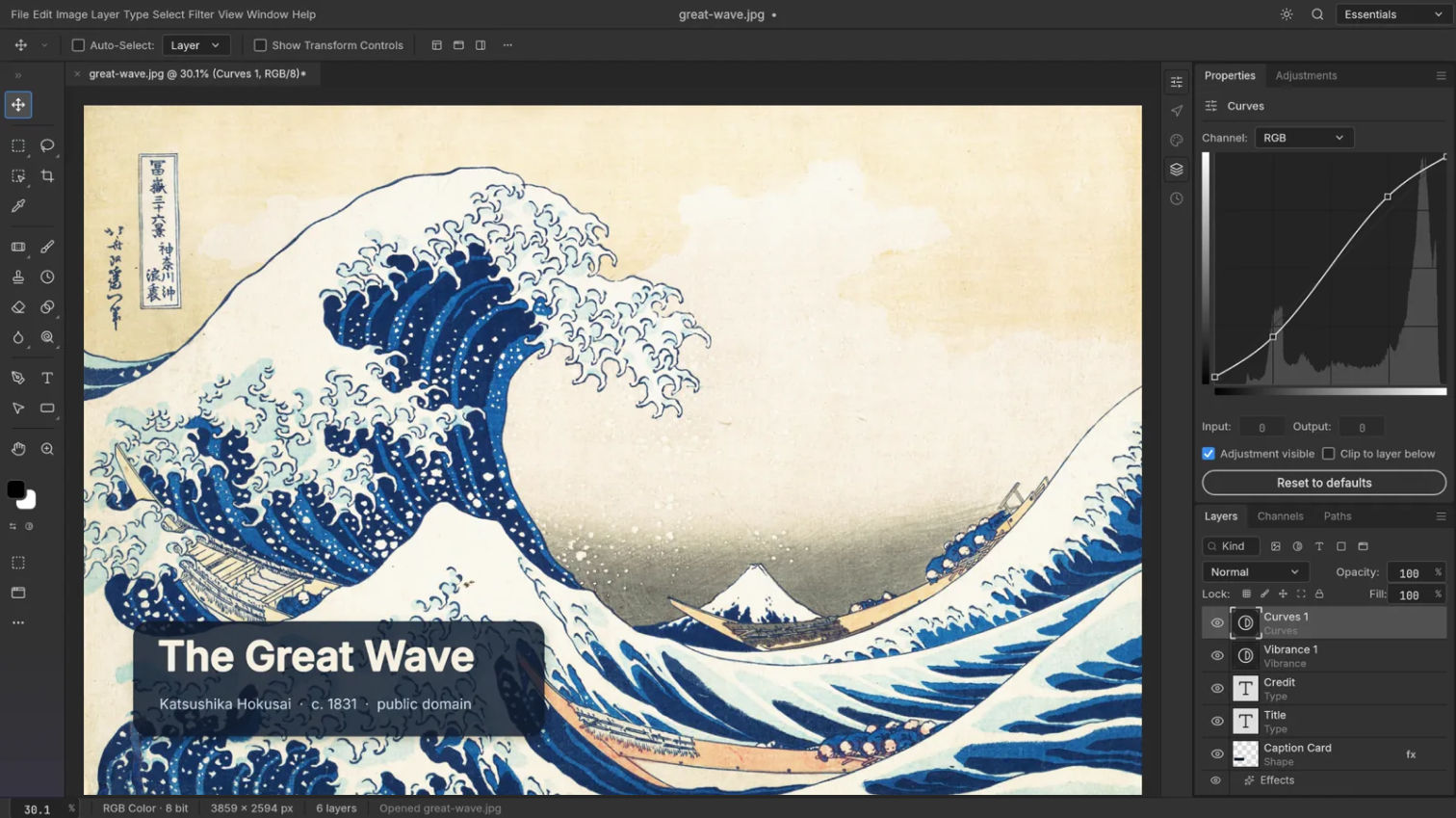
TOOOLS #28: PhotoCraft, Podie, Swash, Timeful, HyperFrames Studio
October 6, 2026— 2min read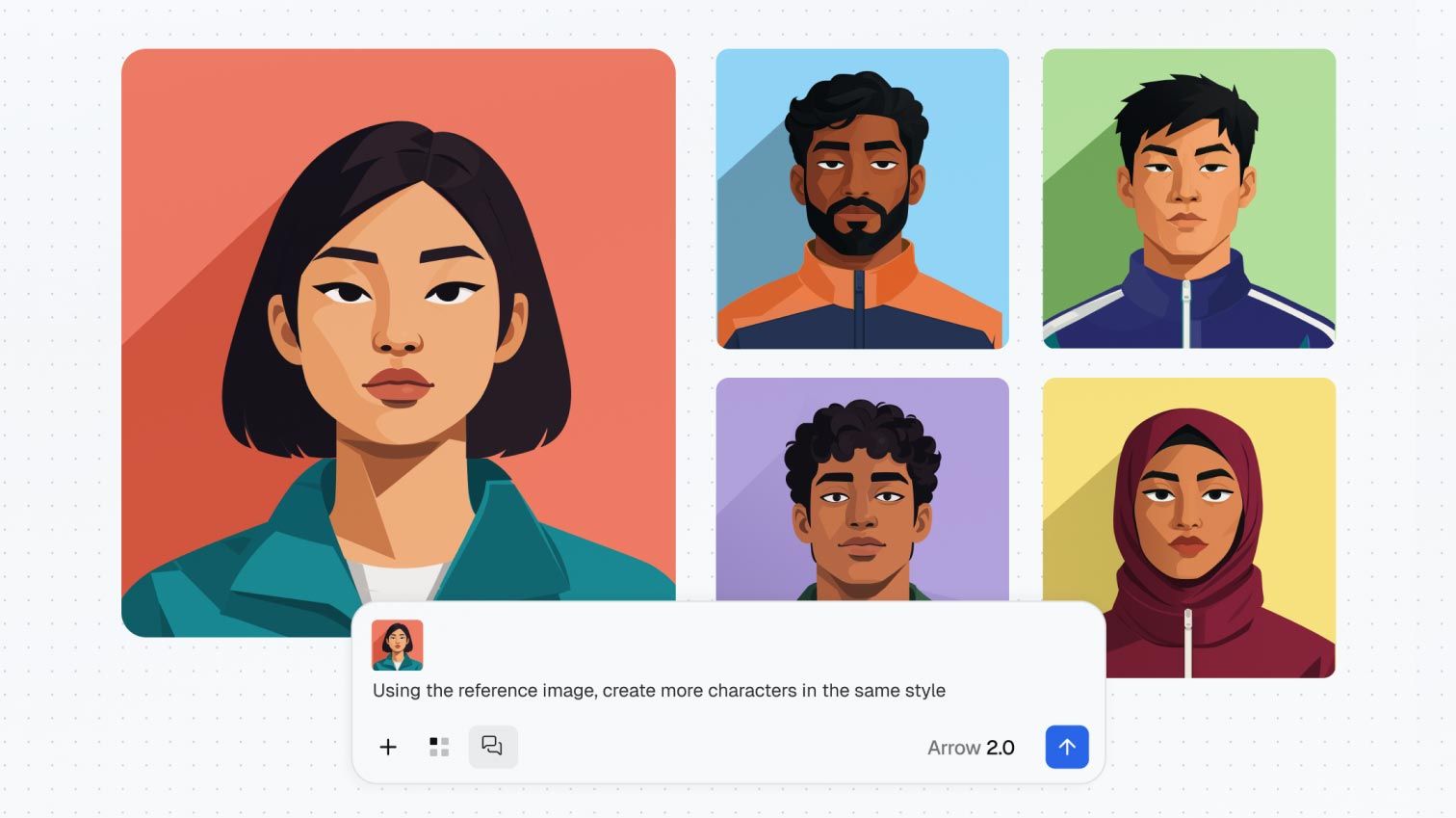
TOOOLS #27: QuiverAI, Designeer, Squints, Atlas, Lightmeter
September 29, 2026— 2min read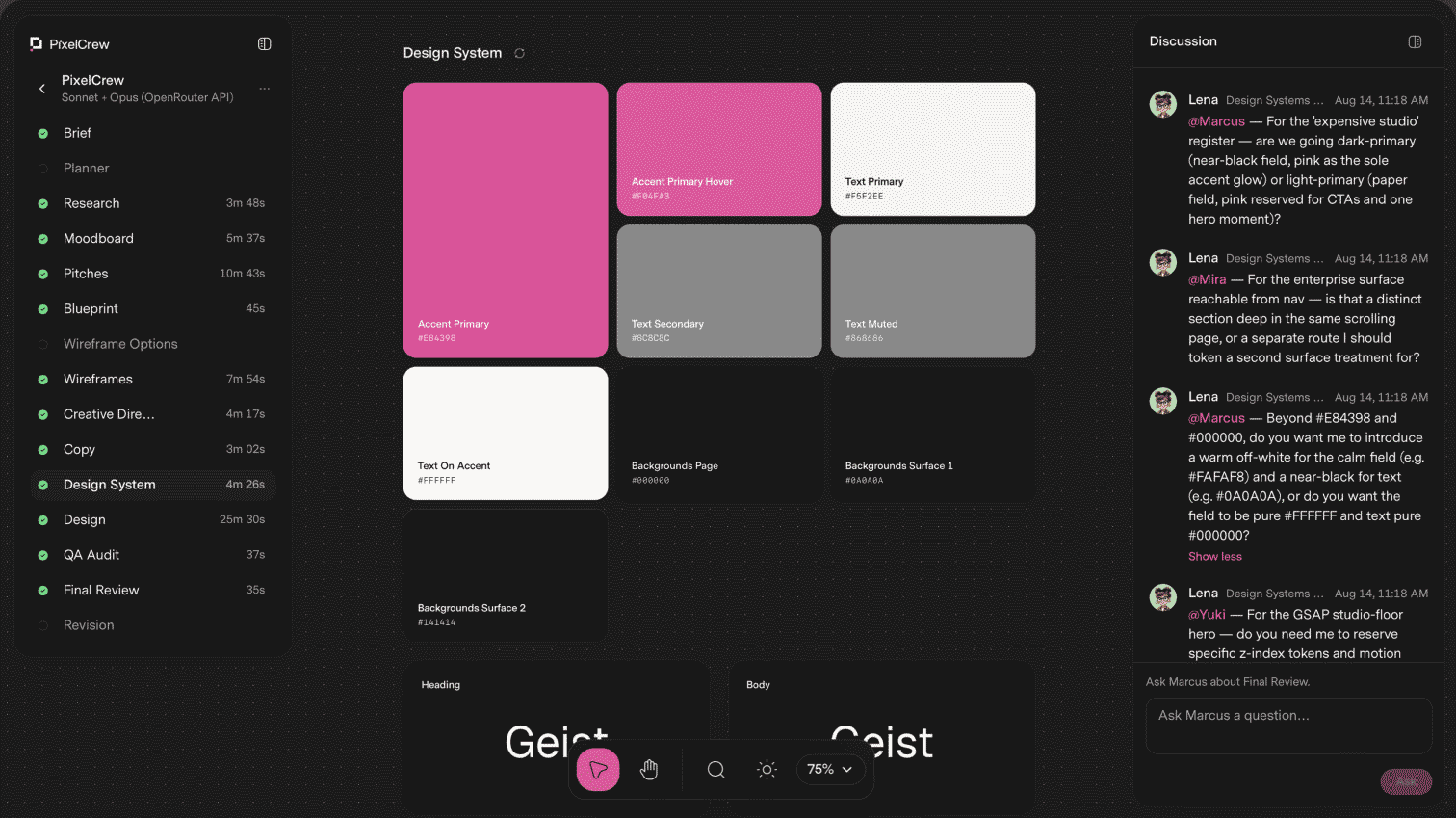
TOOOLS #26: PixelCrew, Bencho, Save.design, Powermove, libraries.dev
September 22, 2026— 2min read
TOOOLS #25: Modeinspect, Brilliant, Hover, VibePrompts, Sliick
September 15, 2026— 2min read
TOOOLS #24: Doop, Causal, Pryzm, Doodle Icons, Neurath X
September 8, 2026— 2min read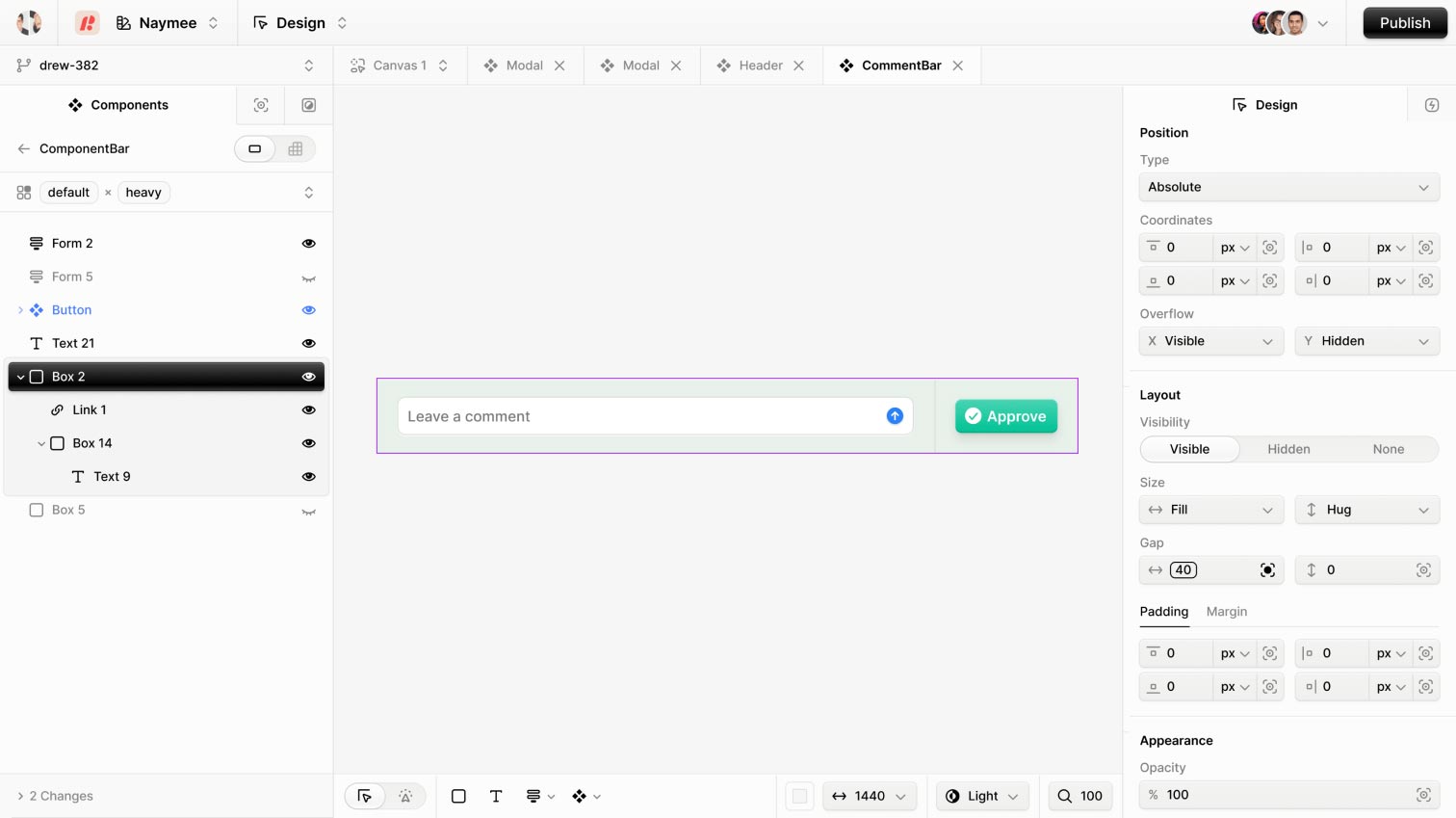
TOOOLS #23: Zoah, Book of Shapes, Beautiful UI, All In Frame, vgpu
September 1, 2026— 2min read